
March 9, 2020
Answered

pixelated video glitch in Premiere Rush?

  • March 9, 2020
  • 50 replies
  • 45926 views

hoping someone can help me get to the bottom of this Rush glitch- I've been editing my videos on the app for a month now with no problems but now I'm seeing a bunch of my media in the video I'm currently editing get really pixelated, the pixelation varies per frame whenever I try to re-Edit or re-import the original media ( photo below is of one of the frames). It's like wack-a-mole trying to get this video pixelation free and I feel like I'm going insane! Any advice will be SO welcomed! 

Title edited by mod
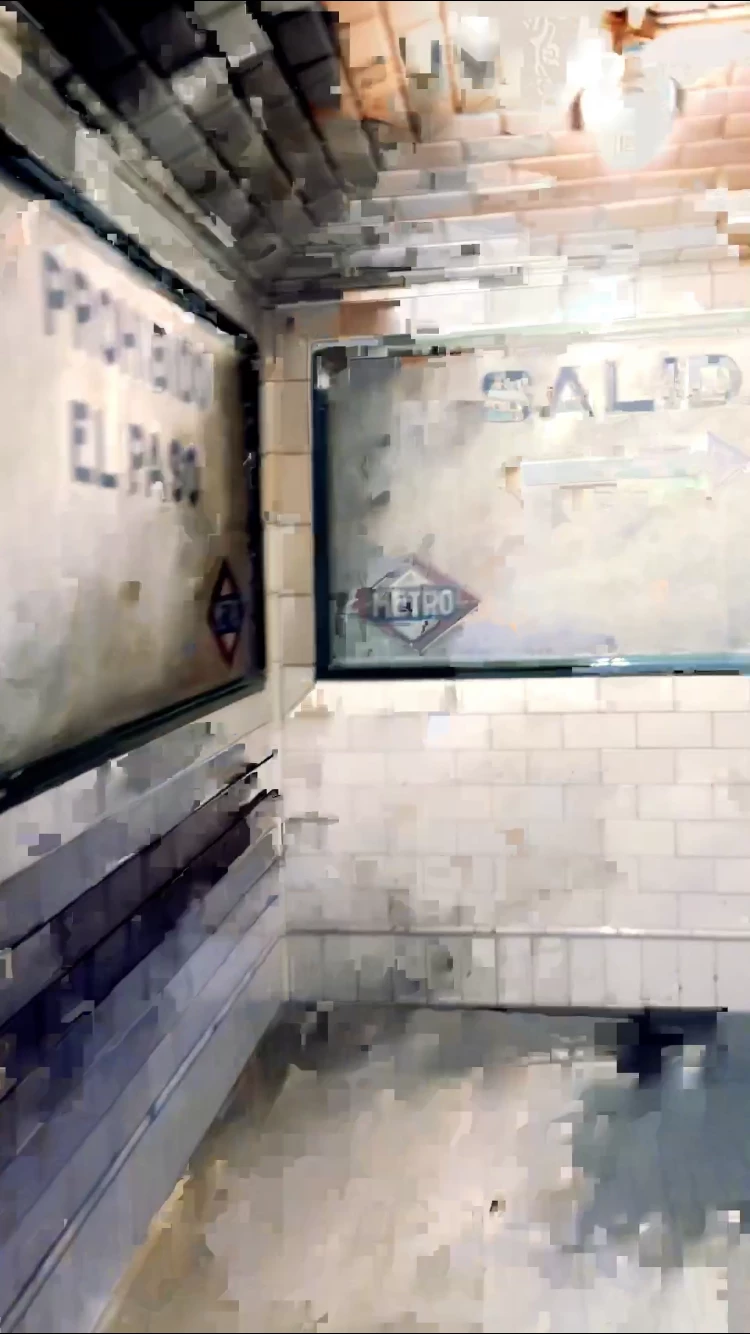
 

    Correct answer _tonygee_

    Before exporting, try scrubbing through the video timeline using your finger pushing the timeline from beginning to end. In my experience I found the app buffers the entire video when you scrub through the frames especially when there are cuts between frames.


    Then export.


    During export keep an eye on the preview window -the glitch should no longer appear.


    Hope this helps.

    50 replies

    Participating Frequently
    April 2, 2025

    I'm having this exact issue years later. 
    was there ever a fix for this?  I'm using premiere RUSH on iPhone 13pro. 

    Participant
    June 19, 2025

    Hi, here also this issue! At the end of the video there is a bur.. very frustrating

    k.magn
    Participant
    March 22, 2024

    The same issue here. no matter what preset I choose.

    Participant
    February 6, 2024

    It's four years later and the Adobe team still hasn't fixed this... shame on them.

    Participant
    January 10, 2024

    2024 and this is still a major issue i spent hours editing and have been trying to export from my desktop for days. Unacceptable for Adobe i really dont know how they are still in business needless to say ill be canceling everything. Adobe count your days. You claim to be a software company but your software doesnt even work. Pathetic 

    Participating Frequently
    January 10, 2024

    Yep I canceled my membership. These money hungry c*nts are taking away essential features like cloud sync and making us pay more for the same services while also not fixing simple bugs like this one. F*cking money hungry a*sholes

    Participant
    October 28, 2023

    Wow, this was raised in 2020 and the problem is still happening in 2023 with no real solution. With the issue of this, plus the fact that adobe premier pro can't handle iPhone videos, it's time to cancel this subscription! 

    Participant
    October 29, 2023
    quote

    Wow, this was raised in 2020 and the problem is still happening in 2023 with no real solution. With the issue of this, plus the fact that adobe premier pro can't handle iPhone videos, it's time to cancel this subscription! 


    By @ChasingAmyx


    I moved to LumaFusion and then went to CapCut pro and never looked back. I'm re-editing all my premiere rush projects in CapCut and they're just so much more robust now with easy 
    key framing, audio library, transitions, voice effects, face retouching, tons of auto caption animations, text templates, and no video tearing or glitching lol.  Like literally never have had an issue with a video export or render.  It's baffling to me how far behind Adobe is, or actually unwilling to implement a bare minimum request of not destroying our videos during export. 

    Participant
    August 1, 2023

    Im havinh the exact same issue both with my phone app and my ipad app, it will lose all the purpose of the apps if I need to do this on the desktop program, makes no sense. Did adobe ever find a fix for this??? 

    BenjaminShirley
    Participating Frequently
    August 14, 2023

    Not fixed. I just made a video over the weekend. Tried most of the above "tricks" including changing MOV of the distorted clip to MP4 and still there. So annoying. Not sure why this is suggested to be "Solved". I was editing on M1 IPad Pro. 

    Participant
    May 20, 2023

    @_tonygee_  tried that and it is still glitching... A -not so easy- fix I found is to sync the project with Adobe Cloud, open the project in Premier Rush on computer and export from there. But yeah it kinda loses the whole point of the phone app... "Rush" 🙂

    Participant
    August 1, 2023

    I also have the issue using a 2023 MacBook Pro and adobe rush on my laptop! So frustrating.  August 2023

    Participant
    August 1, 2023

    Try deselecting hardware acceleration encoding. Under the premier rush drop down, select settings to get to the page. 

    Participant
    May 8, 2023

    Had the same issue, and read this thread. The only thing that worked for me was installing CapCut and making the video again. 

    Participant
    May 6, 2023

    It's May 2023 and this is still an issue. Glitches after exporting. 

    Participating Frequently
    January 17, 2024

    its truly incredible how they just ignore it and blame user and how horrible they are  . i have had some stock but between dealing with customer service on phone when getting a plan and how they respond to bugs and stuff i think i see the future for this compasny gonna sell it not looking good at all. I mean its so bad its just boggles the mind

    Participant
    April 15, 2023

    April 2023 and this is still an issue. Just bought the subscription too. Pissed that I spent $40 to get an app from a reputable brand that is THIS bad. Unacceptable coming from a company as big as Adobe.