
clangston
Participant
May 1, 2021
Question

Premiere Rush - New update won't load and old versions don't sync my subscription

  • May 1, 2021
  • 2 replies
  • 1889 views

Hi all,

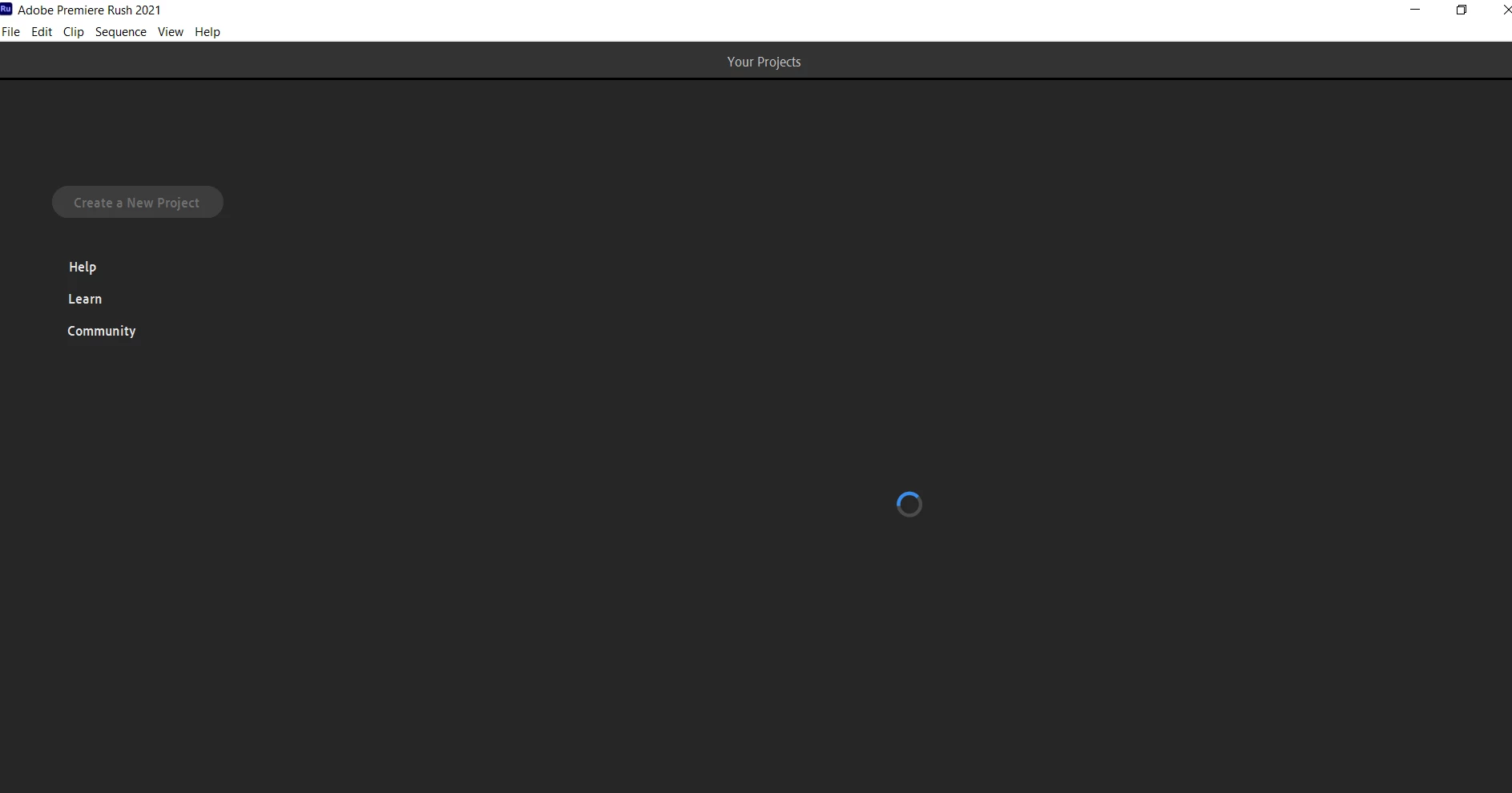
I downloaded Premiere Rush 1.5.58 and now the program won't load anything (see image below). I performed the troublshooting basics - logging out > restarting computer > logging in > still doesn't work. Uninstall > Reinstall  > still doesn't work. Device manager > change the driver > restart > still doesn't work. Opened Rush > cleared cashe > restarted > still doesn't work. Basically all the combinations of logging out, reinstalling and restarting has not worked.
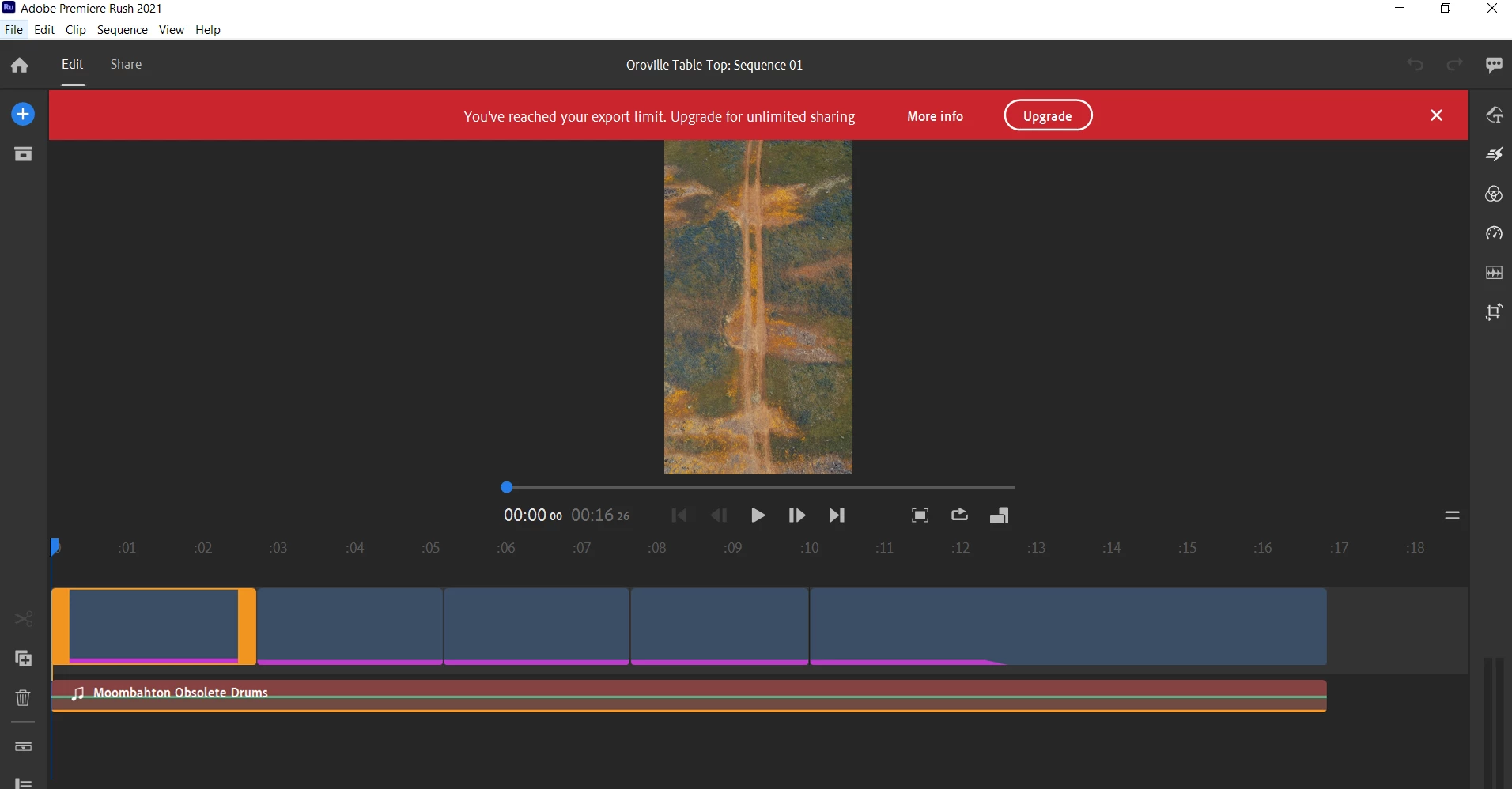
The next best solution would be to reinstall the previous update; however the previous version was showing me the "You've reached your export limit" error, eventhough I have the subscription. I've had this error for about a month, hoping an update would fix it--just my luck I have a new issue. Again, I performed the troubleshooting basics of uninstalling, reinstalling, logging out, etc. and nothing has worked. Even downloading older versions and I still receive the same error.
So Obi-Wan Adobe, you're my only hope. Can this be fixed?

Thank you in advance.

This topic has been closed for replies.

2 replies

petergaraway
Adobe Employee
Adobe Employee
May 11, 2021

Hi @clangston 


Sorry, you're stuck in this state. If we can get your log files that would be super helpful!


Mac steps:

  1. Quit Rush 
  2. Go to /Users/<username>/Library/Preferences/Adobe/Premiere Rush/1.5
  3. Place the attached files into the 1.5 folder 
  4. Launch Rush 
  5. After Rush is in a bad state, quit Rush 
  6. Go to /Users/<username>/Library/Preferences/Adobe/Premiere Rush/1.5/Logs
  7. Share the log files with us 


Windows steps:

  1. Quit Rush 
  2. Go to C:\Users\<username>\AppData\Roaming\Adobe\Premiere Rush\1.5
  3. Place the attached files into the 1.5 folder 
  4. Launch Rush 
  5. After Rush is in a bad state, quit Rush 
  6. Go to C:\Users\<username>\AppData\Roaming\Adobe\Premiere Rush\1.5\logs 
  7. Share the log files with us 


Look forward to hearing back. 


Thanks again! 


Peter 

clangston
clangstonAuthor
Participant
May 19, 2021

Hi Peter,


I did the following and here are the files. Thank you!

Kartika Rawat
Community Manager
Community Manager
May 3, 2021

Hi there!

We're sorry for the trouble. Can you try launching Premiere Rush after disconnecting the internet?


Let us know how it goes.

Thanks,

Kartika

clangston
clangstonAuthor
Participant
May 10, 2021

Hi Kartika, 


I disconnected the internet and launched Rush and the program did load offline. But I am getting the "Your Premiere Rush subcription has ended" error. Is there a way to get it synced again? Thank you!

Kartika Rawat
Community Manager
Community Manager
May 10, 2021

Are you using Rush with a trial account? You can also see some methods suggested by Peter: https://community.adobe.com/t5/premiere-rush/trying-free-trial-of-rush-stuck-on-blue-circle-and-tutorial/m-p/12019626#M9814


Thanks,

Kartika