
Participant
November 14, 2019
Answered

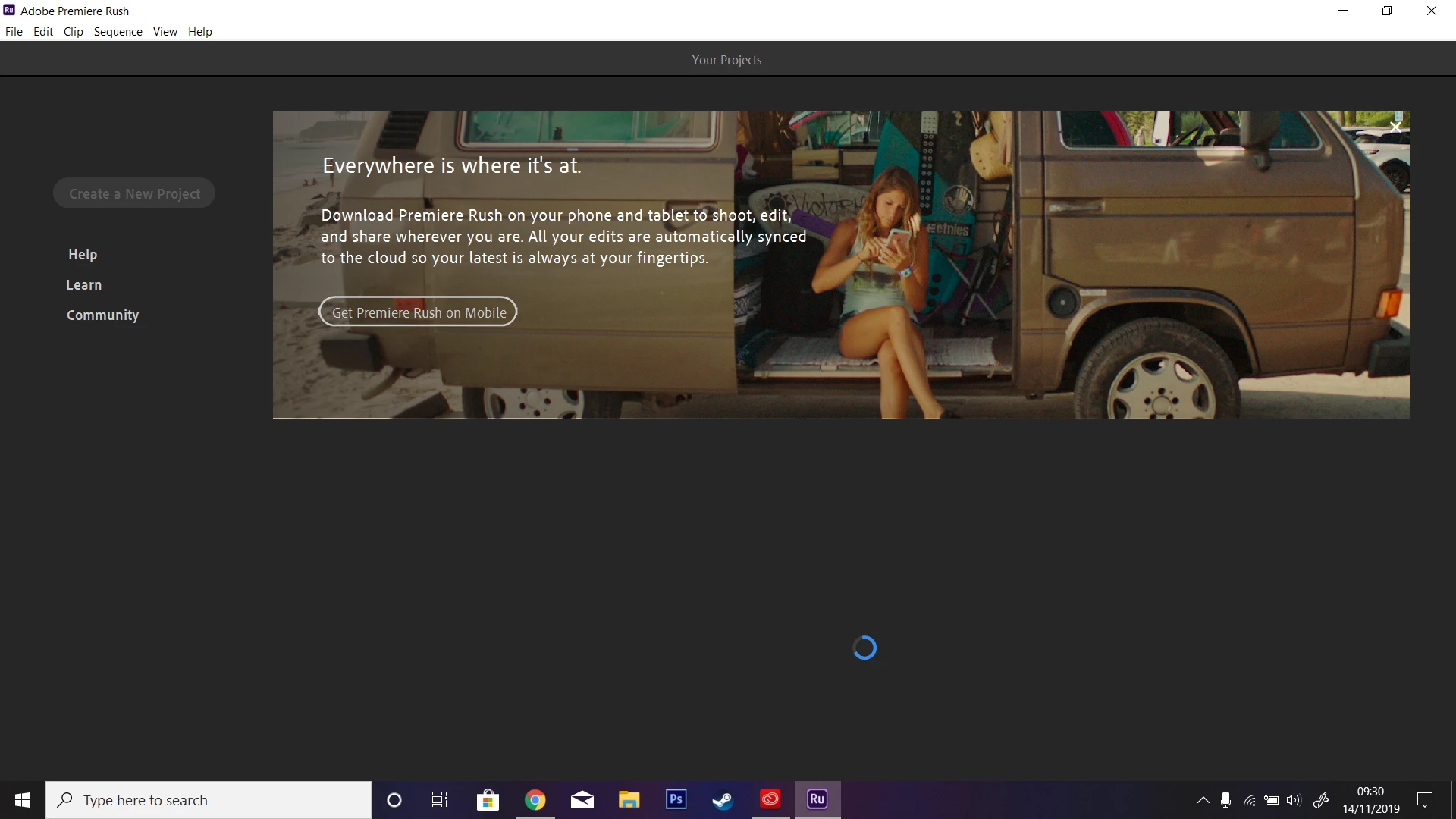
Premiere Rush stuck when loading

  • November 14, 2019
  • 5 replies
  • 7440 views

As you can see in the screenshot, Premiere Rush is stuck and will not allow me to make content. When opening it for the first time, I tried following the tutorial but it got stuck in preparing media. I restarted, signed out, signed in, etc. and nothing worked, it is still stuck. Any solutions?
This topic has been closed for replies.
Correct answer jorgusan

Hi:


Tried running as Admin and it did not work. 


What worked was to sign out of the Rush.  The app closed automatically after the warning that this action would log you out of all the Adobe apps in your computer and proceeded to close automatically.  Then I reopened Rush and signed back in. All worked fine from three.


Good Luck!

5 replies

Participant
September 10, 2020

I had the same problem.  I uninstalled and reinstalled a few times and even installed an older version but nothing worked.  After signing out, it asked me if I wanted to sign out of all Adobe programs and I said yes. When I reopened Premier Rush, it prompted me to sign in and accept new terms and conditions and then I was able to create a project.  

This took me 3-4 days and I got behind on projects.  There's got to be a better way for Adobe to get us to accept terms and conditions.  There was no indication in Creative Cloud or in any of the programs that this was a necessary step or the programs wouldn't work.  Extremely frustrated but thankful you found the solution.


caroline_edits
Community Manager
Community Manager
November 18, 2019

Hey folks,

Sorry to hear that Rush won't start all the way for you! Are you all on Windows machines? Try this.

- With the app closed, right-click on Rush and select "Run as Administrator"


I'm also wondering if y'all have any updates available for your OS. This will update your graphics drivers and the works: https://support.microsoft.com/en-us/help/4027667/windows-10-update


Hope that helps!

-Caroline

Participant
August 16, 2022

I don't need an updated graphics driver for windows 10, I'm using windows 11. I don't think Rush was cut out for large videos or movies.


Participant
November 18, 2019

I get the same problem on Win 10. When importing media it takes a very long time to import during which time the program hangs "Not Responding". It will frequently repeat this behaviour during edits. Its basically unusable.

Hamsa108
Participant
November 16, 2019

My Rush is also stuck - can do any editing HELP please

Participant
November 14, 2019

A quick update: I manage to be able to create a new project, but premiere rush is extremely slow at loading files, whether its images, videos, or folders. Once i select the videos that i want to edit after waiting minutes, it gets stuck on the "preparing media". I have uninstalled and installed the program, as well as opening it with the alt key, nothing works.