
Catherine Coker Fitness
Inspiring
January 7, 2020
Answered

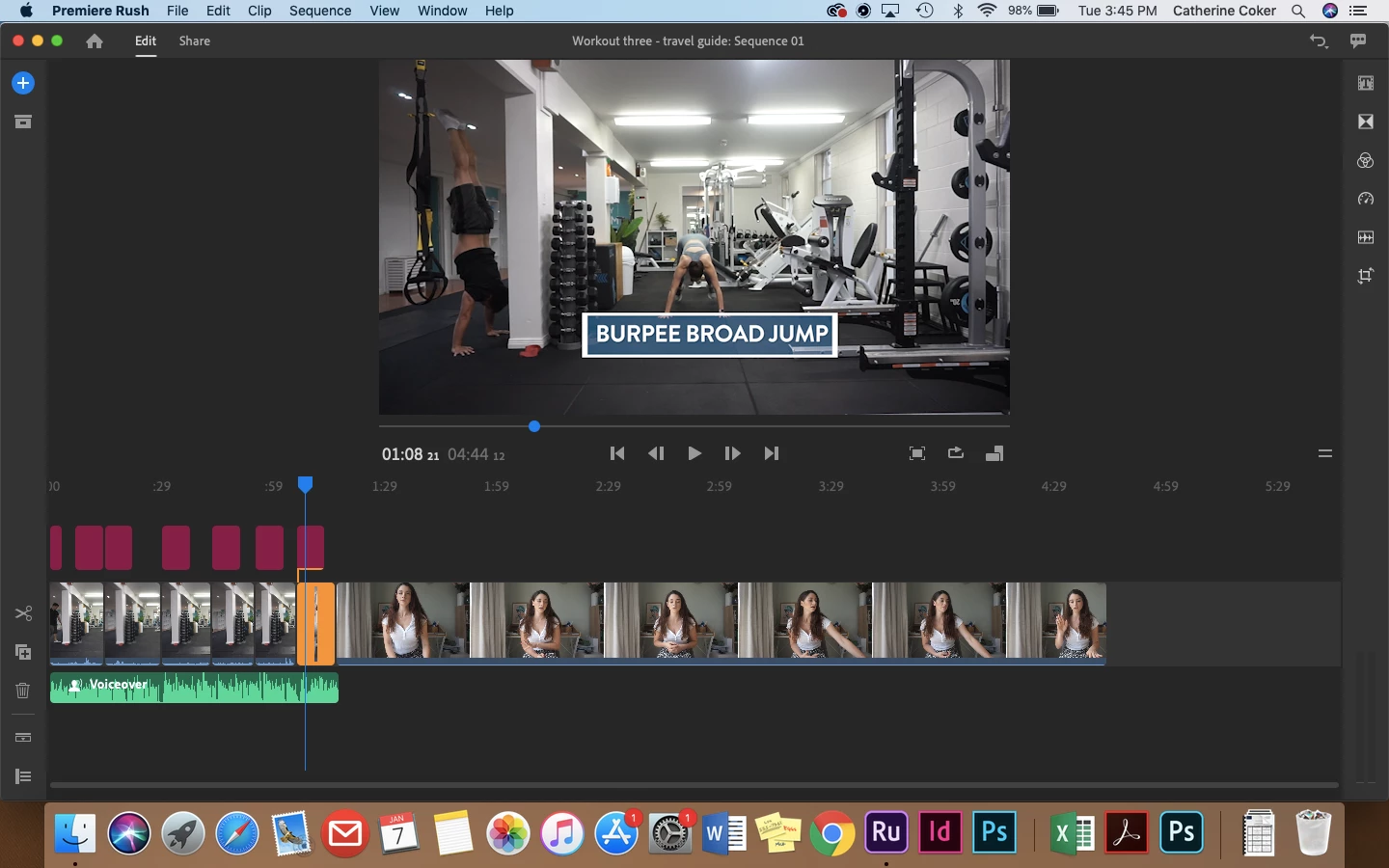
Sound on video not appearing in the preview after importing in Premiere Rush

  • January 7, 2020
  • 2 replies
  • 1399 views

Hi All,


I Have made 6 videos all very similar and two randomly don't play sound on the video tracks.

When I go back and look at the files there is no problem with sound only when I upload them which I've done multiple times.


Thank you for any help or inisghts.


Title edited mod
 

This topic has been closed for replies.
Correct answer jhschmitt

I ran into this same problem with AVCHD/.MTS files and found a solution.

If you try to just drag and drop the .MTS files into your project there can be problems. It appears that there are "sidecar" (my term) files associated with the video files that are required by Premiere Rush to properly interpret the audio-video .MTS files.

What worked for me was to copy the entire AVCHD folder from my SD card onto my hard drive. Then, from within Premiere Rush, click on Add Media>Your Media and once you navigate to the AVCHD folder you'll see all your videos. Dragging them into the timeline from there resolved all of the audio synch and no audio problems I was having.

2 replies

jhschmitt
jhschmittCorrect answer
Inspiring
July 22, 2023

I ran into this same problem with AVCHD/.MTS files and found a solution.

If you try to just drag and drop the .MTS files into your project there can be problems. It appears that there are "sidecar" (my term) files associated with the video files that are required by Premiere Rush to properly interpret the audio-video .MTS files.

What worked for me was to copy the entire AVCHD folder from my SD card onto my hard drive. Then, from within Premiere Rush, click on Add Media>Your Media and once you navigate to the AVCHD folder you'll see all your videos. Dragging them into the timeline from there resolved all of the audio synch and no audio problems I was having.

Kartika Rawat
Community Manager
Community Manager
January 7, 2020

Hi there!

Thank you for reaching out. I understand that the audio file does not play in Premiere Rush.

Looking at your response.

Thank you,

Kartika

Catherine Coker Fitness
Inspiring
January 7, 2020

Hi Kartika,


Thank you for helping me with this.


  • Premerie Rush V1.2.12 Build 10
  • Mac 0S Mojave Version 10.14.5
  • Video file -  .MTS


Thanks so much Catherine - let me know if you need more info

Kind regards

caroline_edits
Community Manager
Community Manager
January 9, 2020

Thanks for the info, Catherine! Sorry that you're not hearing audio while playing back your video within Rush. Have you tried deleting it from the timeline and re-adding it? Or deleting it from the project and re-adding it? Rush is probably misreading the audio cache, which is a fancy was of saying "Rush isn't processing the audio all the way when you're importing it"


I'm also curious if it plays back correctly after you've rendered it! Once it's in your camera roll, does the sound play correctly? Happy to help! Cool idea to use Rush to make fitness videos, I don't think I've seen anyone doing that yet! 

-Caroline