
Question
Why break my video graphics when exporting from Premiere Rush?
Hello,
I am using Adobe Premie Rush Desktop Version (Free Edition) on Mac OS Sonoma.
I have exported videos before which worked fine. The latest video produces undesired results which affect only some parts of the graphics. The audio is ok.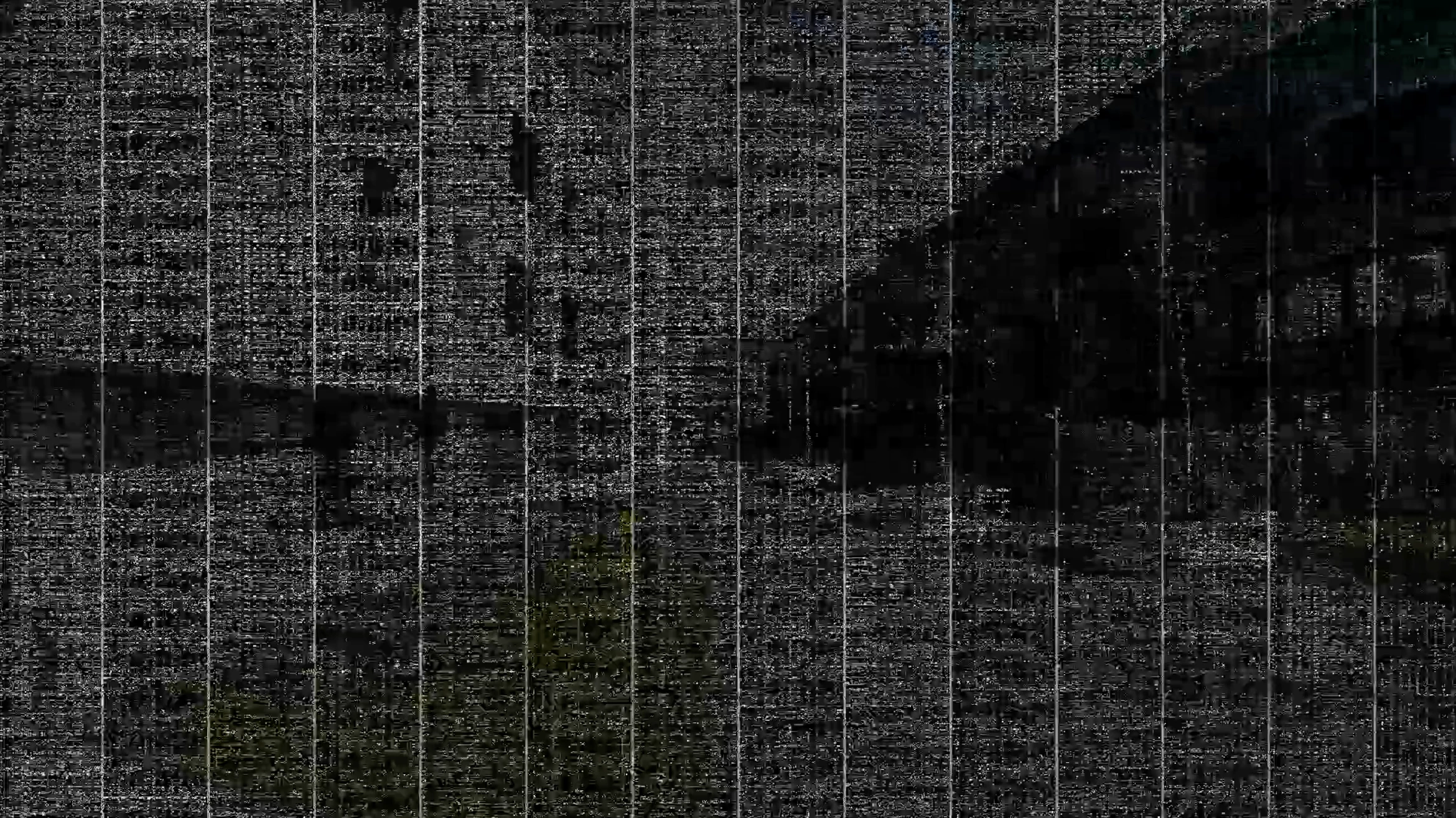
I already tried some solutions which didn't work so far:
- Disable hardware acceleration encoding and decoding in Settings
- Emptying cache of Adobe Premiere Rush
- Exporting in medium quality
Here are my export settings: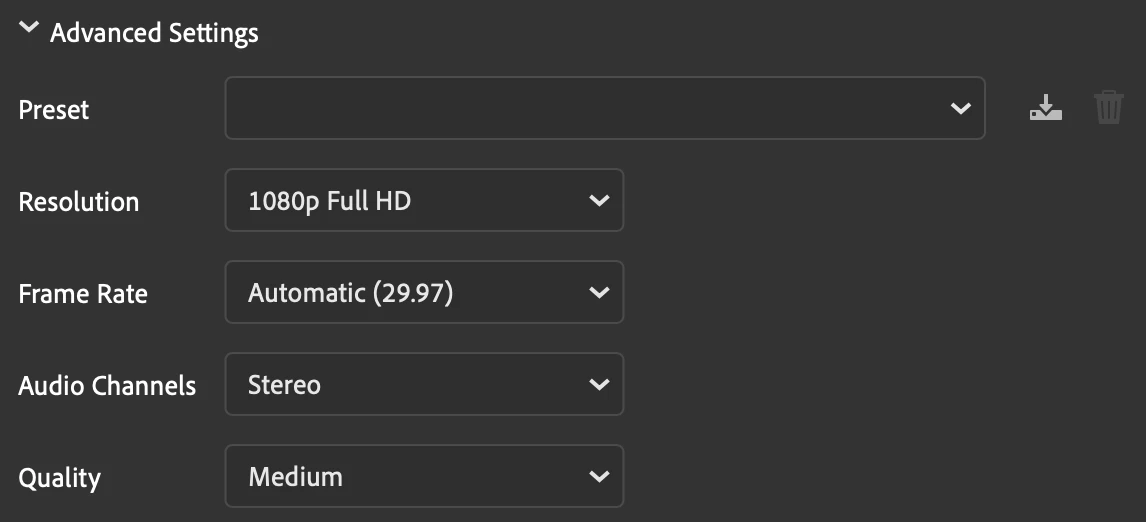
Does anyone has an idea what causes the issue and how it can be solved?
Thank you,
Philip
 AdChoices