
Answered
Why does Adobe Premiere Rush changes the color of an imported graphic?
Hello,
I imported a graphic which I use as full screen image in a video. I did not apply a color filter: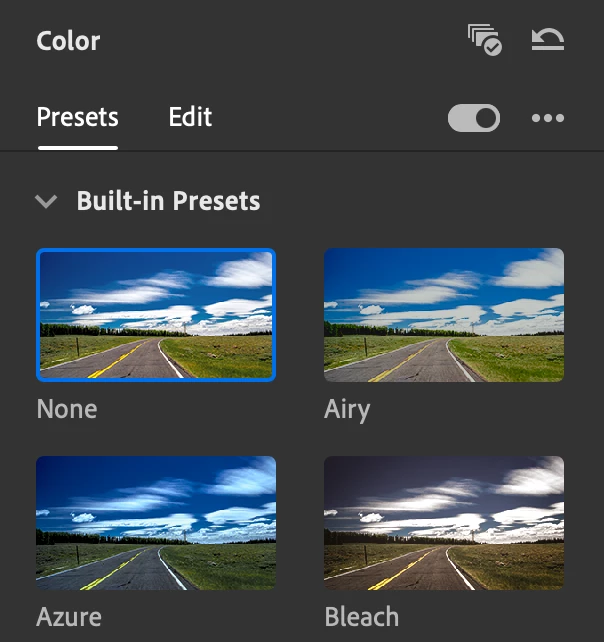
Both in the app and in the exported video the color (#ED3A28; left) is different from the color used in the original graphic (#FF0000; right).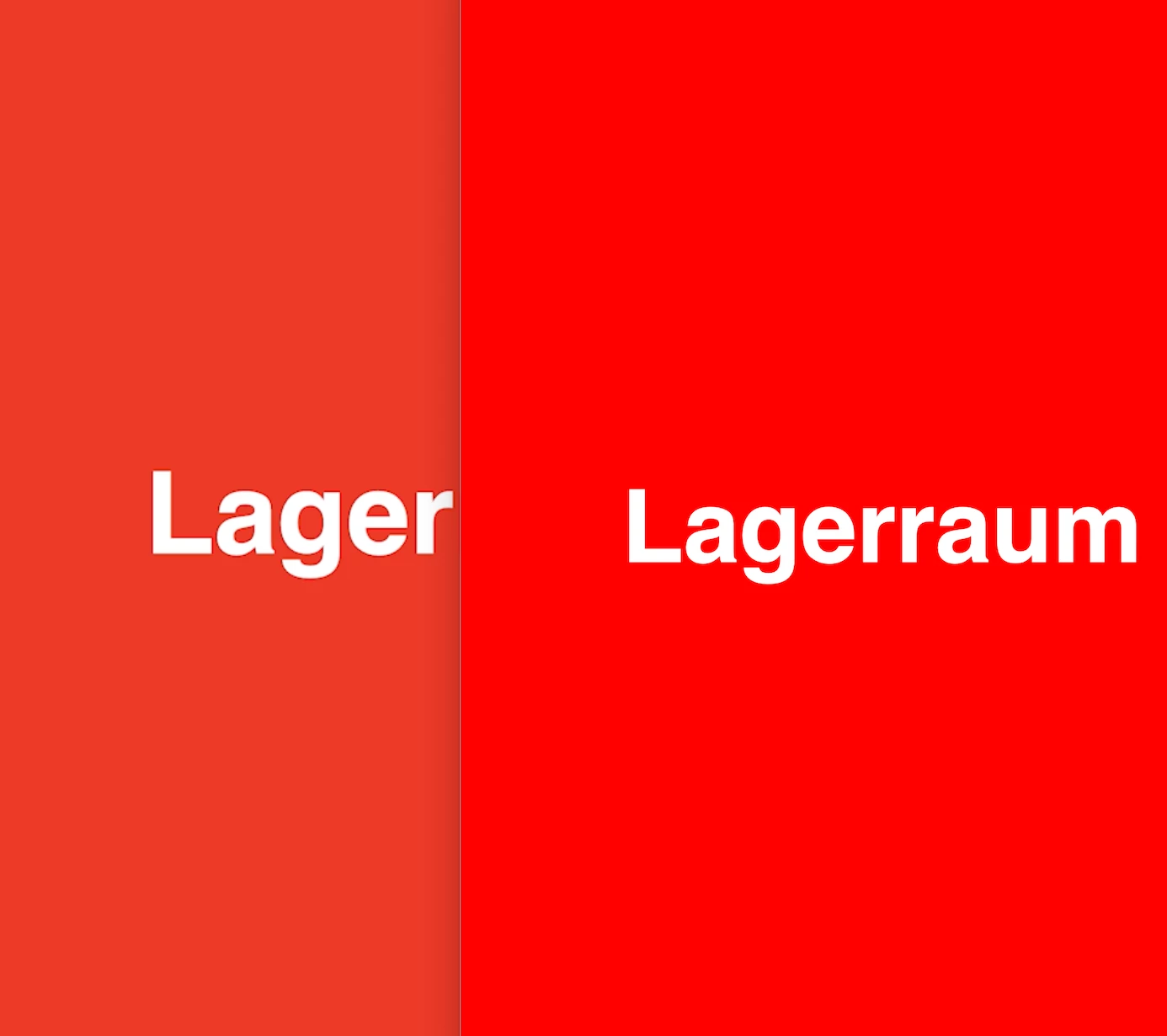
I created the graphic in Apple Keynotes and it should be in RGB mode.
What is the reason for that and how can I avoid this?
Kind regards,
Philip
 AdChoices