Participating Frequently
June 3, 2020
Answered

First contribution rejected for image quality... why?

  • June 3, 2020
  • 3 replies
  • 1731 views

Hello fellow contributors!


All of the images in my first batch have been rejected for "image quality". In my contributor profile it just says 'technical issues'. Can someone please clarify what's wrong? I have these on various other stock websites and didn't have any issues getting them approved.


Thanks in advance!

This topic has been closed for replies.
Correct answer Ricky336

Hello,

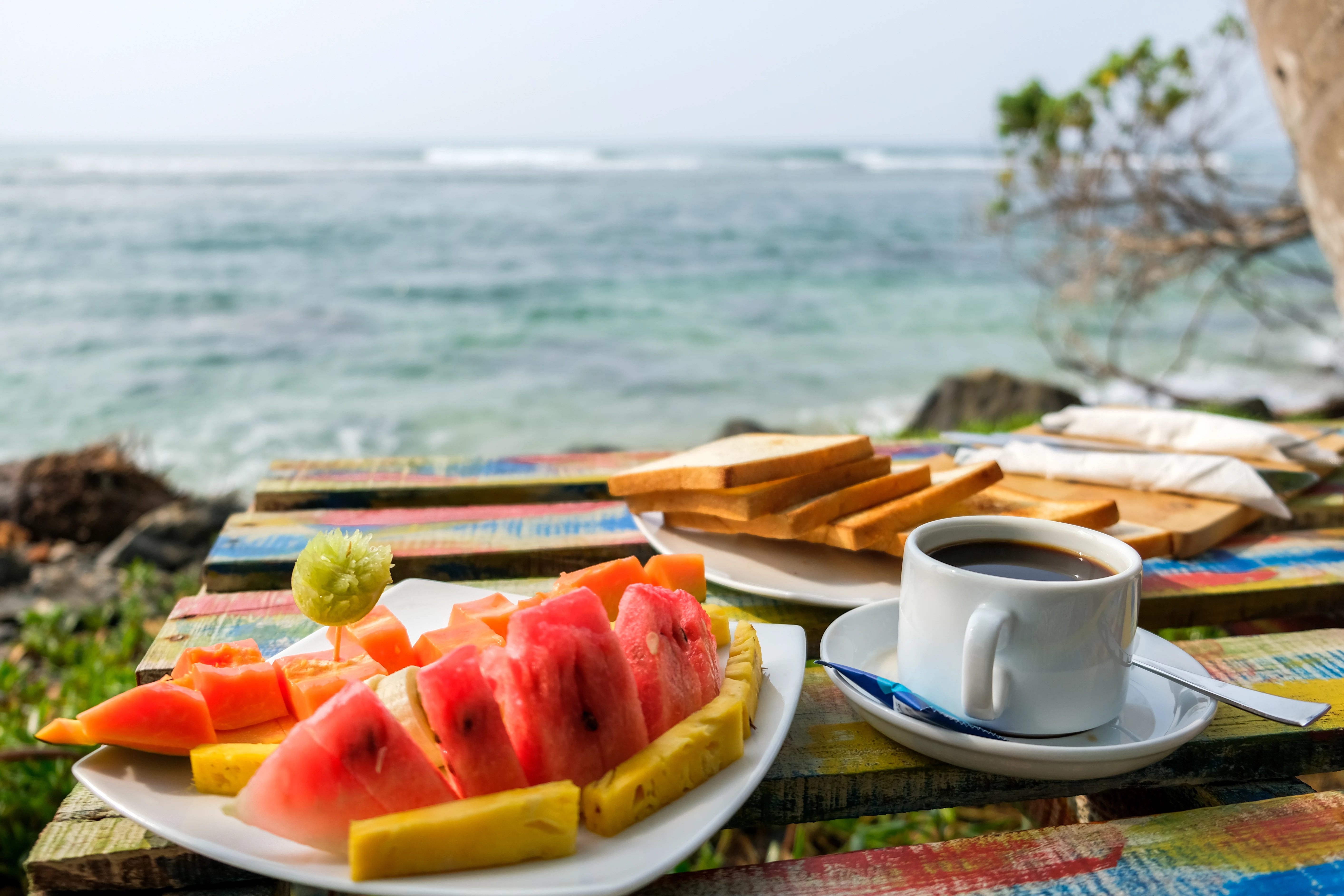
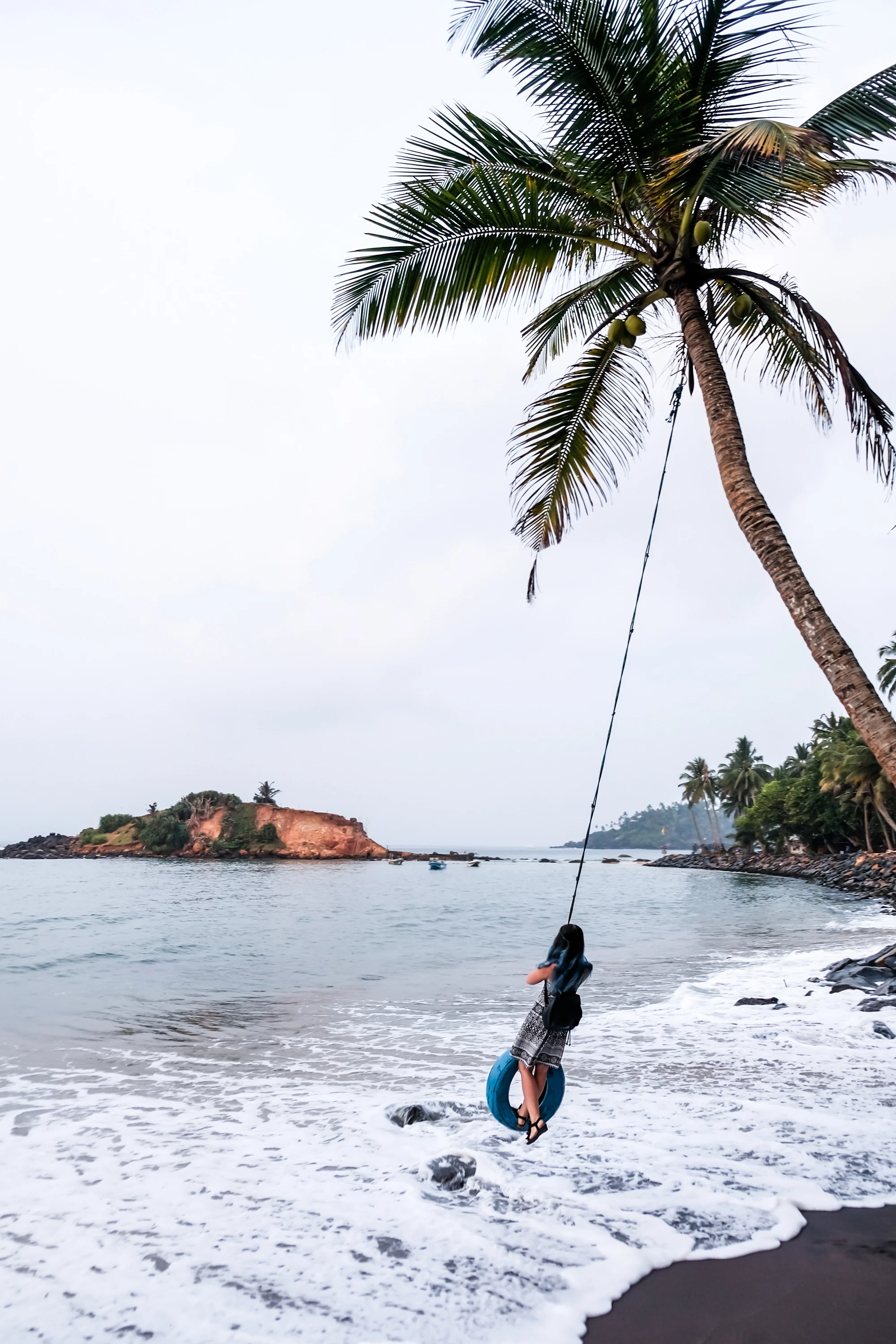
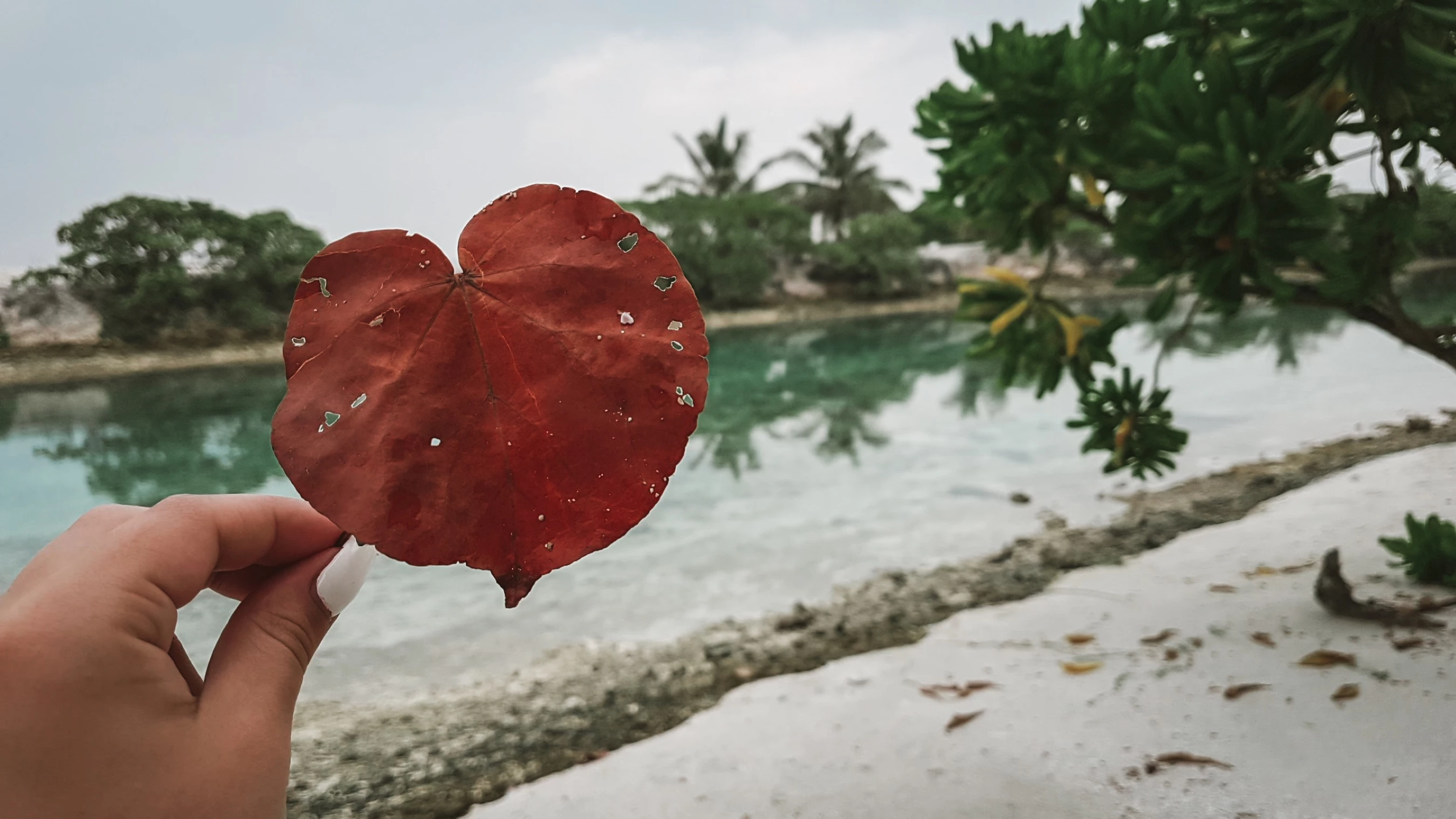
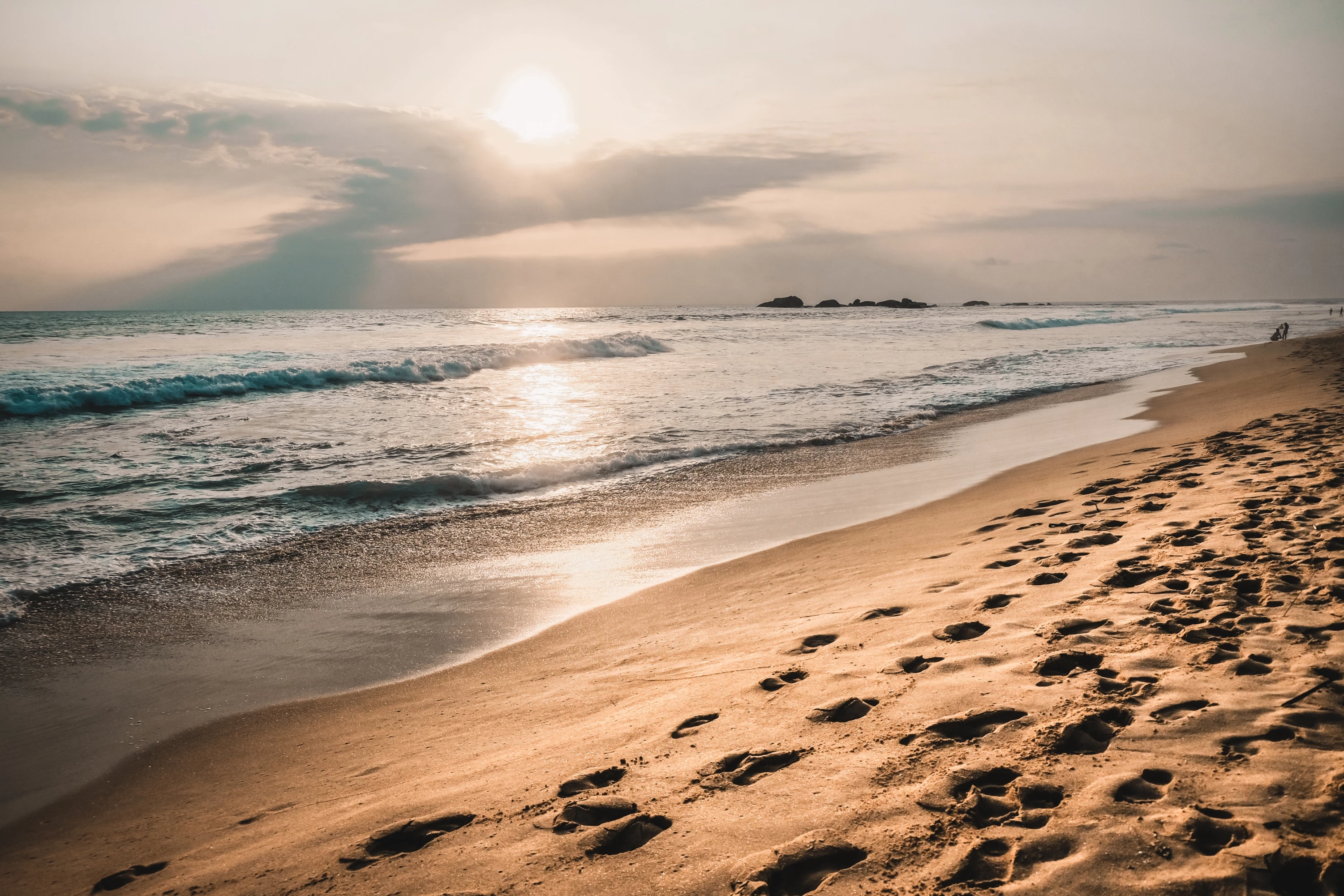
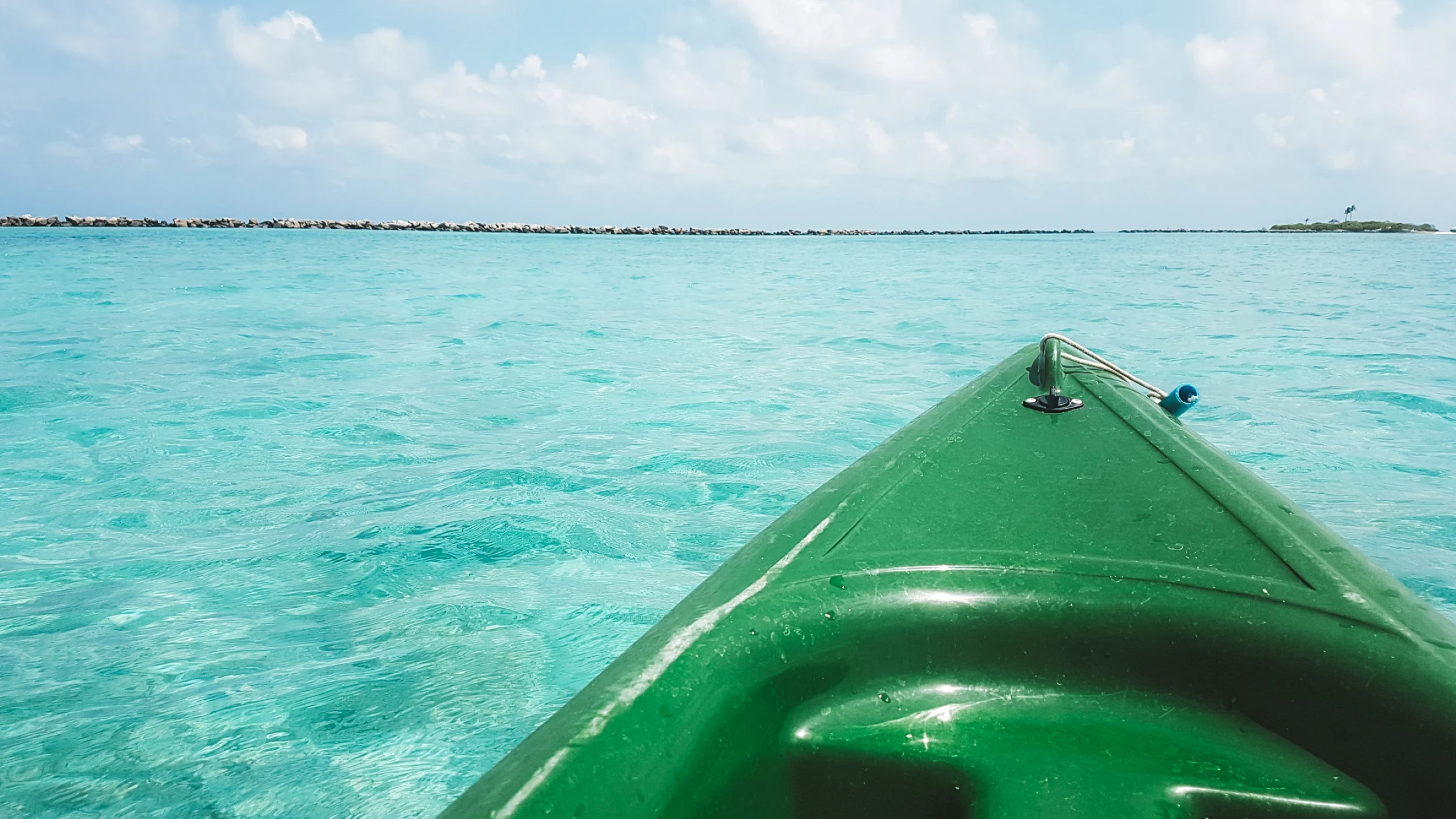
I think the main issue is the composition. What do you want to show? In your beach picture, perhaps it is a little too warm, the canoe picture, composition - it is unbalanced. The canoe weighs down too much on the right of the picture. I think the colour of the water is fine, as it looks like a lagoon, so the water does take on this colour hue! 3rd picture, composition. It is a bit of a mess here. 4th picture and 5th picture, nothing special really.


So, in my overall view the main issue is composition - which comes under technical issue/image quality.

These shots are great for holiday snaps, (and they look like holidays snaps) but probably not really good for Adobe Stock photos. (They have different standards compared to other stock sites.)


Have a read of this. It's a brief guide on image quality.
https://helpx.adobe.com/stock/contributor/help/quality-and-technical-issues.html

 

3 replies

Abambo
Community Expert
Community Expert
June 16, 2020

Welcome to Adobe stock. Generally Adobe is more picky about image quality.


I see a mix of oversaturation, too dark shadows (first), overdone noise reduction, bad composition (coffee, boat),  sharpness (girl with the swing), a halo around the leaf and the hand...


There are so much DIFFERENT problems with those pictures. As for a deeper analyses, I would prefer you posting one image in one post. The forum is not a good image viewing program to make the experience pleasant for the counselor.


BTW the images are not too bad, just for stock, they need to be "natural" so that the buyer can modify whatever he/she wants.

ABAMBO | Hard- and Software Engineer | Photographer
Participating Frequently
June 16, 2020

Thanks, I'll be working more on my photography skills then.

What is a halo?

Abambo
Community Expert
Community Expert
June 17, 2020

A halo a kind of artifacts at the borders of objects. It shows as a bright seam at the object borders that is very disturbing visually. Can be created by sharpening or HDR. 


ABAMBO | Hard- and Software Engineer | Photographer
Ricky336
Community Expert
Ricky336Community ExpertCorrect answer
Community Expert
June 5, 2020

Hello,

I think the main issue is the composition. What do you want to show? In your beach picture, perhaps it is a little too warm, the canoe picture, composition - it is unbalanced. The canoe weighs down too much on the right of the picture. I think the colour of the water is fine, as it looks like a lagoon, so the water does take on this colour hue! 3rd picture, composition. It is a bit of a mess here. 4th picture and 5th picture, nothing special really.


So, in my overall view the main issue is composition - which comes under technical issue/image quality.

These shots are great for holiday snaps, (and they look like holidays snaps) but probably not really good for Adobe Stock photos. (They have different standards compared to other stock sites.)


Have a read of this. It's a brief guide on image quality.
https://helpx.adobe.com/stock/contributor/help/quality-and-technical-issues.html
 

Participating Frequently
June 10, 2020

Thank you for taking a look! Can you maybe point me to some place where I can learn to understand composition and white balance better?

Ricky336
Community Expert
Community Expert
June 10, 2020

Hi, Yes, I can, but it does require quite a lot of reading. It depends on how interested you are in photography. There is a book by Michael Freeman 'The Photographer's Eye' in which he talks about composition. He has also written a series of other books about photography. Personally, I recommend this book, and others he has written. It is available on Amazon for example.


jacquelingphoto2017
Community Expert
Community Expert
June 5, 2020

Hi Juliet,

The files display white balance issues. They are too cool. Incorrect colors are displayed - green sea, brown-cyan sea, blue hair, images with dull appearance. There seem to be a little color fringing around the leaves of the coconut tree. Those are the technical issue I see.


Best wishes

JG

Participating Frequently
June 5, 2020

I'll see to color fringing, thanks.


But what do you mean incorrect colors? How do you know which were correct colors? My hair is actually blue and the water on the photo with canoe looked exactly like that.


jacquelingphoto2017
Community Expert
Community Expert
June 5, 2020

Hi Juliet,


First I must say with the exception of the second image in which case the boat is too much to the right, and that the leaf of the last image is a little small I do not see a problem with your compositions. In fact I like the triangles of the first composition. I can see you were capturing lines, shapes and point of view. And I must add the two composition issues I identify is just based on preference, but are not causes for rejection.


The first image is a little too cool. Increase the color temperature a bit. 

I see image 2 displaying turquoise water. The water reflects the color of the sky. I cannot imagine the time of day the water would be bright turquoise.

Image 3 background lighting is a bit high. Since this is natural lighting, then reducing highlights would probably correct that issue.

Image 4: zoom into the lower right corner and look closely at the color of the sand. It has a blue overcast. That photo is too cool. 

The final image is not very vibrant either. You may need to add more warmth.


Best wishes

JG