



Copy link to clipboard
Copied
Hi everyone,
I noticed that one of my new releases was rejected, but I cannot find the problem and they did not notify me or leave a reason in the usual spot. Is there an email address for me to contact them and find out the issue?
Thanks!


 2 Correct answers


Was the model release signed when the picture was taken. Do all the dates match?
Did you complete all the form fields?
Did you save it as high resolution JPG that is legible enough to read?
Model/Property Release Forms:
https://helpx.adobe.com/stock/contributor/help/model-release.html
https://helpx.adobe.com/stock/contributor/help/property-release.html


Too late 😂. But I can confirm that the dates do not match. So you should mark @Nancy OShea's answer as correct!
But you can't (legally) alter a signed document. You will,unfortunately, need to redo that. You can fill out any data in advance, only trouble is, that the model needs to sign. I don't use a witness with adult models. If you want to try the electronically signed release, that works fine, but you can't use that one for other stock databases. That's why I prefer the paper version.
 8
Replies
8
8
Replies
8

Copy link to clipboard
Copied
Post the release here, but blur out the private details, like name, e-mail, phone number.
Contributor support can be reached as indicated here, but they are slow to respond currently: Need help? (Stock Contributor Support)
Copy link to clipboard
Copied
Hi, Adambo,
I would be happy to do ask you ask, but first, can you explain to me how to blur? I'm an old lady with partial knowledge of all these new things, LOL
Copy link to clipboard
Copied
Was the model release signed when the picture was taken. Do all the dates match?
Did you complete all the form fields?
Did you save it as high resolution JPG that is legible enough to read?
Model/Property Release Forms:
https://helpx.adobe.com/stock/contributor/help/model-release.html
https://helpx.adobe.com/stock/contributor/help/property-release.html
Copy link to clipboard
Copied
Nancy, he has a pretty severe neurological disorder so my daughter filled out the info and he signed. Because of that, the handwriting does not match, but that can't be helped. I did notice she put the wrong date, which I missed on the day we did the paperwork. So, according to her, he signed two days after me, the photographer. Would either of those be the problem? If so, can I correct the date or must I start over? He lives a 30 minutes away from me. We were all together at a birthday celebration that day so it was easy.
I have no issue sending it to you, but I'd wager one of those two things is the issue.
Thanks
Copy link to clipboard
Copied
The dates should match.
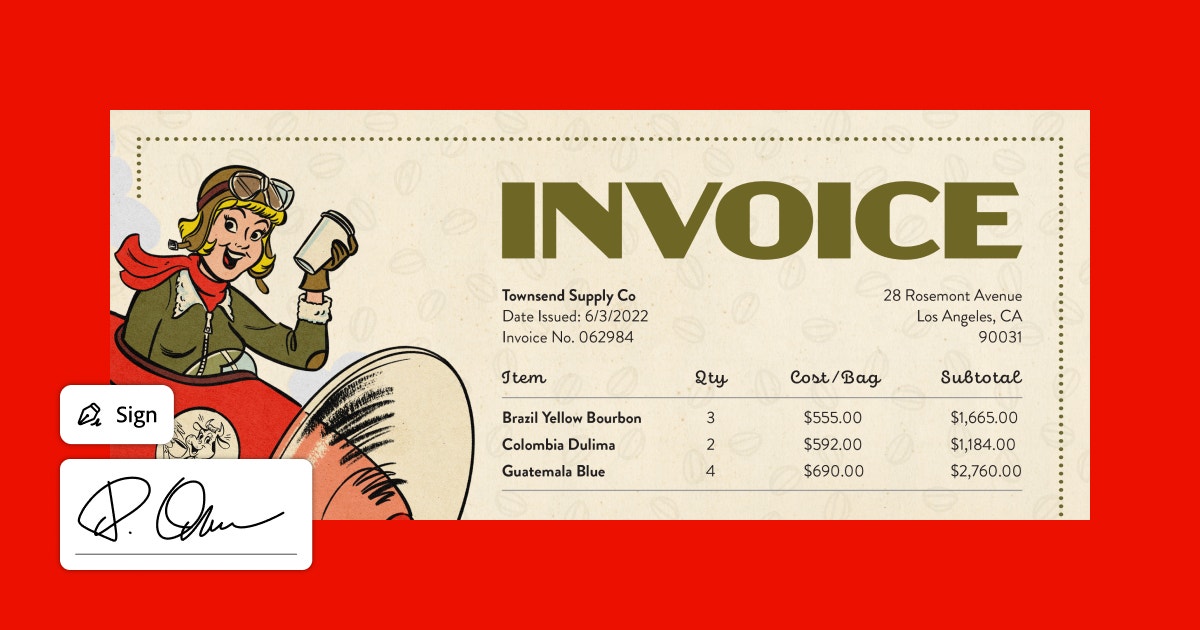
Digital e-sign is acceptable if that helps you.
https://www.adobe.com/sign.html
Copy link to clipboard
Copied
Send the Model release to me as a Private Message, and I will blur the private data. (if you trust me not to misuse the data! 🤔)
Private message: click my eye... and use ":envelope:Message"
Copy link to clipboard
Copied
Got my answer so plz delete that PM without even opening 😃
Copy link to clipboard
Copied
Too late 😂. But I can confirm that the dates do not match. So you should mark @Nancy OShea's answer as correct!
But you can't (legally) alter a signed document. You will,unfortunately, need to redo that. You can fill out any data in advance, only trouble is, that the model needs to sign. I don't use a witness with adult models. If you want to try the electronically signed release, that works fine, but you can't use that one for other stock databases. That's why I prefer the paper version.

Find more inspiration, events, and resources on the new Adobe Community
Explore Now
 AdChoices