joaosp
Inspiring
January 24, 2024
Answered

Where are all my old library assets I had saved?

  • January 24, 2024
  • 1 reply
  • 724 views

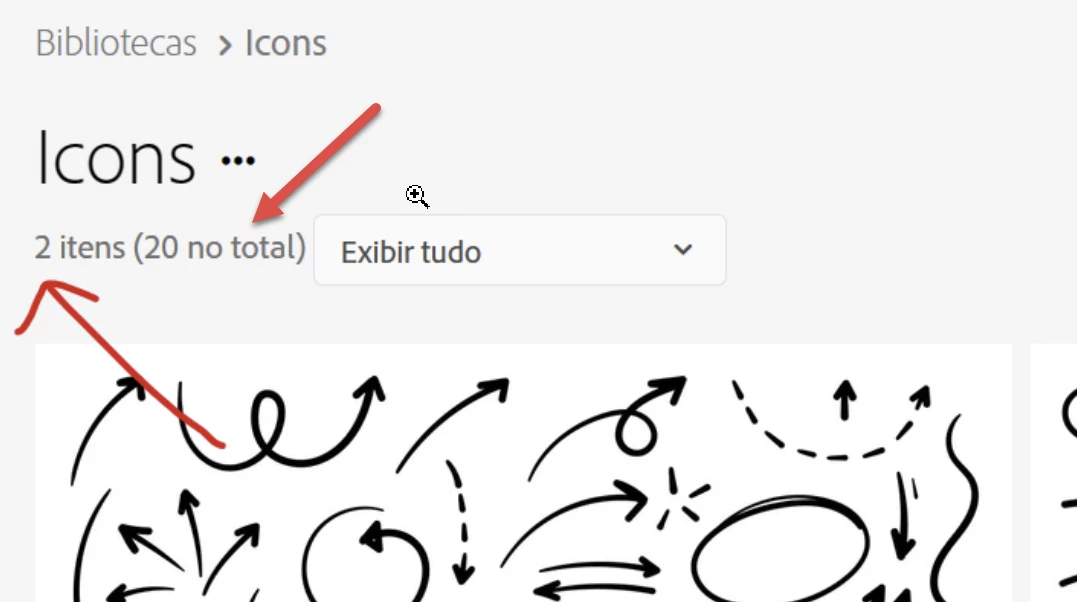
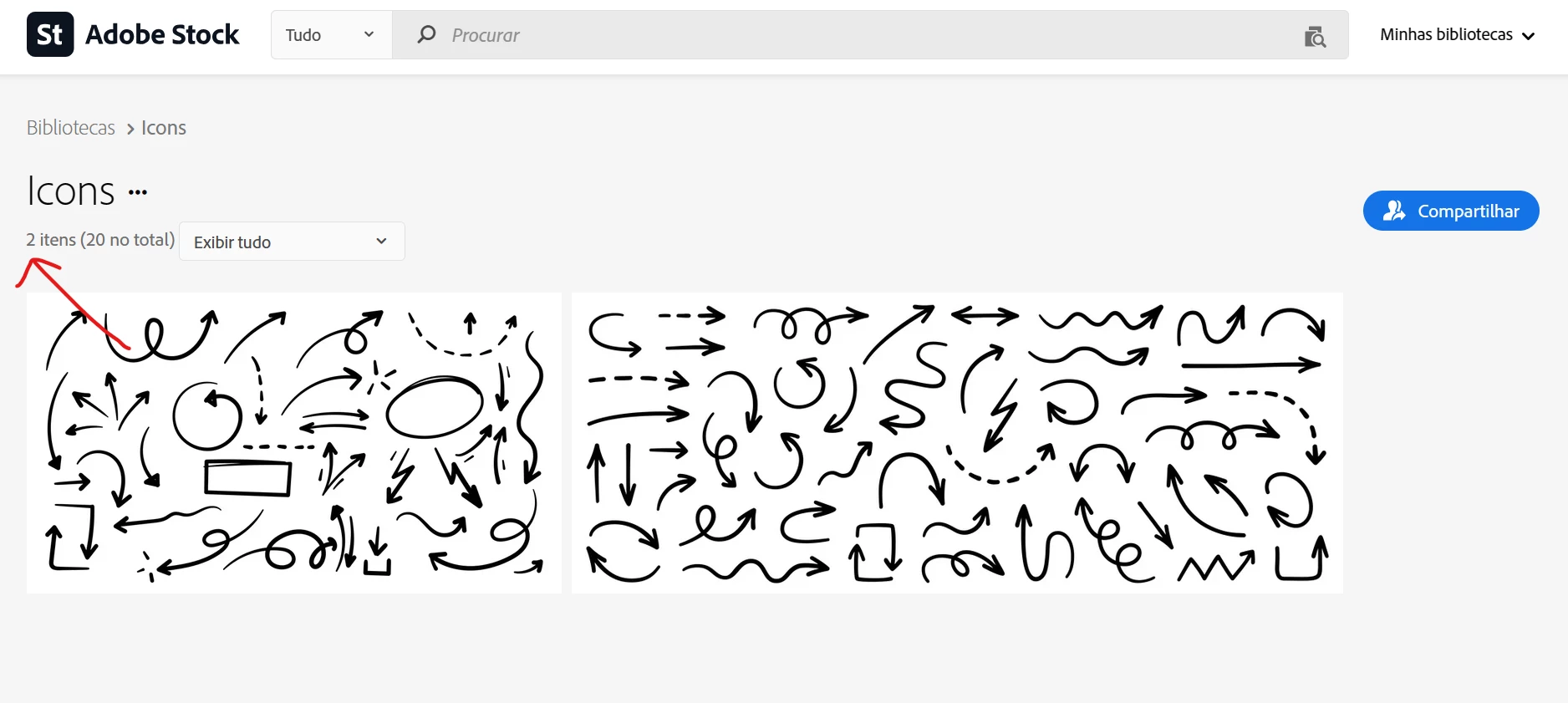
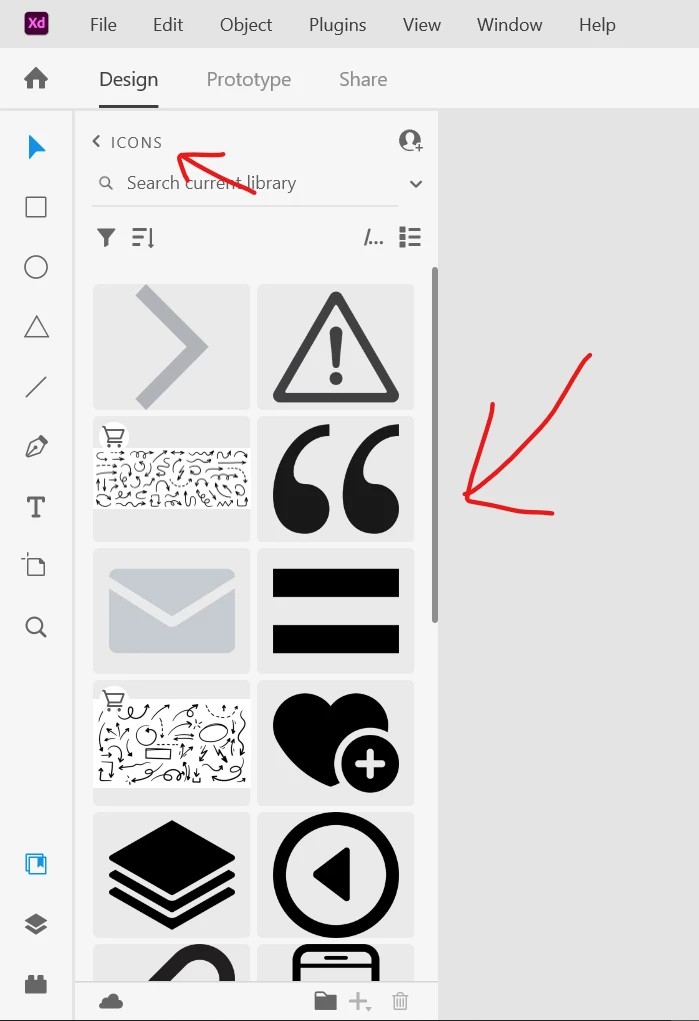
I had saved a while ago a lot of assets, mainly icons, into a library (see printscreens attached) and I only can see all them from the software itself, XD for example, but when I access that same library on Adobe Stock website, I only can see those who I saved from there. Where did Adobe put my assets and how to manage them? I wanna build a personal library only with icons, however many of them I already have saved locally on my hard drive, so now I need to put them online. How to?
 

This topic has been closed for replies.
Correct answer Abambo

There are 20 items in that library, but only two that fulfil the selection criteria.

Check here: https://assets.adobe.com/libraries

1 reply

Abambo
Community Expert
AbamboCommunity ExpertCorrect answer
Community Expert
January 24, 2024

There are 20 items in that library, but only two that fulfil the selection criteria.

Check here: https://assets.adobe.com/libraries

ABAMBO | Hard- and Software Engineer | Photographer
joaosp
joaospAuthor
Inspiring
January 24, 2024

What "criteria"? Where is written that, supposely, a "criteria" was selected? On the select box, it's selected "Display all", so it should display all, as announced. That's the result of paying lots of money to those "ux whatever", everything always get worse.

Abambo
Community Expert
Community Expert
January 25, 2024
quote

What "criteria"? Where is written that, supposely, a "criteria" was selected? On the select box, it's selected "Display all", so it should display all, as announced.


By @joaosp


It's confusing, I know. It displays the assets that fit your stock items only. Other items are kept hidden. But it could be clearer, by saying "showing all »this« assets".

ABAMBO | Hard- and Software Engineer | Photographer