
Generate alpha maps from Substance asset decals ?
Hello,
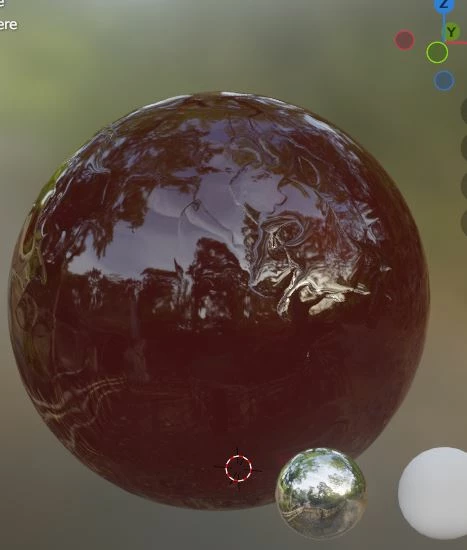
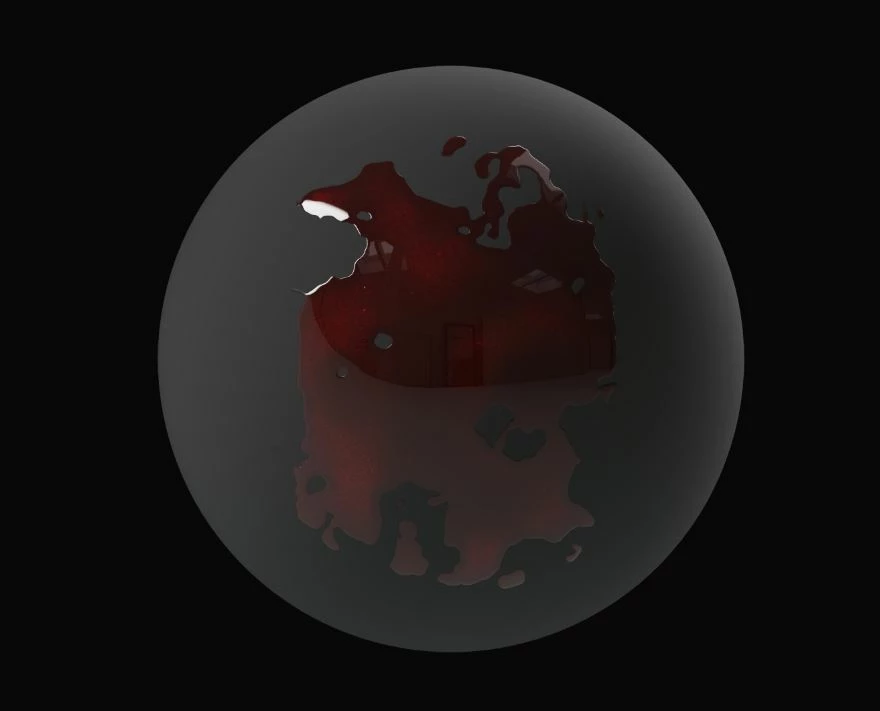
I hope this is the appropriate forum to post. So I downloaded a decal from the Substance assets library, more specifically the "Large Blood Puddle" decal. On the website it shows correctly, with the transparency/alpha activated, i.e you can see that it is a puddle. But when I import on in my software (Blender, using the Substance 3D addon), it shows with all the maps, except the alpha.
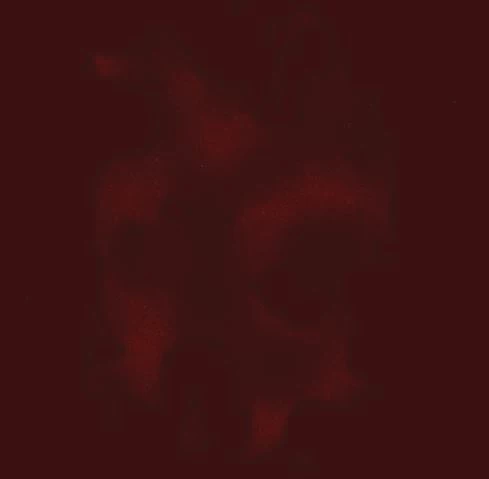
I know how to generate an alpha map from an image by translating it to black and white but this one has very little contrast so it's just impossible... and I'm not sure that's what I'm supposed to do.
Is it because sbsar files are not supposed to be used in other sofwares aside from Substance when they're decals ? I didn't have any problems using regular textures (that didn't require transparency). Am I supposed to get the files in Substance Designer and then export it with an alpha ? The problem is I don't have Substance Designer. Is there another way ?
Hope my issue is clear enough, thank you in advance for taking the time to read!
Caroline
 AdChoices