
Nitroleum
Known Participant
May 12, 2023
Answered

Convert Red Channel to Grayscale maintaining exact values

  • May 12, 2023
  • 1 reply
  • 2069 views

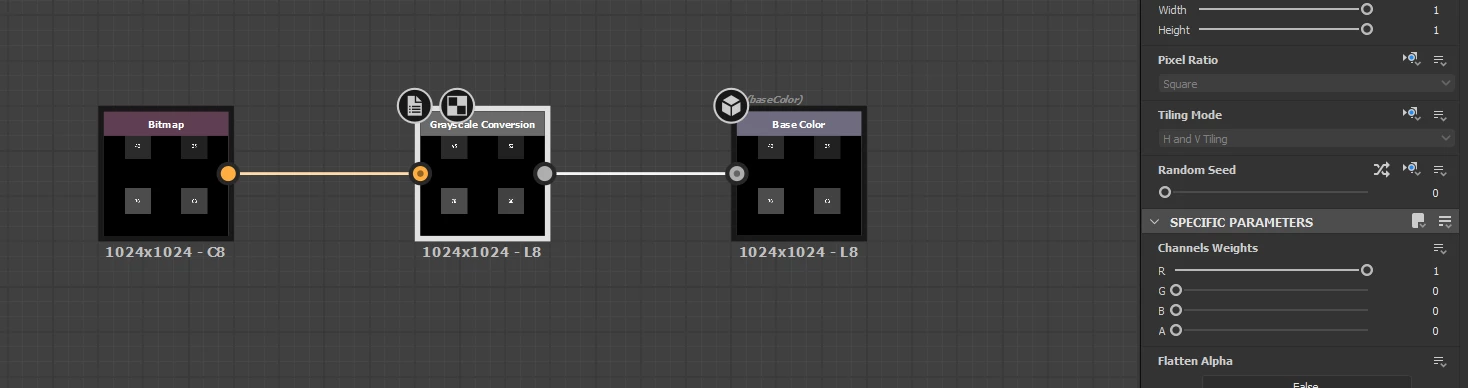
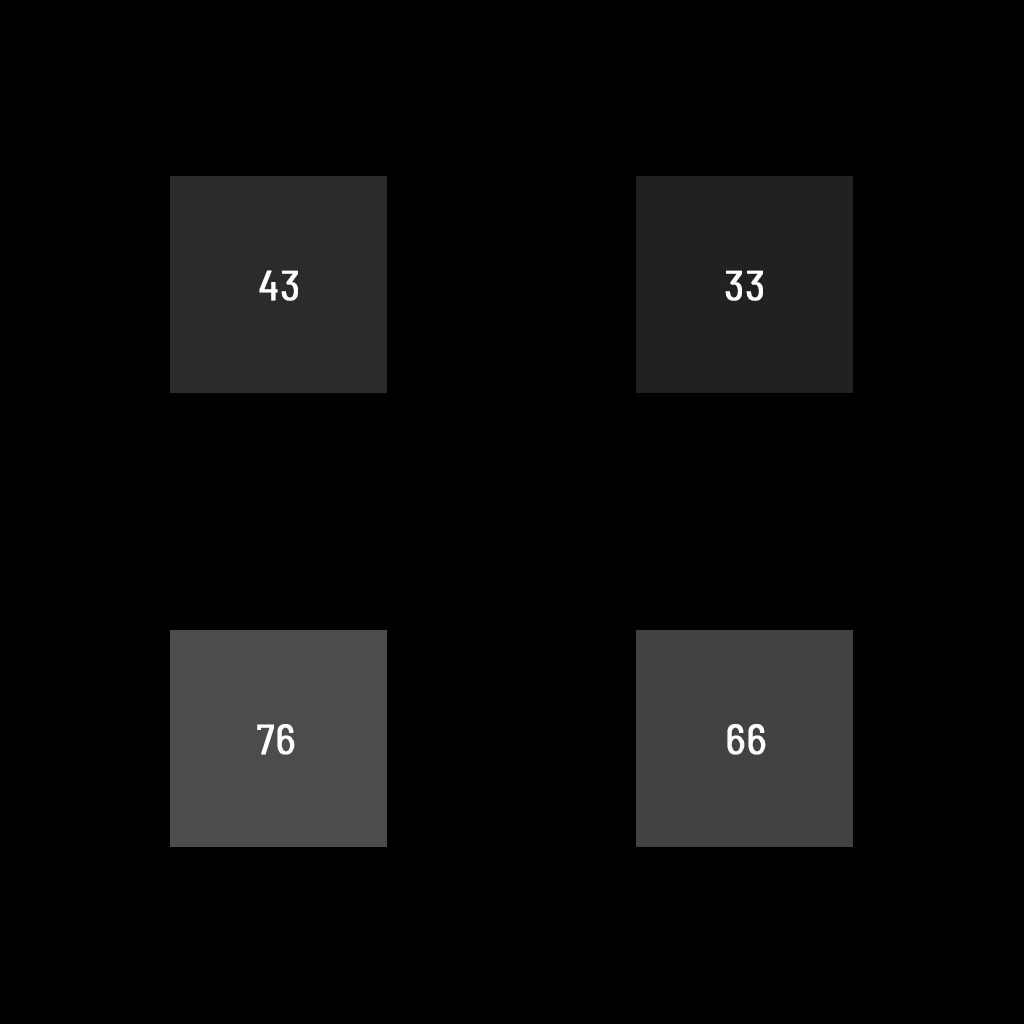
Hi guys, I got an RGB image which I want to convert to grayscale but maintaining exact grayscale values that were initially in Red channel, namely these 43, 33, 76 and 66. I tried using Grayscale Conversion node with Red channel weight set to 1 while having Green and Blue set to 0, but it still doesn't work and the resulting grayscale image has incorrect values:


Here's the source RGB image in case you want to give it a try yourself. I'm trying to convert it to a grayscale single channel image:
 

Is there a way how to do it in SD? Thanks!
This topic has been closed for replies.
Correct answer Mark_Edwards

The thing is I use this texture inside of Unreal Engine which epects exact grayscale value, so for example if it will not be 33 but let's say 34 - my set up won't work.


If you will export your file using that RGB split node you will see that grayscale values will be quite far off which is a no go for me unfortunately.


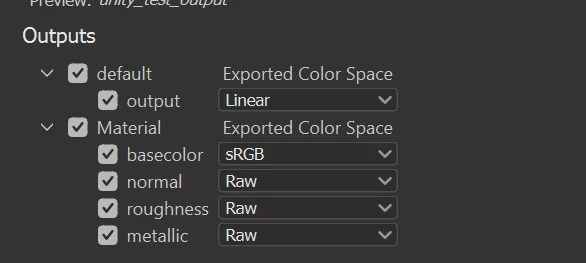
I think there's a few things going on, your working in 8 bit and if it's 33-34 I would guess it's a rounding error where it's converting internally and rounds down/up, I did my test in 16bit and it was more accurate, might be that.  also I think the test file is in RGB and gets exported in RGB (gamma curve on it) and gets exported as that so if I treat it like data and do linear encoding in game engine it's way off,  you can force linear in export to compensate and test that.

Also when I do that sort of thing I build in a bit of tolerance in what I was looking for so its ~77 or make the epsilon value a bit larger if you are comparing a float in the game engine to account for rounding errors. 

Or it's something else 🙂


1 reply

Inspiring
May 12, 2023


I use rgba split to get access to the channels seems to keep base value doing that, saying that i tried doing it how you approached it and got the correct values as well so not sure whats going on with yours, it's usually where a gamma curve gets applied rather than being in linear space that messes with any values but I can't recreate that.  Hovering over will show the normalised float value in 0-1 range but if you look at v where i'm hovering over 76 in the 0-255 range it maps correctly


Nitroleum
NitroleumAuthor
Known Participant
May 12, 2023

Yes v parameter shows correct values but unfortunately it's of no use for me as grayscale actual values are quite significantly off which is a no go for me..

Inspiring
May 12, 2023

where are you seeing that the value is off, happy to try and recreate, I use specific values quite a bit in my graphs and haven't run into that issue but perhaps it's something different.