
Participant
July 27, 2022
Question

Exporting a landscape texture?

  • July 27, 2022
  • 1 reply
  • 396 views

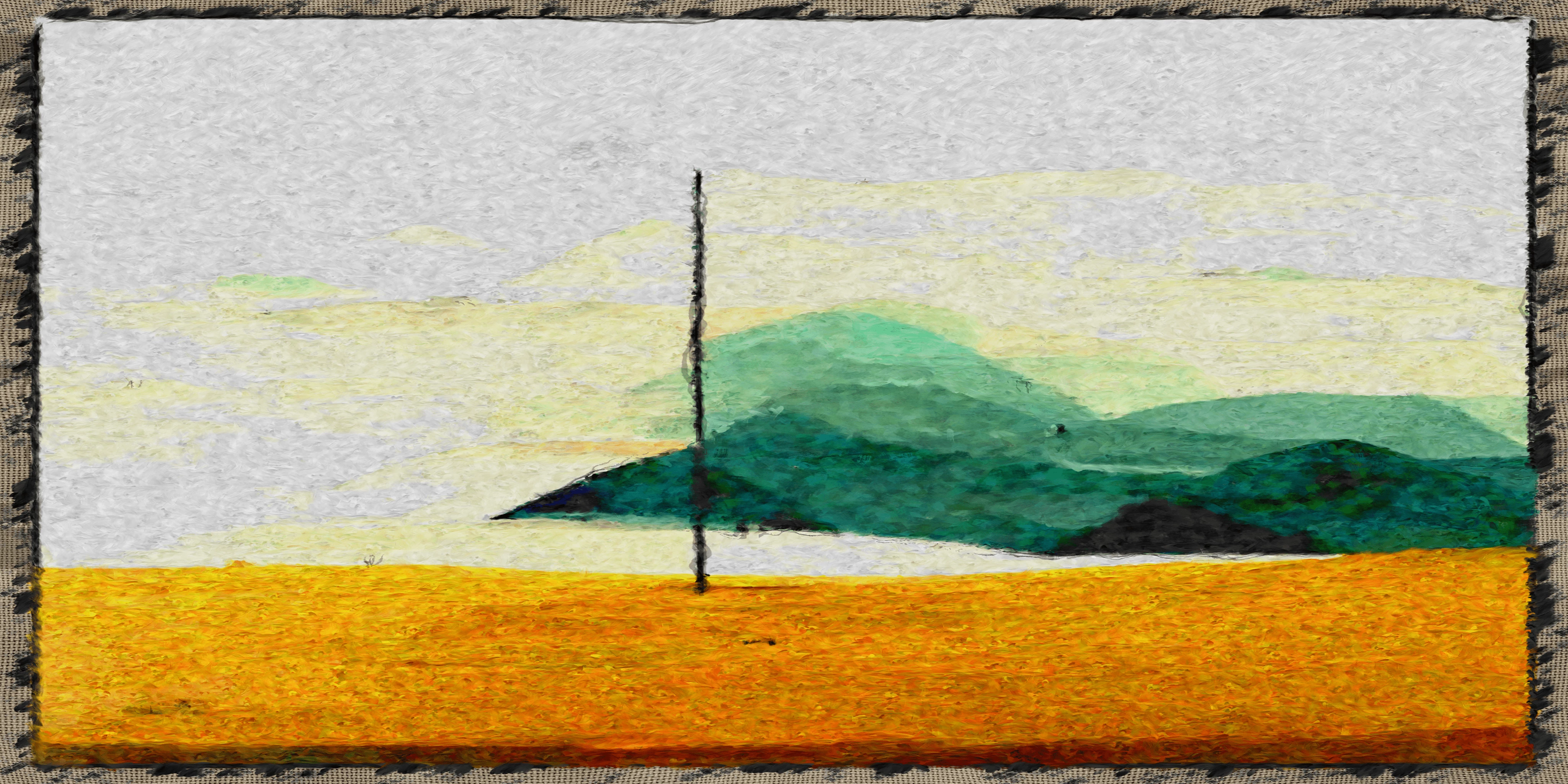
Im having an issue with one image im running through a oil painting script. The resolution is 2048x1024 but the default res throughout the script is 2kx2k. is there a way to set the entire script to match the resolution of the original image? When I export, everything looks stretched. This is what I'm getting so far. The background is coming out very stretched. 
This topic has been closed for replies.

1 reply

Luca Giarrizzo
Community Manager
Community Manager
July 28, 2022

Hello,


By script, do you mean you process the image using the SBSRender command line tool?

  • if that is the case, you may use the --set-entry $outputsize@11,10 to set the parent size of the graph to 2048*1024 for rendering. You can learn more about SBSRender and its options here.
  • if that is not the case, please let me know the exact method of processing the images.


Best regards.


Luca Giarrizzo | Quality Engineer - Substance 3D Designer | Adobe
Participant
July 28, 2022

Ahh sorry, im not using the command line. It is an SBS file set up to have the original image as the input and generates an oil painted texture. 

Participant
July 30, 2022

Hello,


Thank you for your reply. The graph's parent size can be changed in the Graph view toolbar 


That being said, please note that creating Bitmap nodes in a graph to use a Bitmap resource, these nodes are automatically created at the nearest upper power of two relatively to the native resolution of their referenced image. This size is also set to the Absolute inheritance method.

This is a deliberate behaviour which aims to ensure the image is processed and stored in the package at a fixed resolution which preserves its details. Learn more at the 'Quality loss in published Substance 3D asset file' item here.


I hope this addresses your question, feel free to let me know if I can help further!


Best regards.


Ty! I think that fixed it. One thing, not sure if this is possible but can the 3d plane be changed or edited to match the image? Its kind of difficult to see the quality when the image is squished onto a square plane.