Ohh, I just realized that I already confused the software in my question. Sorry for that. So I wanted to ask how I can add material in a good way from the asset store to Substance 3D Designer.
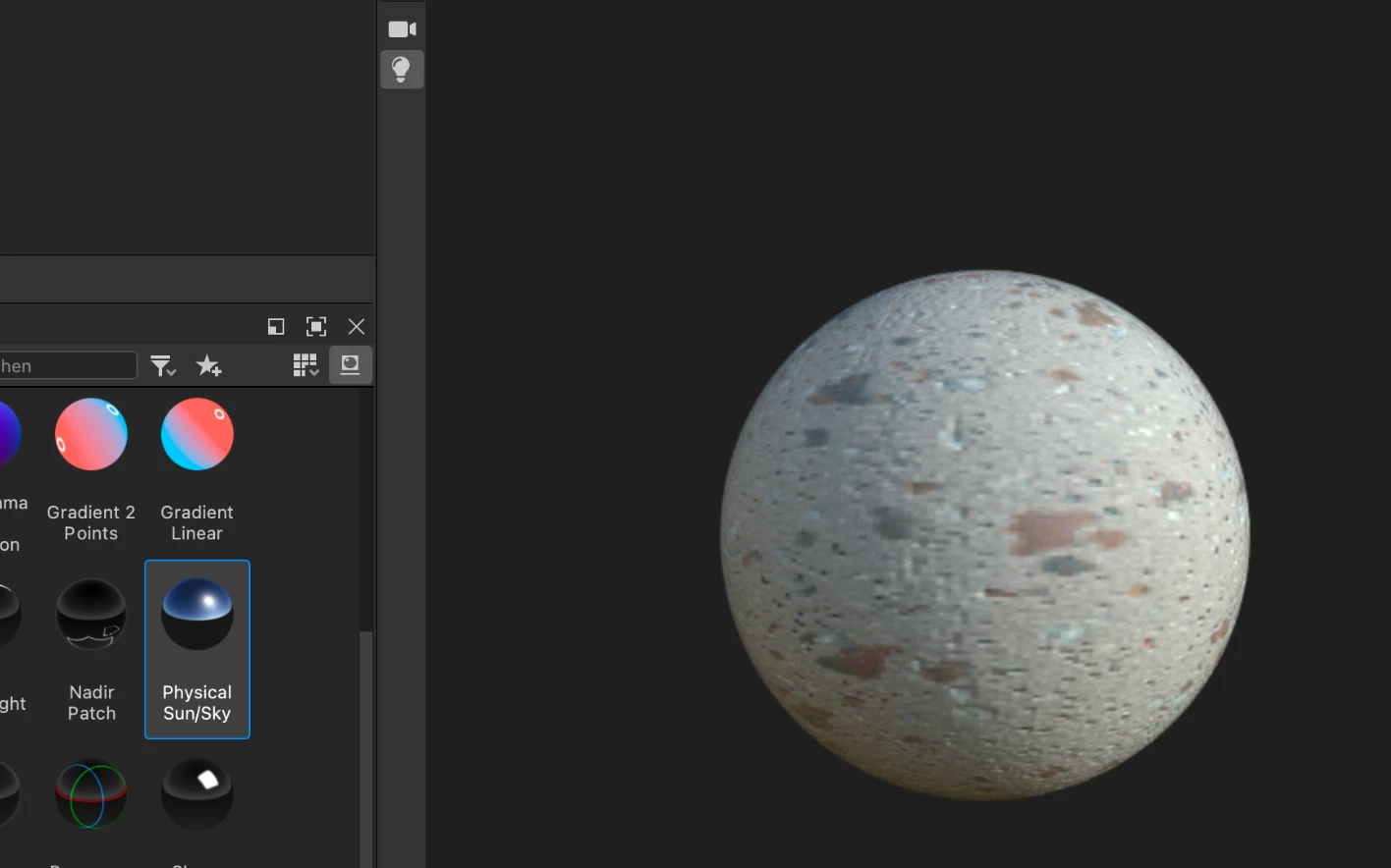
So if I just add the material to a graph, and let it show in the 3D view, sometimes the material doesn't adjust well for the sphere. This is one example:
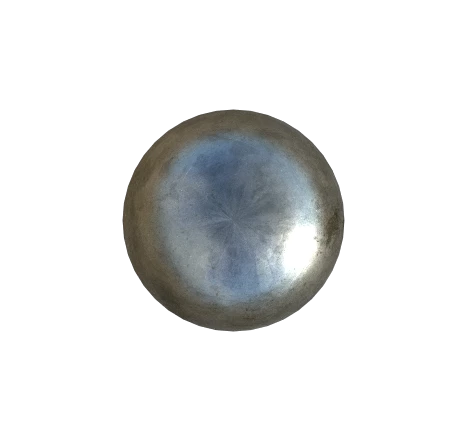
Here is an output that was rendered with Substance 3D Designer, and looks a bit better. It has a transparent background and is basically in the form I would need it. Still, the material doesn't adjust perfectly to the sphere:
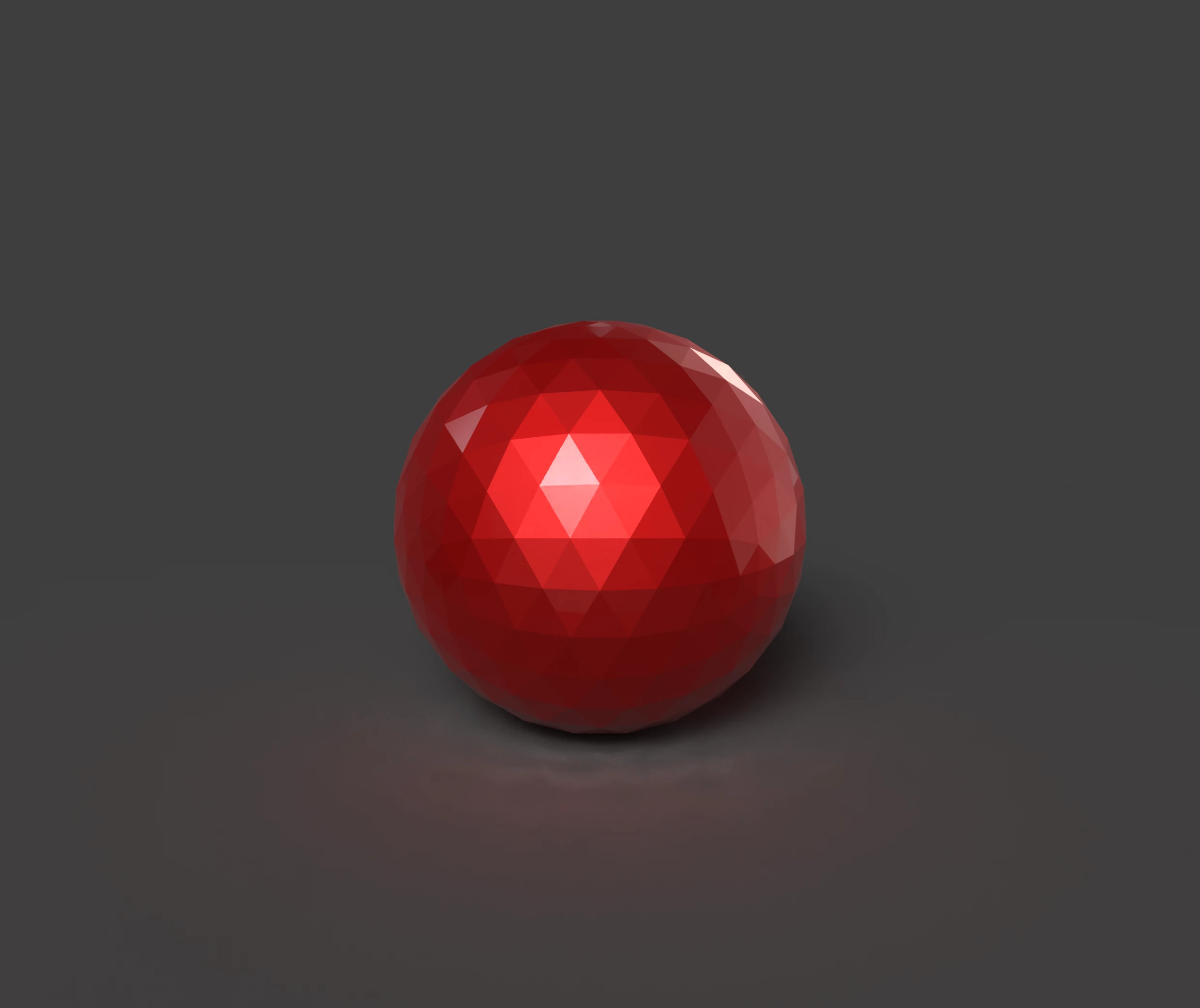
I have also tried it with Substance 3D Stager and Substance 3D Painter, then it also renders a background, and unneeded shadows, like here:
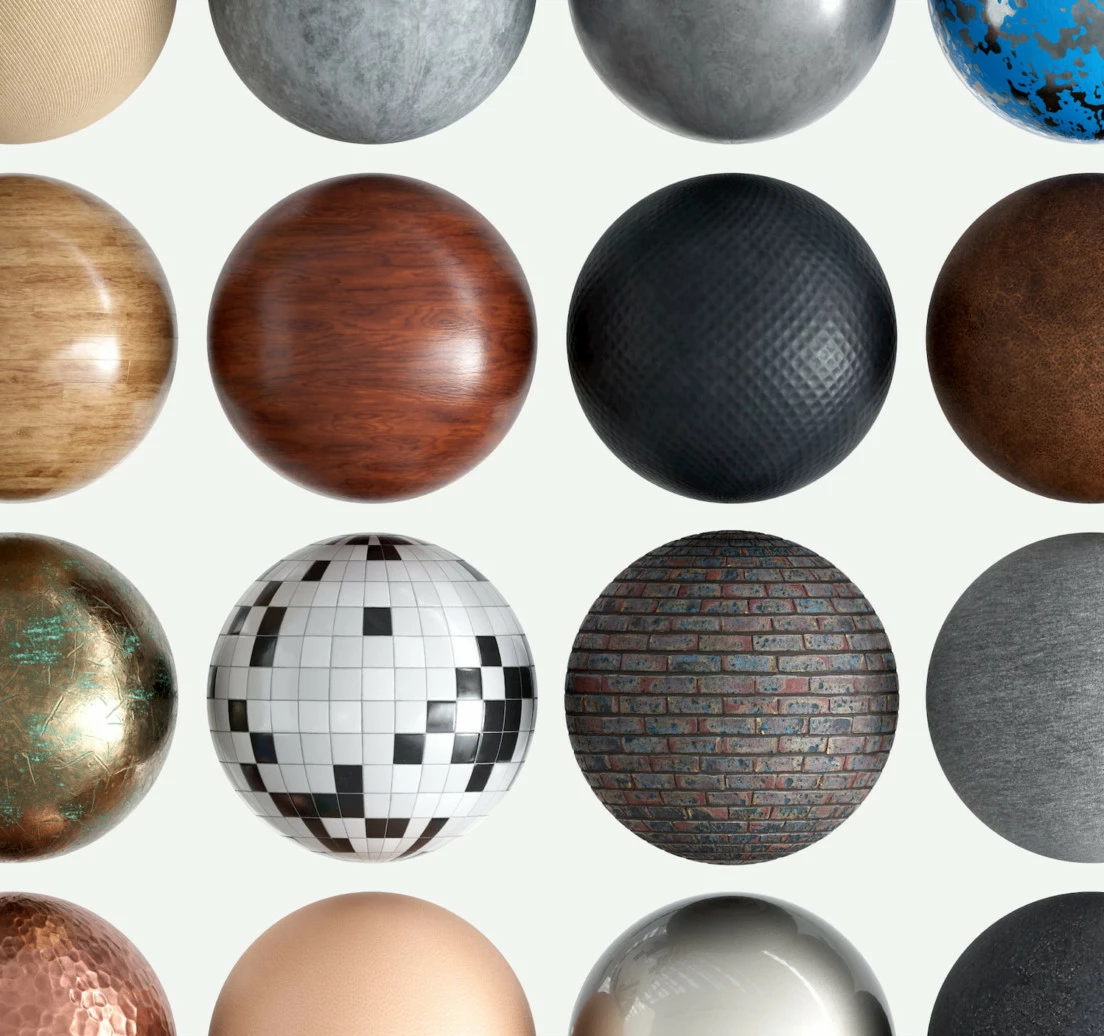
To show again what I would like to render, as an example, are just such balls with different materials, and without any background:
What would your recommendation to do that? Would be super thankful for help! And sorry for the confusion at the beginning.
Best wishes
Substance Stager can render with a transparent background and no ground shadow. Turn off the ground shadow in Stager and render to a PSD then open in Photoshop and turn off the background layer.
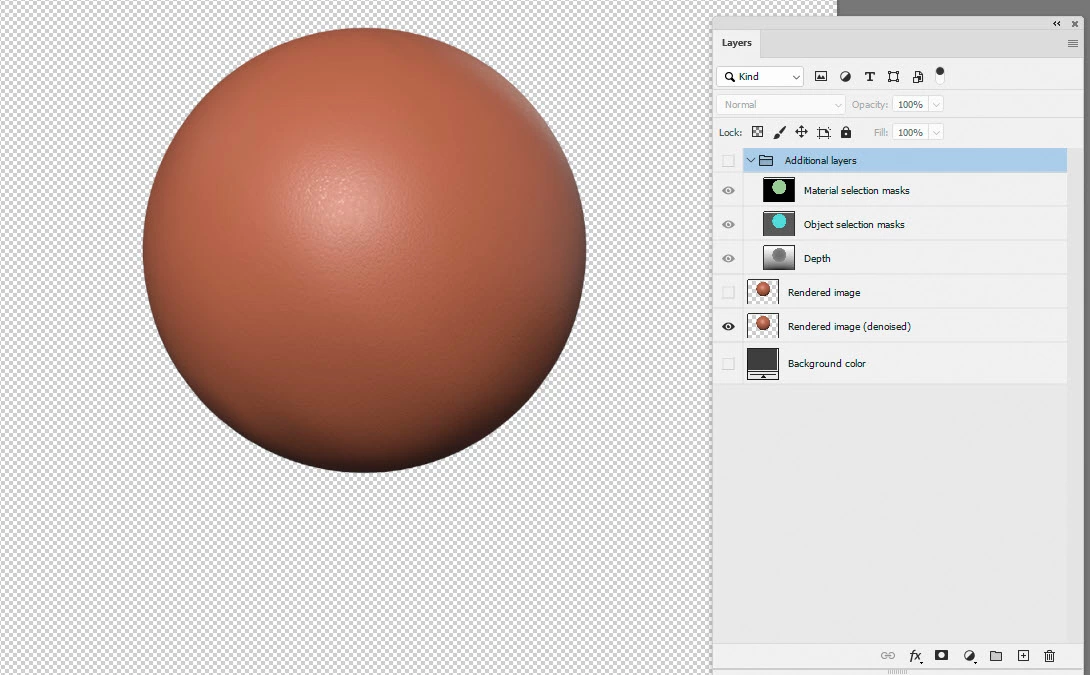
As for using assets in Designer - just license them and download to a folder that you have specified in Preferences >Projects>Library. Or you can download to any other folder and use File >Open
Dave

 AdChoices