Participant
November 16, 2021
Answered

Roughness map not showing up correctly in Blender (Cycles)

  • November 16, 2021
  • 2 replies
  • 4410 views

Hello guys !


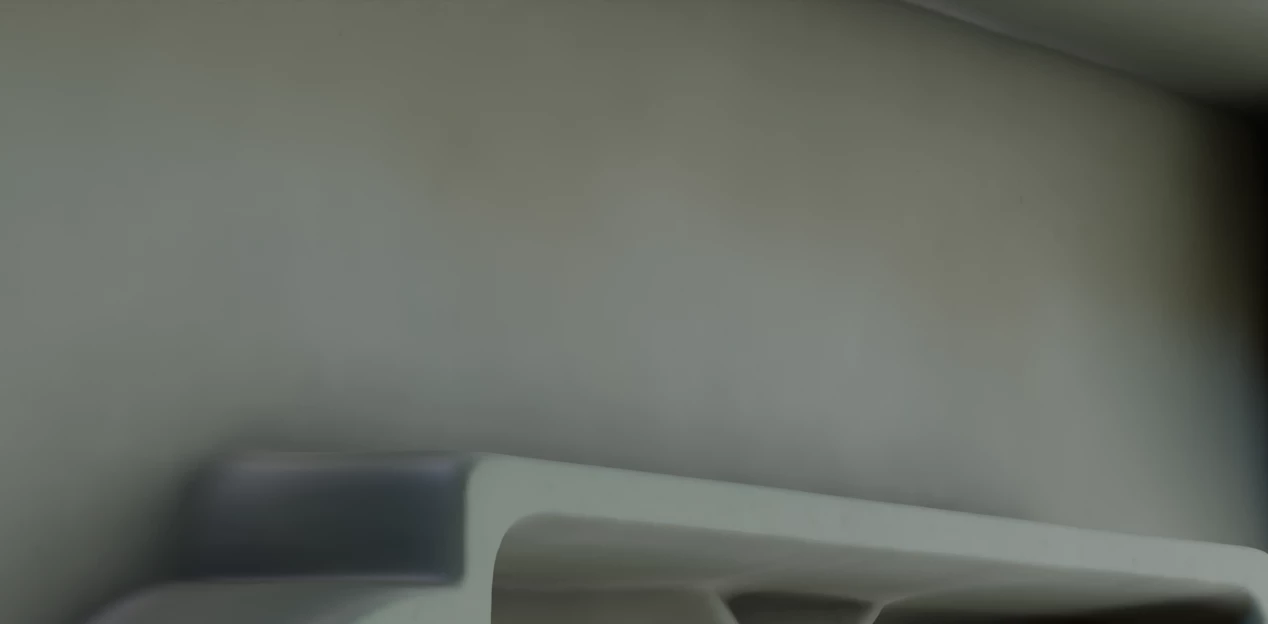
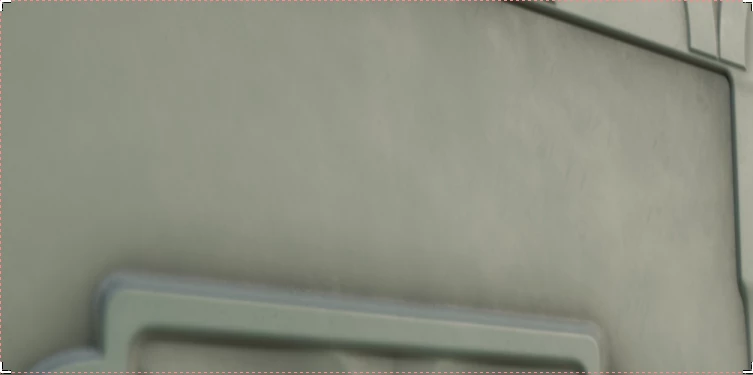
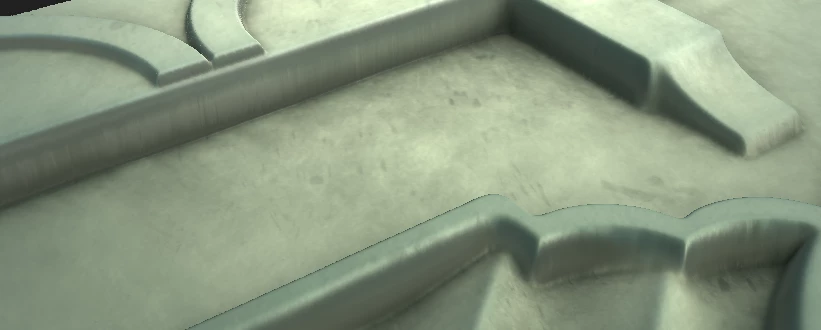
I'm fairly new to Substance Designer, it's been less than 2 months that I started using it. For one of my projects, I created a roughness map with a lot of dirtiness but I can't seem to find why it doesn't show up in Cycles. As you can see, it kind of show up in Look Dev, but it's just flat in Cycles. Does someone have have an idea how to correct that ? Thanks ! 
This topic has been closed for replies.
Correct answer RandomLobster

Hello ! 

Yes, I played with different lightning but it didn't change anything, but today I imported my material to a new blender file and it's working so my problem is solved ! I may have done a mistake somewhere yesterday. Thanks for the reply however !

2 replies

davescm
Community Expert
Community Expert
November 17, 2021

The roughness map will only set which areas are shiny or matt. Have you set the lighting in cycles to give the shiny areas something to reflect?


Dave

RandomLobsterAuthorCorrect answer
Participant
November 17, 2021

Hello ! 

Yes, I played with different lightning but it didn't change anything, but today I imported my material to a new blender file and it's working so my problem is solved ! I may have done a mistake somewhere yesterday. Thanks for the reply however !

davescm
Community Expert
Community Expert
November 17, 2021

No problem. Glad to hear it is working. 

Dave

Participant
November 16, 2021

Oh and the first screen is Substance Designer, the second screen is Cycles and the last screen is LookDev.