
Answered
Substance Designer Height Map
Hello everyone, I am following a tutorial from youtube and encountered an issue regarding height maps on substance designer. The tutorial in question can be found at this link: "https://www.youtube.com/watch?v=gk0h1D5hpOA".
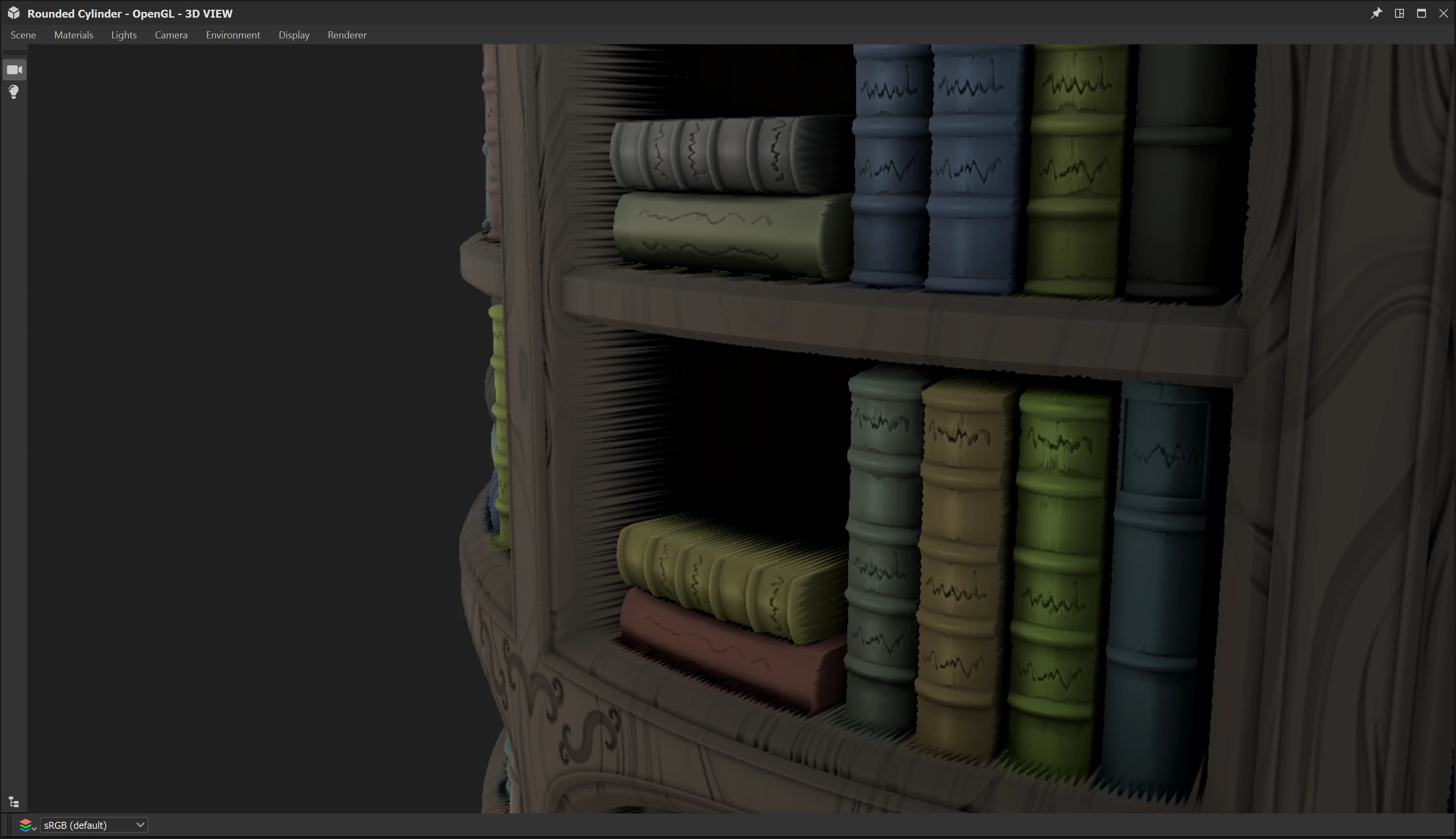
As you can see from the screenshot, some parts of the asset are very stretched, and i feel like it's just how substance deisgner works. But before moving on I would like to see if anyone here has a solution for this problem or a workaround. I would be rendering the material on marmoset to showcase, and implementing it on UE5 on an environment I am working on. Also the parts of the books that touch wood have their basecolour blended between them, any adive on that ?
thank you 😃
 AdChoices