Participant
March 24, 2022
Answered

What would be the best way to create such material?

  • March 24, 2022
  • 1 reply
  • 525 views

Hi!

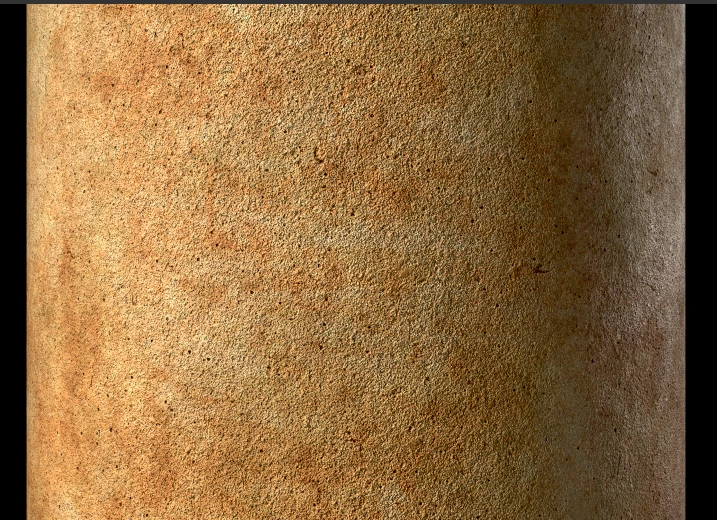
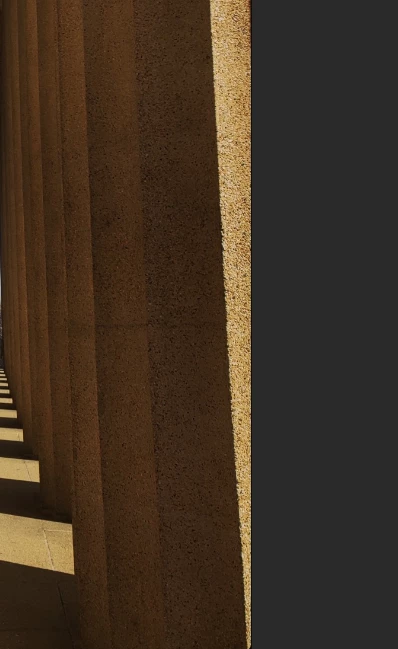
I am just starting to learn Substance Designer. Currently I am trying to create kind of limestone material (the one that you see on the photo) and I am kinda struggling with several things:

1) How do I crete those little black parts that go in and how do I make them more visible. I've tried a lot of things (modeled some cracks and used a normal map) , but nothing semms to work for me. In other words how to make them moe realistic?

2) Another thing is not really a SD question, but I still think it could be related. When I apply a texture to a model in Substance Painter (including the ones I created in SD) and scale it down it seems to repeate many times. Is there a tilling noise or something to make the seems invisible?

3) Also I am interested in some overall suggestions. Like for example what is a proper way to export my material to SP. Now when I just publish it, I don't have any control to Roughness value for exaple. I am aware of the fact that you could expose a graph as a new parameter, but what would be the best way to control for example a Normal Map intensity, when there is no overall slider for it?

Thank you in advance!
This topic has been closed for replies.
Correct answer Luca Giarrizzo

Hello,


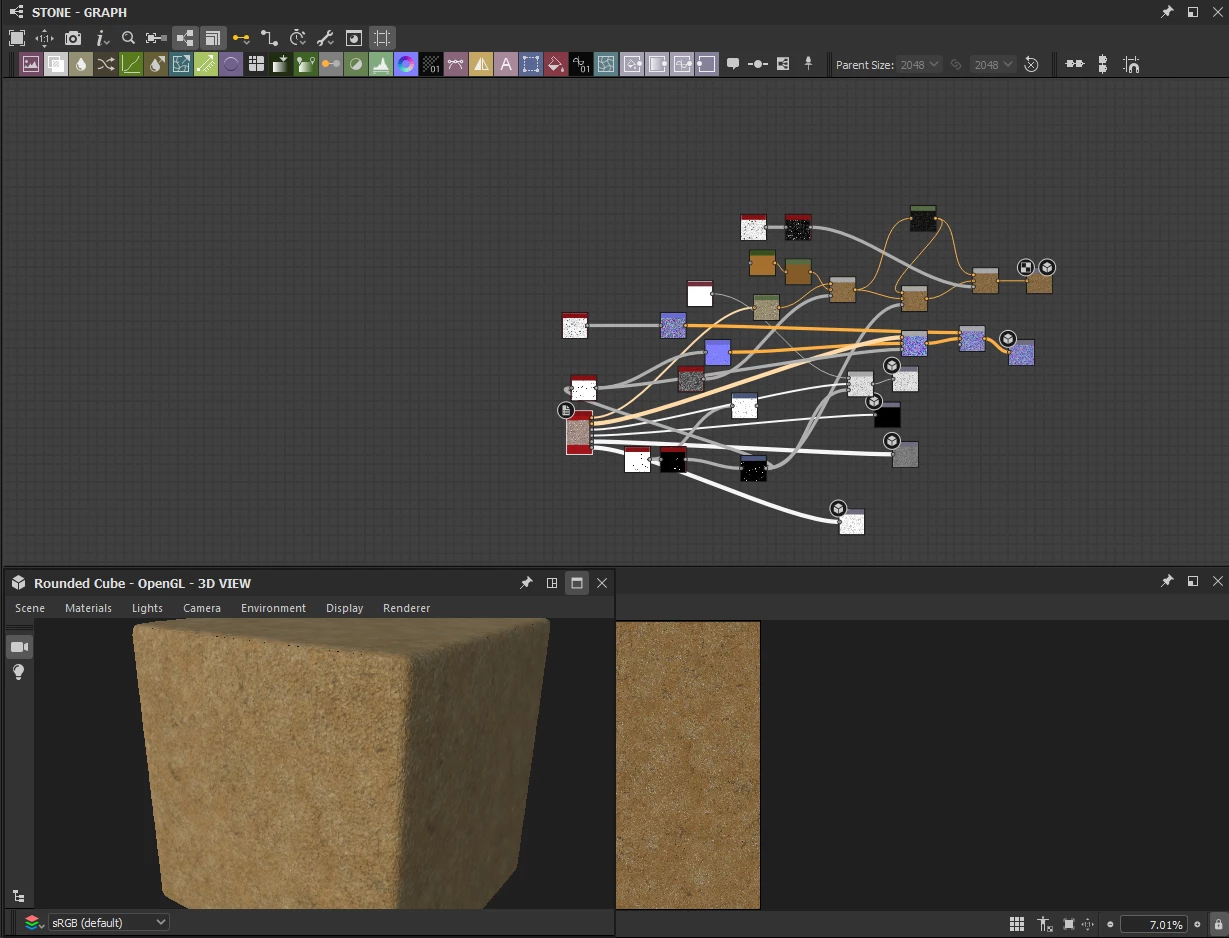
I recommend starting from the height map and extracting information from there as a starting point. For a surface with high frequency noise such as the one your included as reference, a Black and White 2 noise can be useful.


The cracks and little holes should have a light slope so the height and normals can transition nicely into these grooves. Harsh transitions should always include some amount of bevelling so they can show up clearly in these maps. Here, I use a resolution just below the graph's, so bilinear filtering down the graph can provide a slight amount of blurring which will create these slopes.


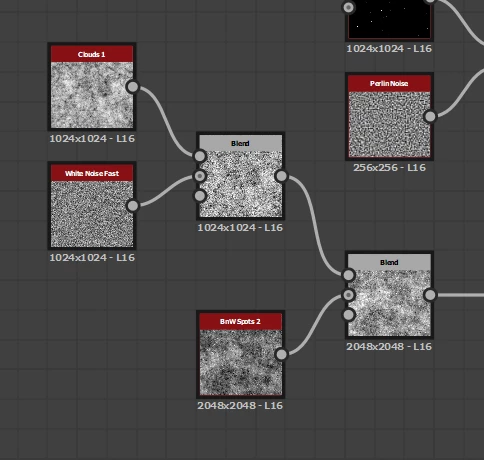
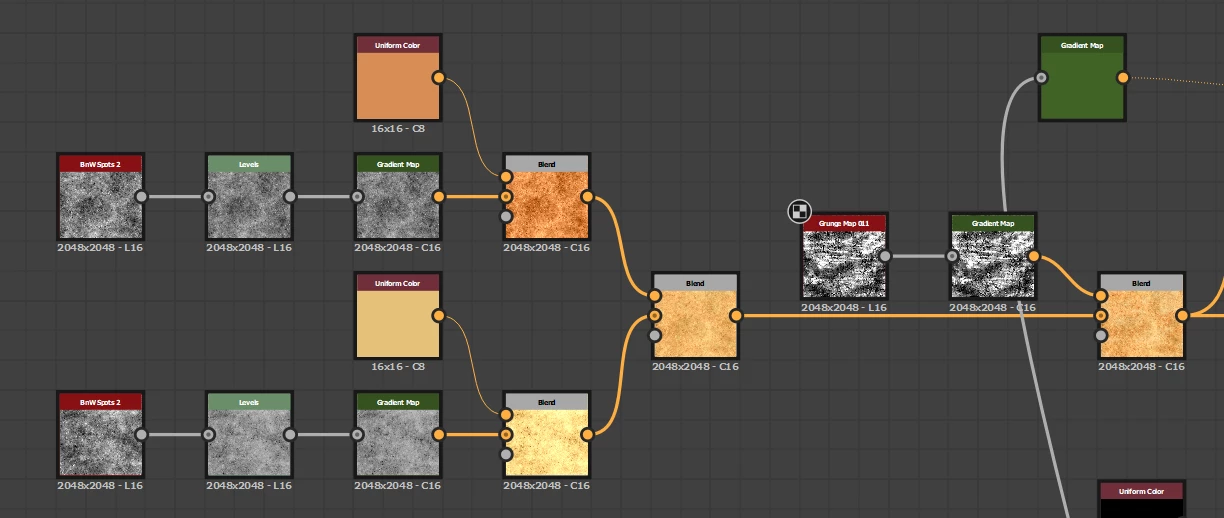
Blend noises and grunge maps to break up the scales and shapes. Blend colors as well to enrich the palette.


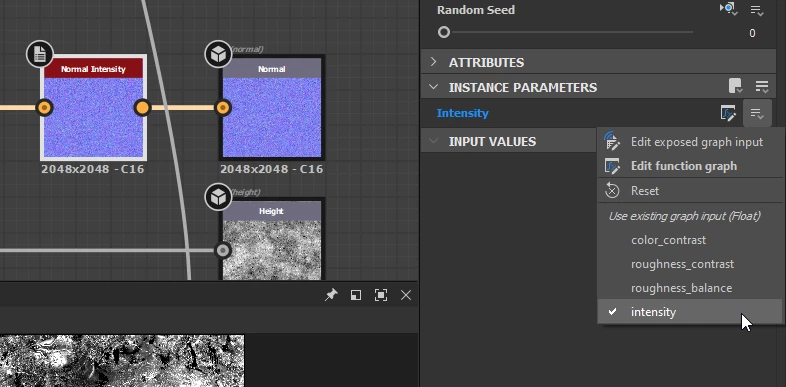
A Normal Intensity node just before the Normal output can be used to set the overall intensity of the normal map.


I have attached this graph to this message (sample.sbs). I hope it is useful and informative!


Best regards.


1 reply

Luca Giarrizzo
Community Manager
Luca GiarrizzoCommunity ManagerCorrect answer
Community Manager
March 28, 2022

Hello,


I recommend starting from the height map and extracting information from there as a starting point. For a surface with high frequency noise such as the one your included as reference, a Black and White 2 noise can be useful.


The cracks and little holes should have a light slope so the height and normals can transition nicely into these grooves. Harsh transitions should always include some amount of bevelling so they can show up clearly in these maps. Here, I use a resolution just below the graph's, so bilinear filtering down the graph can provide a slight amount of blurring which will create these slopes.


Blend noises and grunge maps to break up the scales and shapes. Blend colors as well to enrich the palette.


A Normal Intensity node just before the Normal output can be used to set the overall intensity of the normal map.


I have attached this graph to this message (sample.sbs). I hope it is useful and informative!


Best regards.


Luca Giarrizzo | Quality Engineer - Substance 3D Designer | Adobe
Participant
April 12, 2022

Thanks a lot!