
Participating Frequently
April 19, 2024
Question

About exporting normal maps

  • April 19, 2024
  • 1 reply
  • 937 views

Hi everyone,


I have unwrapped a model following the automated process.

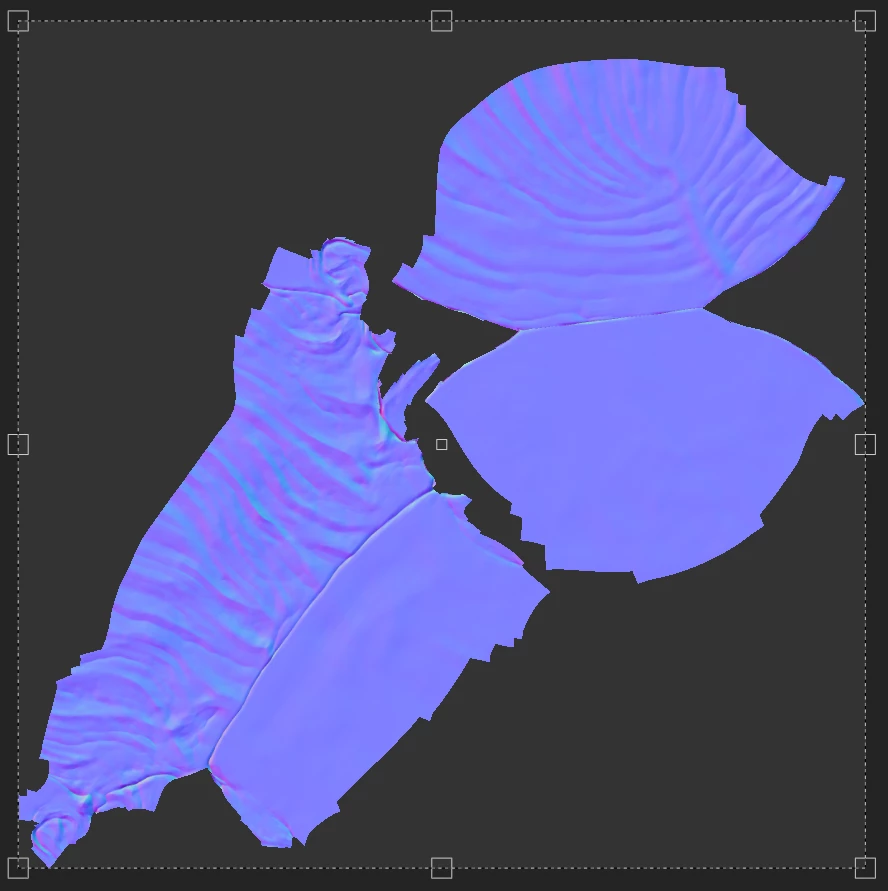
I have checked the normal map in S3DP: it looks good and has black background between the islands.

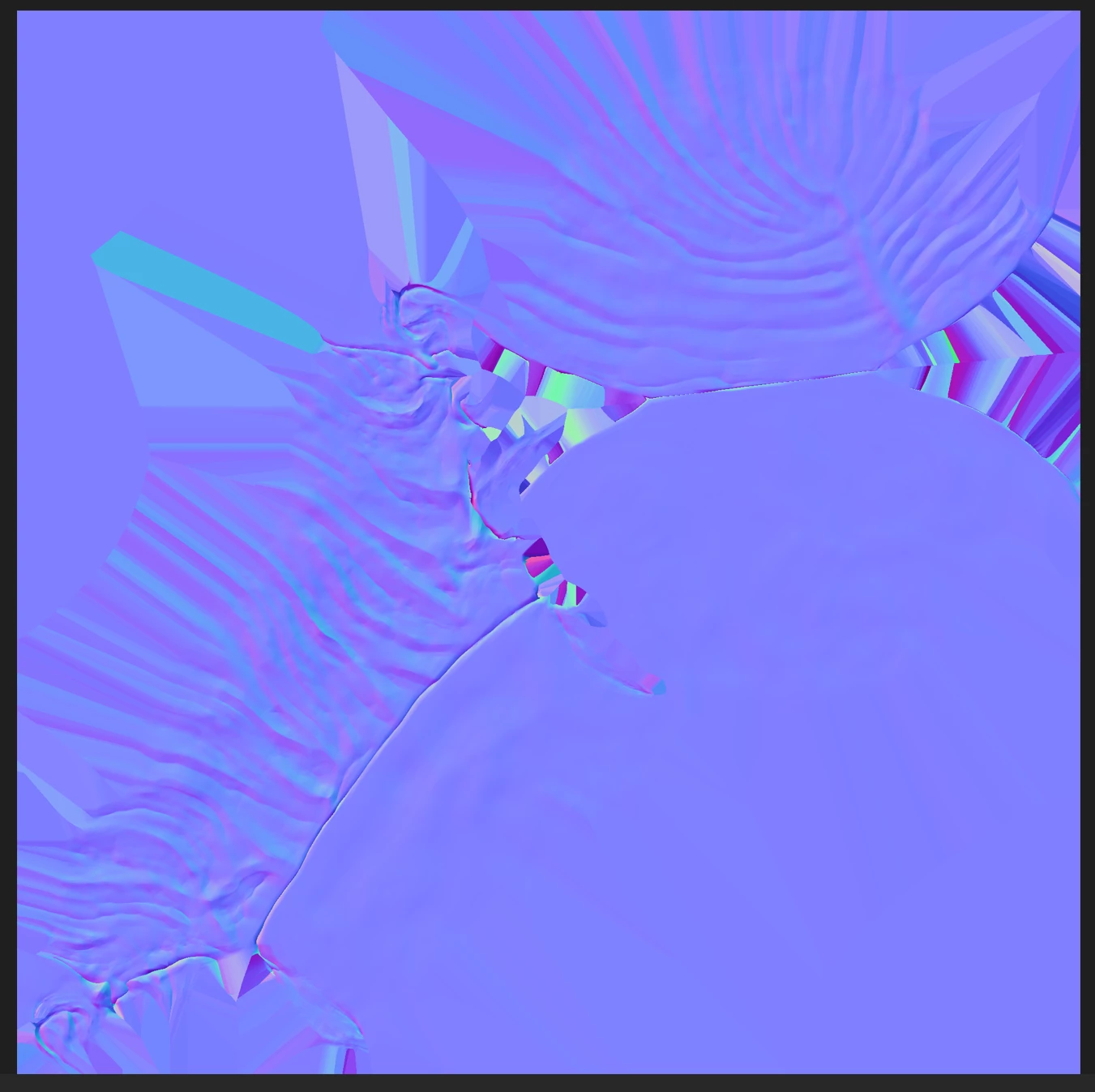
After exporting it, I've got a different map having purple/blue color for background with artefacts.


The question is: is there any setting allowing to get black background between islands, like in S3DP, after export?

I think it would be better for visualization.


Thanks a lot!
This topic has been closed for replies.

1 reply

Participating Frequently
April 23, 2024

Any idea maybe? Thanks.

davescm
Community Expert
Community Expert
April 24, 2024

Check your padding settings in Export >Settings> Global (and by individual texture set if overridden). The screenshot you show is expected when padding is set to dilation infinite.


Dave

davescm
Community Expert
Community Expert
May 3, 2024

Sure.

When I import the textures, the space between the islands is not black, it is purple as shown on the first screenshot I uploaded.

I have a black color in Substance 3D as shown in the second screenshot.

Dilation is infinite but when I change it to transparent it doesn't solve the issue.


Having no dilation and black right up to the UV edges can cause visible issues in the seams when rendering. To rephrase my question - what issue are you having by not having them black?


Dave