
Participant
August 23, 2022
Answered

Baked AO map shows unnecessary grey parts along some edges

  • August 23, 2022
  • 1 reply
  • 2024 views

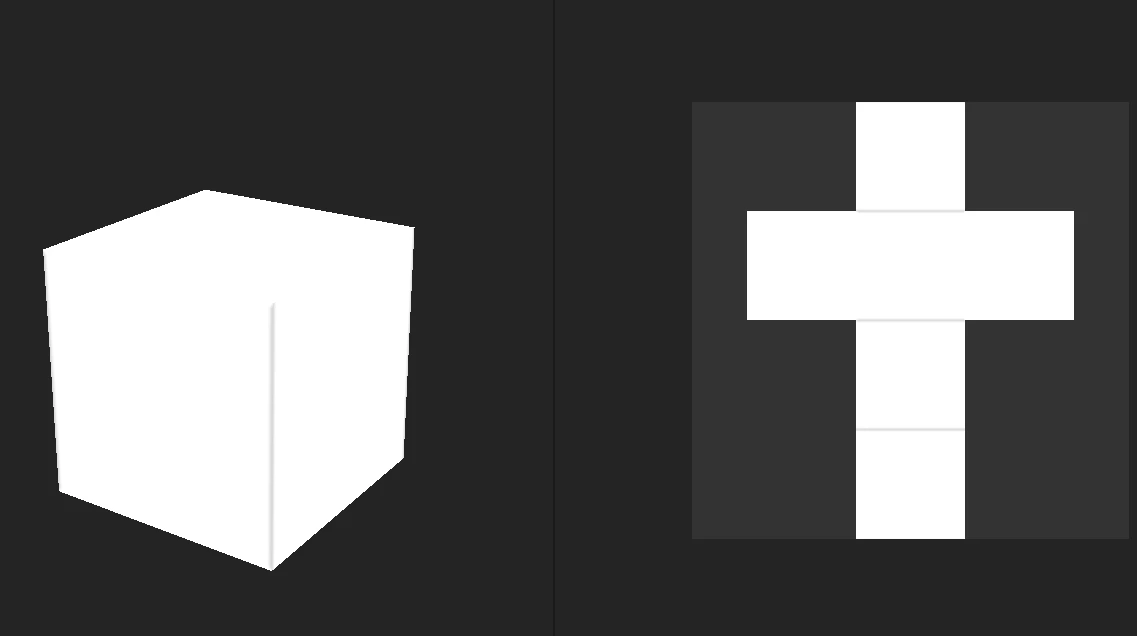
I imported this cube from Blender with no change of its default geometry and uv wrapping. After baking the maps I found there are some errors in AO map(just like other models I imported to Substance Painter). I tried tweaking the import settings and some bake settings, still couldn't solve it. I'm new to Substance Painter, not sure if this is actually an error. But I think those dark lines are kind of unnecessary which cause extra dirt while using a dirt generator.
This topic has been closed for replies.
Correct answer davescm

Try removing the Normal and World Space normal maps from the Mesh Maps panel.

Rebake the AO

Now rebake the Normal and World Space Normal (without AO)


Dave

1 reply

davescm
Community Expert
davescmCommunity ExpertCorrect answer
Community Expert
August 24, 2022

Try removing the Normal and World Space normal maps from the Mesh Maps panel.

Rebake the AO

Now rebake the Normal and World Space Normal (without AO)


Dave

Participant
August 24, 2022

Wow, it works!. Much appreciated. You just saved my day!