Participant
February 27, 2024
Answered

Baked maps breaking and missing parts

  • February 27, 2024
  • 3 replies
  • 514 views

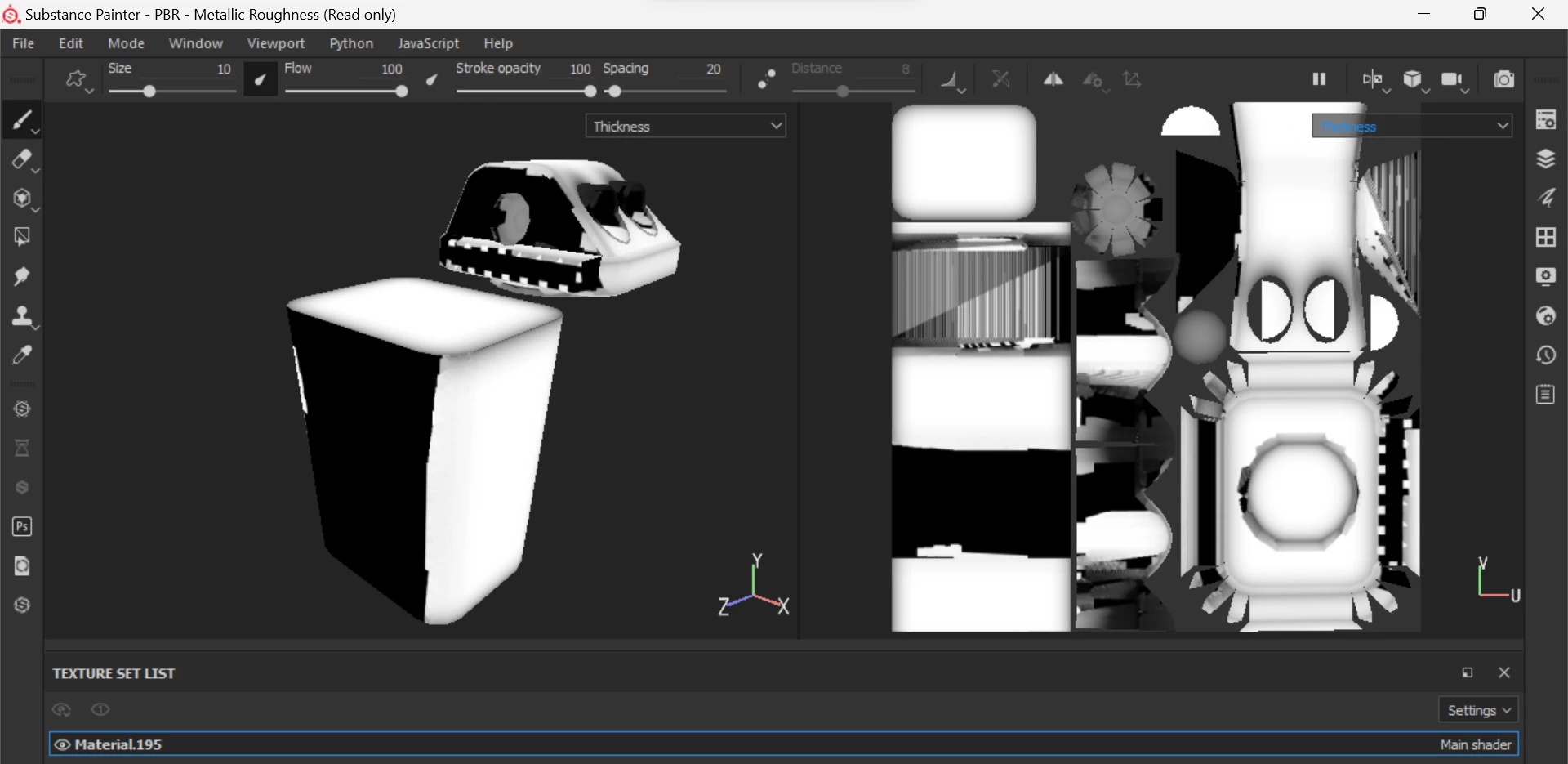
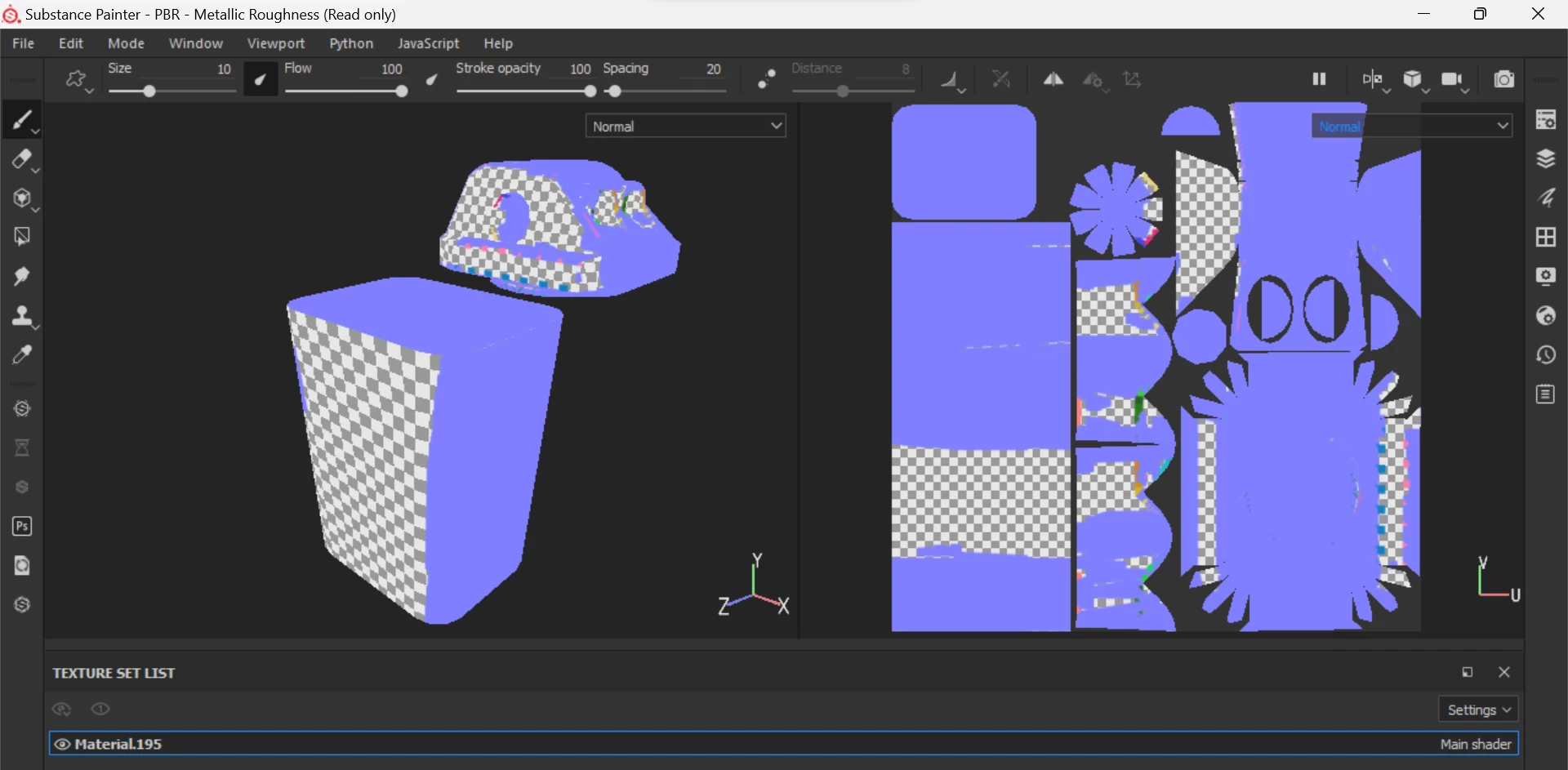
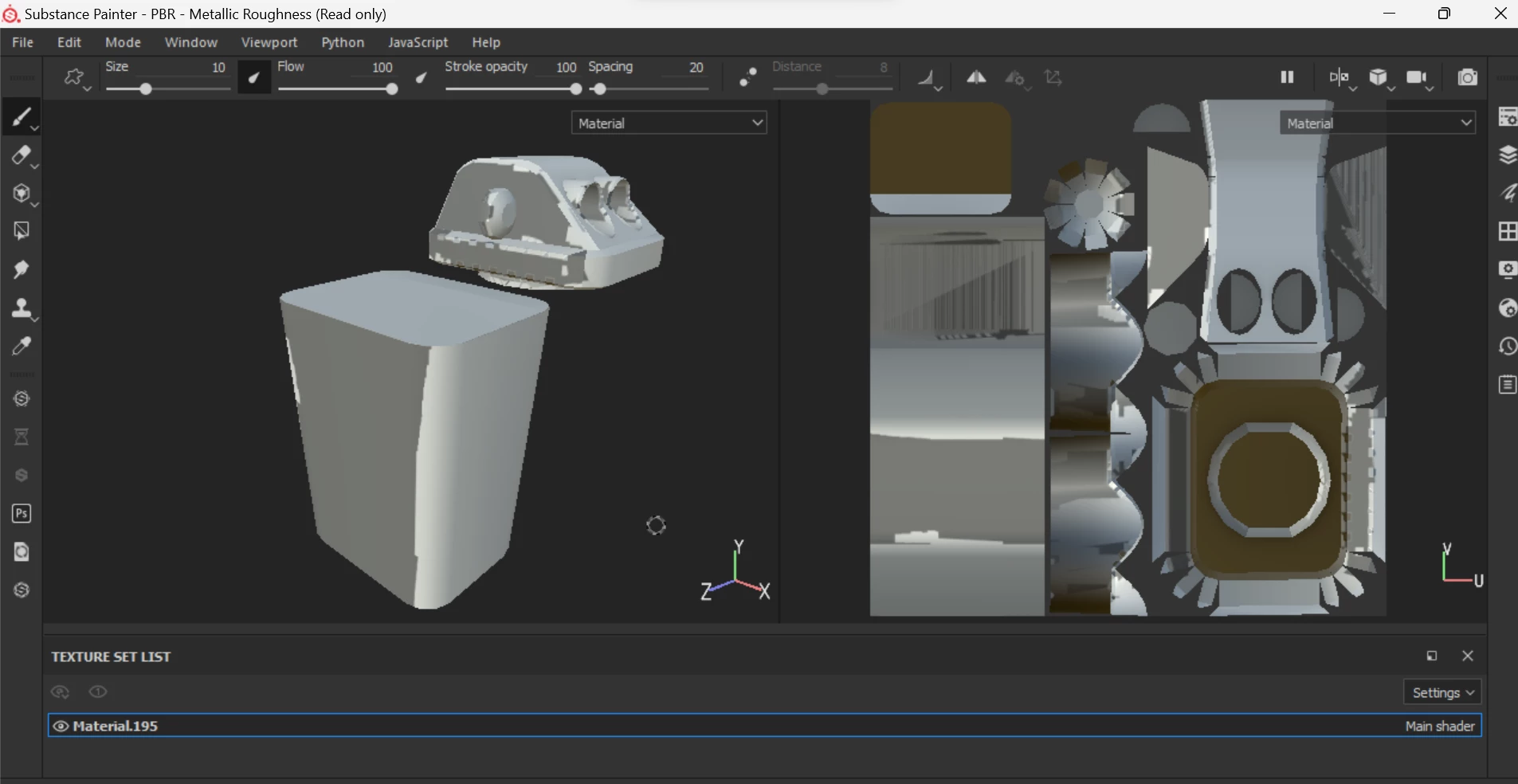
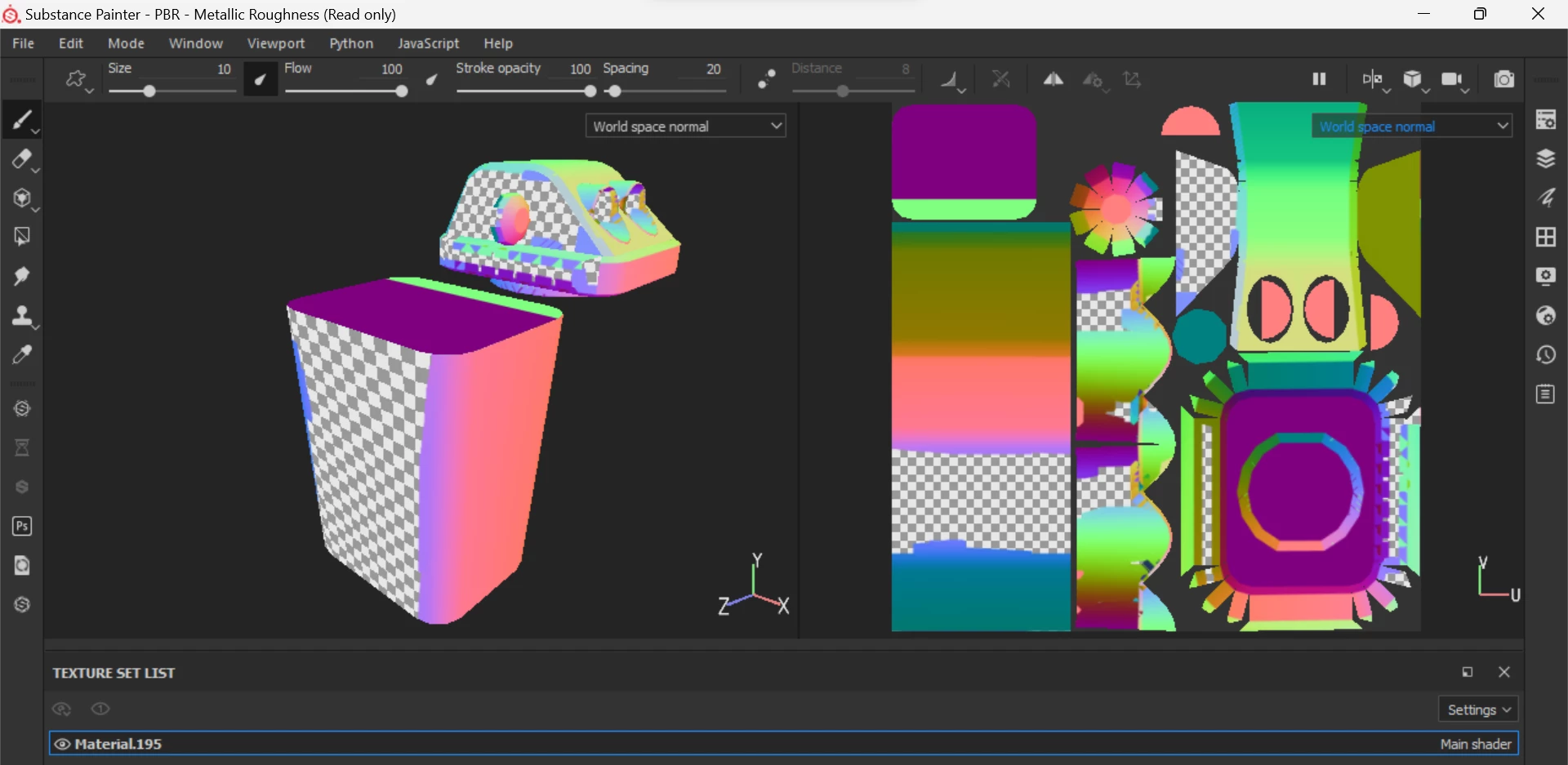
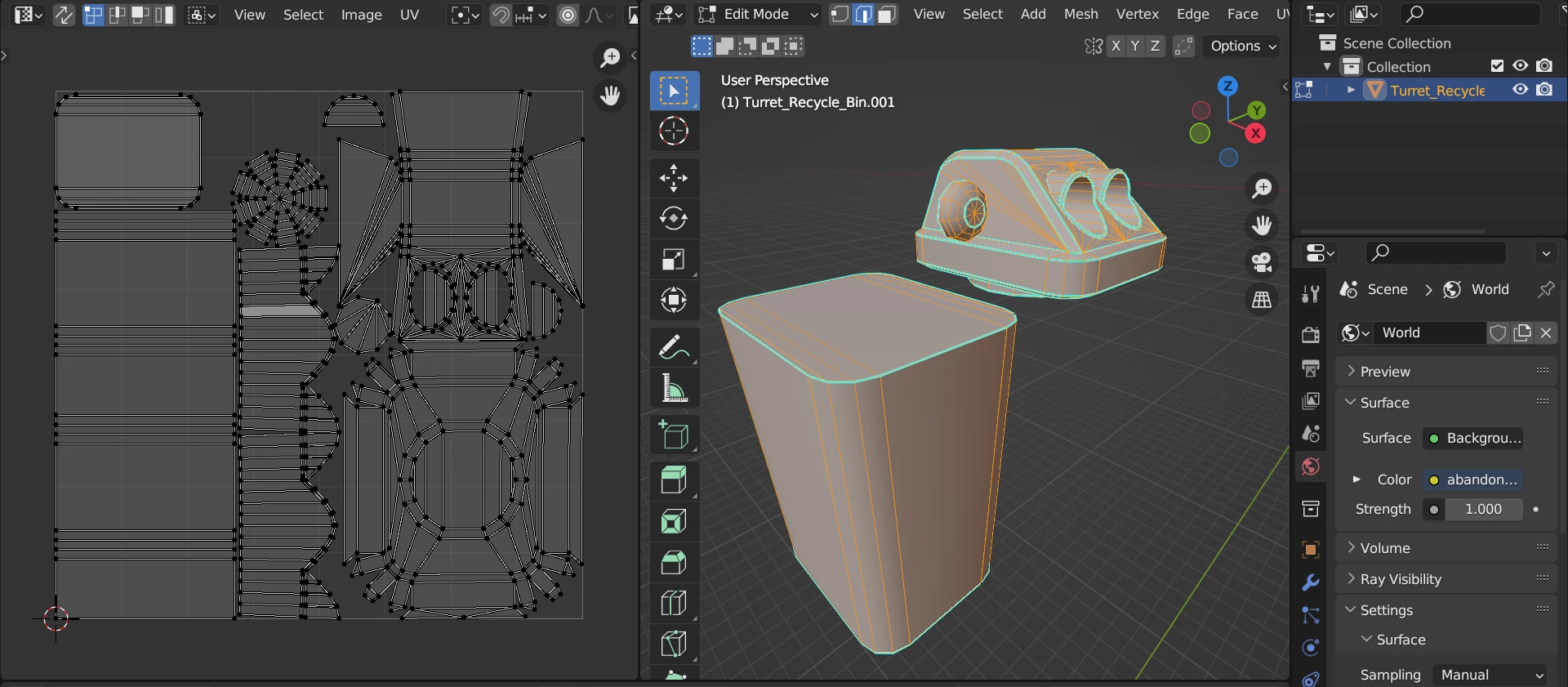
Im haveing this issue where parts of my baked maps have missing parts. (see screen shots bellow)
 

This topic has been closed for replies.
Correct answer Blind^.X

I found the issue. As strange as it is.

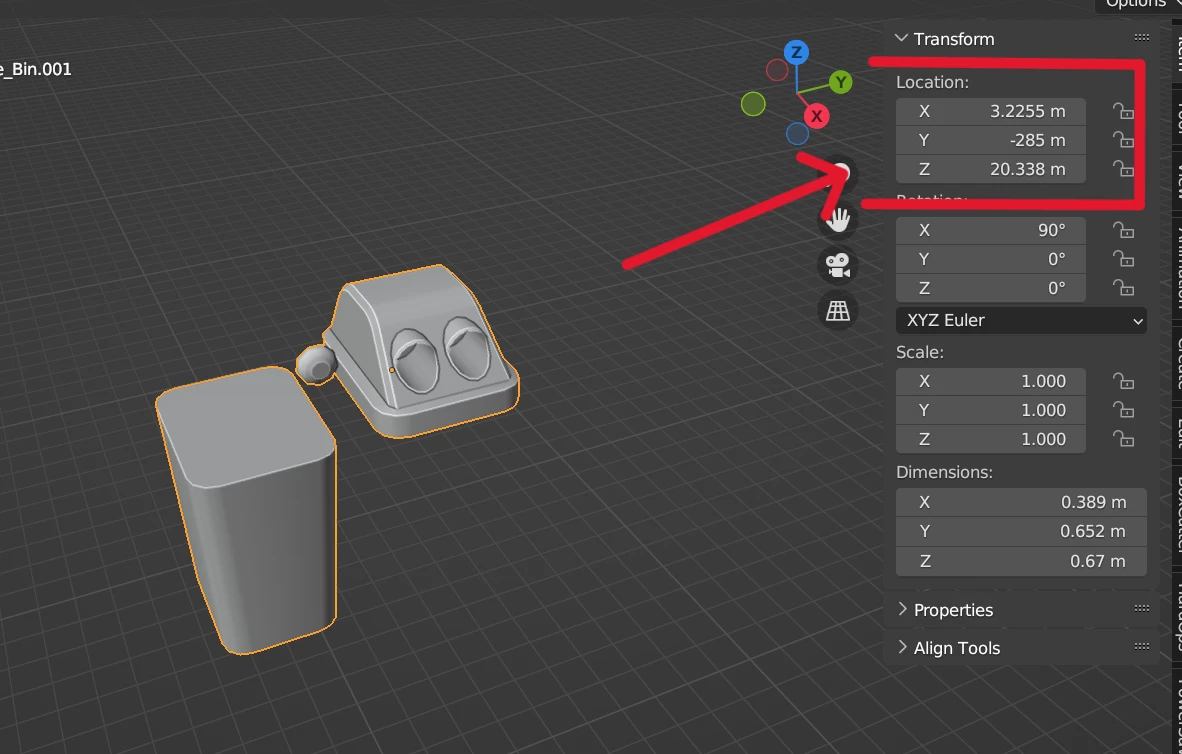
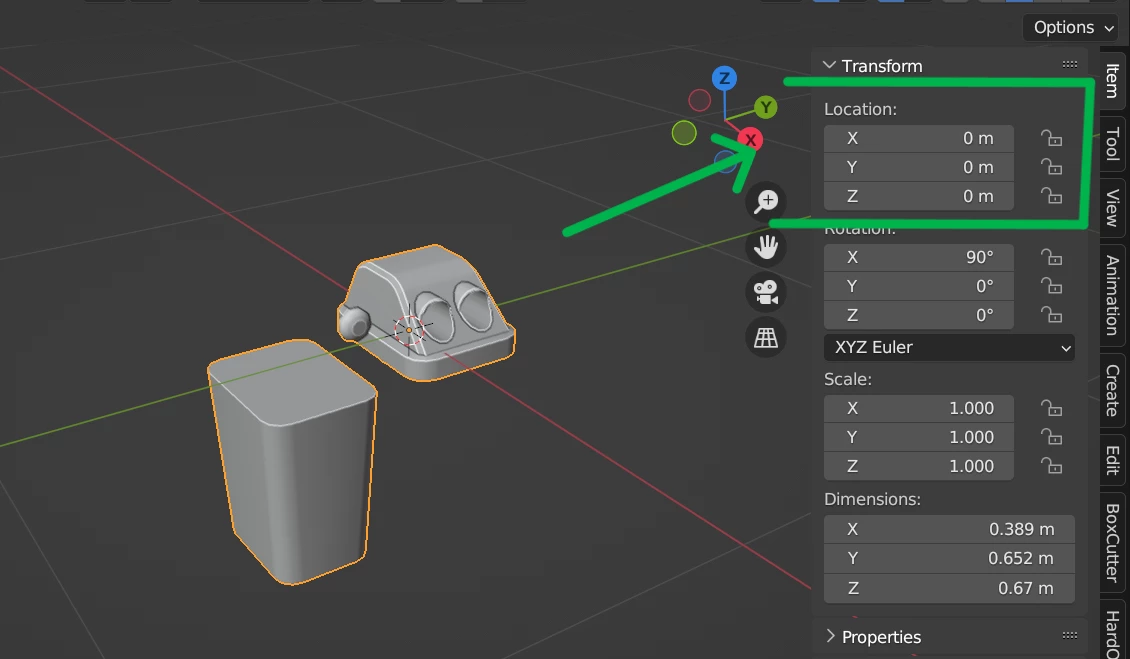
In blender the mesh itself was not center in the scene. it was off to the side by 10m. for some reasion this causes the bake to go wrong.


Intresting that substance cares about that.
3 replies

Blind^.XAuthorCorrect answer
Participant
February 29, 2024

I found the issue. As strange as it is.

In blender the mesh itself was not center in the scene. it was off to the side by 10m. for some reasion this causes the bake to go wrong.


Intresting that substance cares about that.
Cyril Dellenbach
Community Manager
Community Manager
March 1, 2024

It shouldn't but that's indeed interesting...


Thanks for letting me know.

Cyril Dellenbach (Micro) | QA Support Artist | Adobe
Cyril Dellenbach
Community Manager
Community Manager
February 28, 2024

Hello @Blind^.X,


Just to be clear, you're not using any High Poly model? If so, that's probably the issue. If not, can you send me the .SPP file at cdellenbach@adobe.com and a link to this thread? I'll investigate on my end.


Regards,

Cyril Dellenbach (Micro) | QA Support Artist | Adobe
Blind^.XAuthor
Participant
February 28, 2024

Its high poly only. i have never used high to low poly baking in past 5 years i have used substance. It has never caused me any issues until today.


I sent you an email with the file as requested.


Thank you for taking the time to check it out 🙂

Blind^.XAuthor
Participant
February 27, 2024

Forgot to add bake settings.