Exit
  • Global community
    • Language:
      • Deutsch
      • English
      • Español
      • Français
      • Português
  • 日本語コミュニティ
  • 한국 커뮤니티
0

Bring back the old thumbnails on layers

New Here ,
Sep 19, 2024 Sep 19, 2024

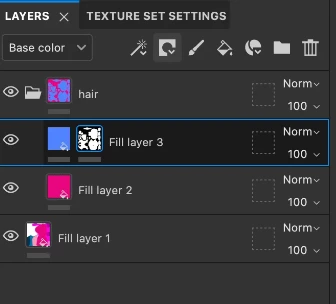
These new thumbnails (left pic) are pretty and all but it doesn't help the ease of workflow and the overview of the project. The old thumbnails (right pic) were much more easier to get an overview of and much more easier to copy a color if you needed to do so. now you cant really eyedrop a color from those thumbnails now. at least give us the option to switch between views so we can decide on which thumbnail previews to see. 
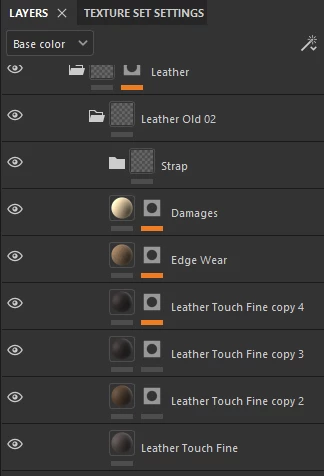
 

image.pngimage.png

TOPICS
Color Management , Discussion
587
Translate
Report
Community guidelines
Be kind and respectful, give credit to the original source of content, and search for duplicates before posting. Learn more
community guidelines

correct answers 1 Correct answer

New Here , Sep 19, 2024 Sep 19, 2024

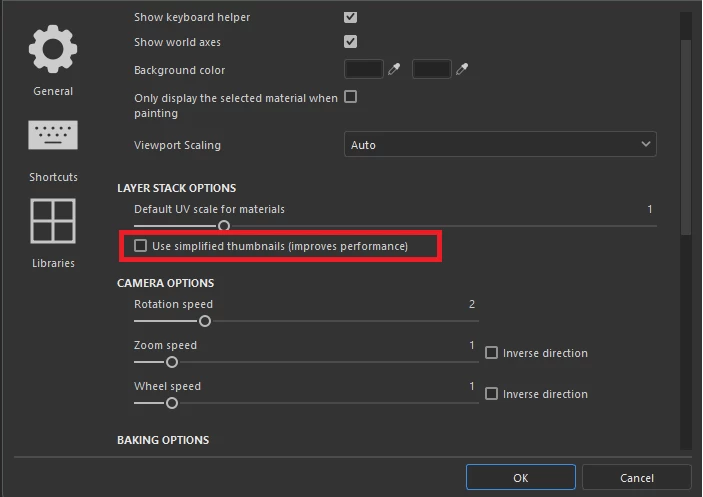
found the solution, the option is inverted. untick it if you want the old thumbnails back 

CSNSchneider_0-1726765717671.png


Translate
New Here ,
Sep 19, 2024 Sep 19, 2024
LATEST

found the solution, the option is inverted. untick it if you want the old thumbnails back 

CSNSchneider_0-1726765717671.png


Translate
Report
Community guidelines
Be kind and respectful, give credit to the original source of content, and search for duplicates before posting. Learn more
community guidelines