Answered
Curvature map baking incorrectly
Curvature map bakes wrong on every model. Normals, height etc. bakes properly. Problem exist in every release of SP.
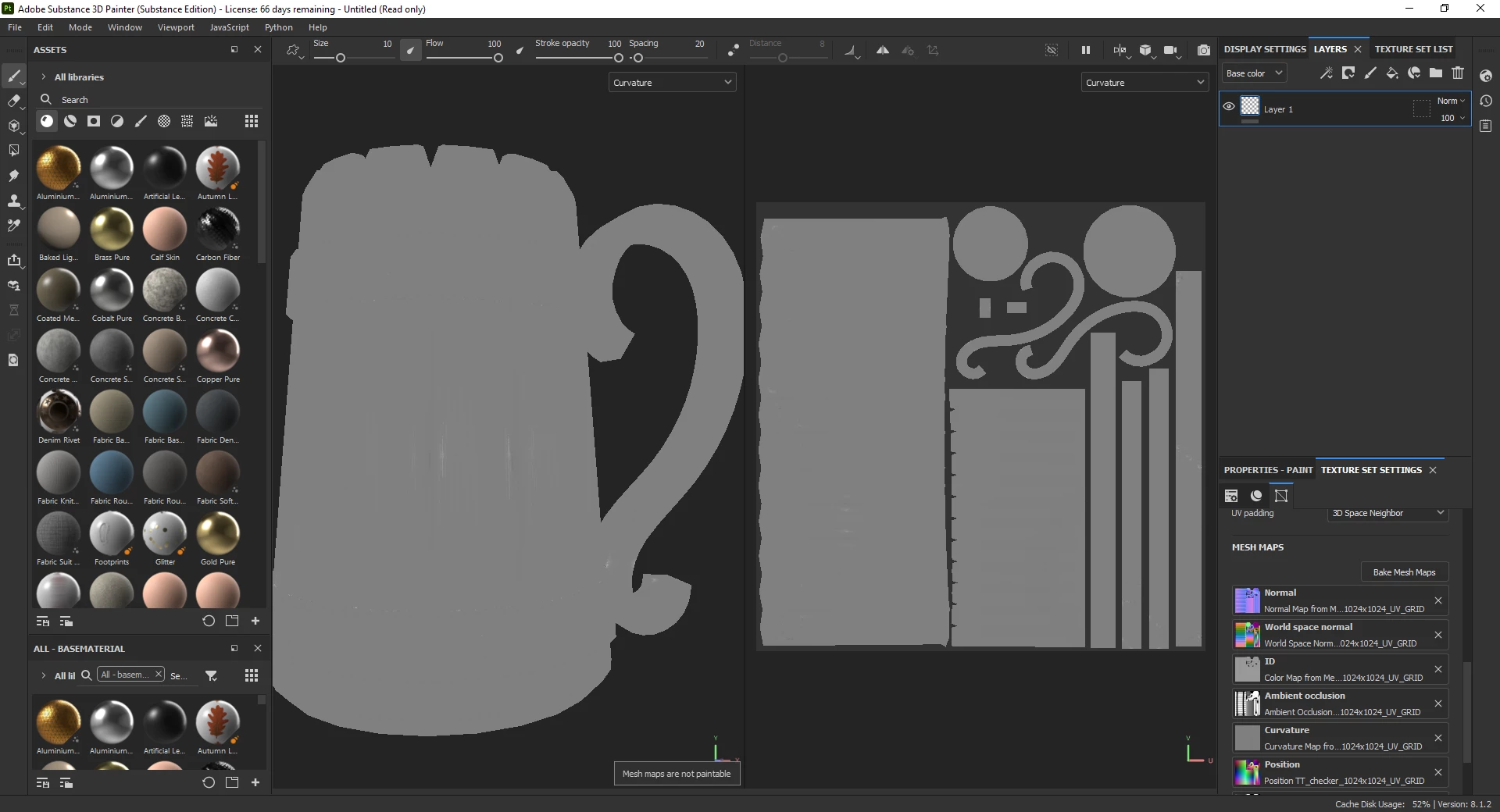
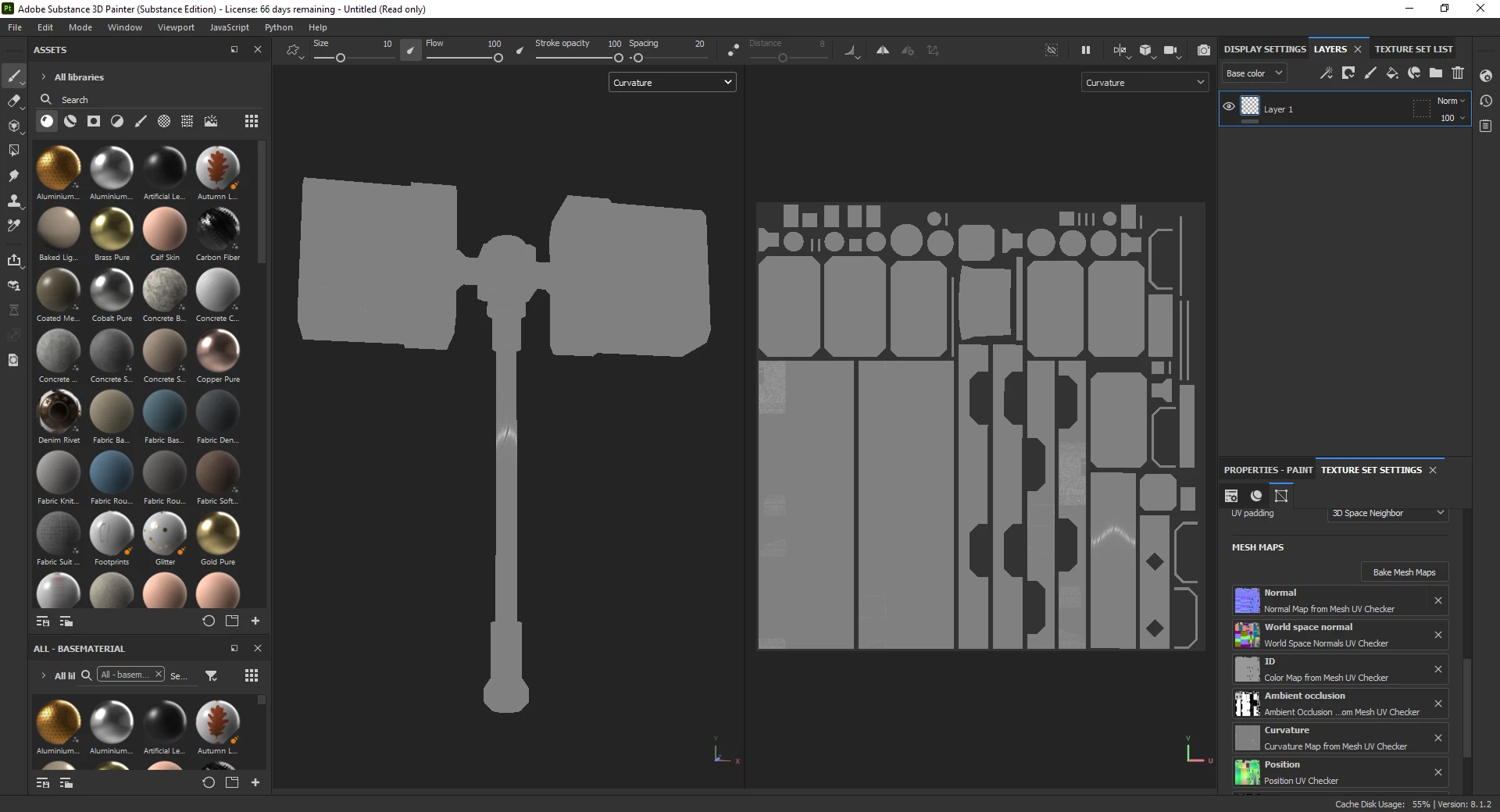

Curvature map bakes wrong on every model. Normals, height etc. bakes properly. Problem exist in every release of SP.
Hi,
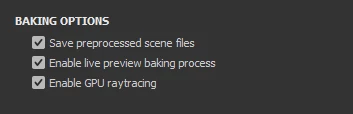
Have you tried disabling the GPU raytracing baking? In Edit>Settings...
Maybe this is an issue with AMD GPUs, this does happen. But this is weird since your drivers are up to date.
I suppose changing parameters in the curvate bake settings doesn't change anything?
Already have an account? Login
Enter your E-mail address. We'll send you an e-mail with instructions to reset your password.
 AdChoices