Participant
September 30, 2023
Answered

curvature map issue

  • September 30, 2023
  • 1 reply
  • 2189 views
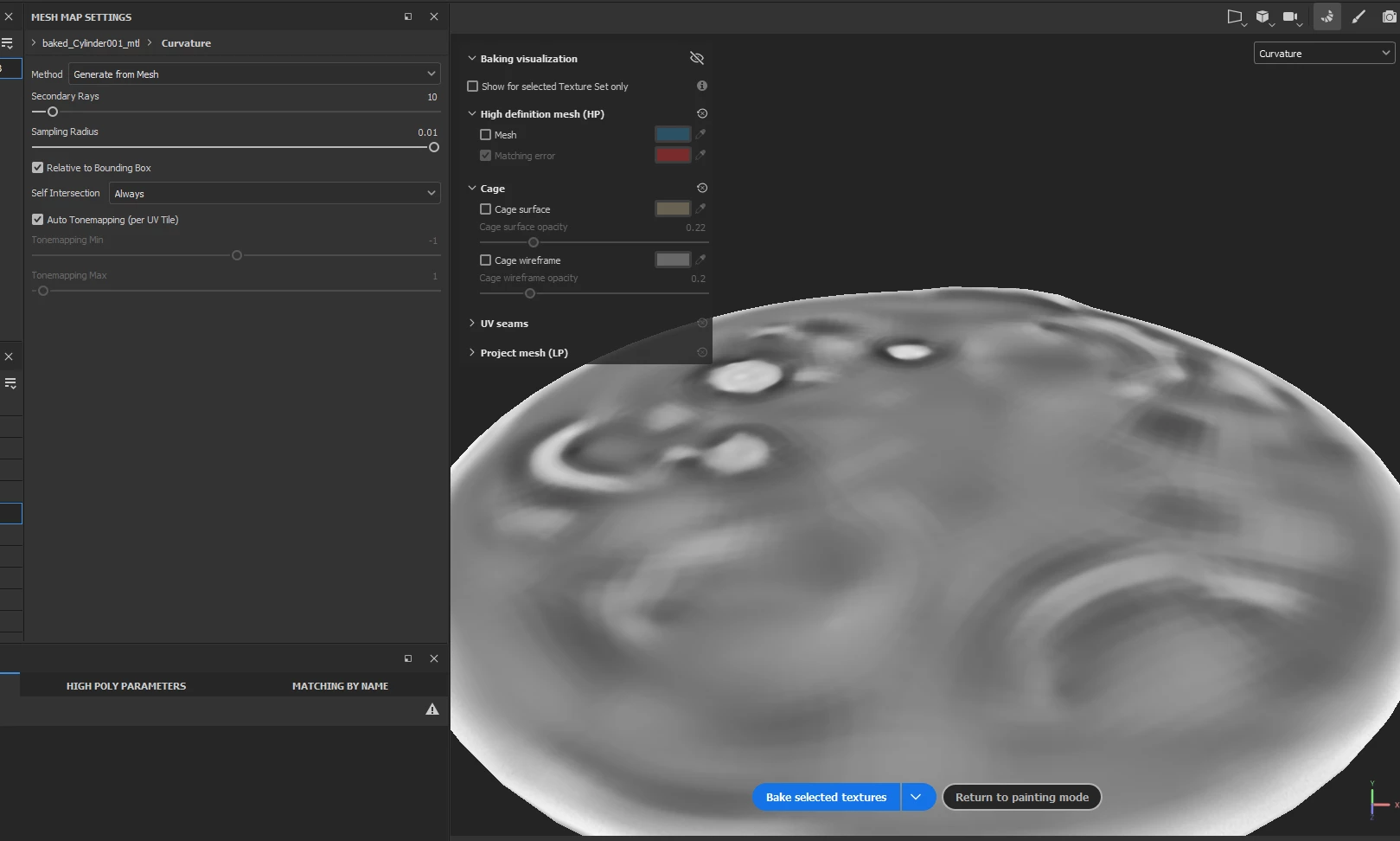
When baking a curvature map, artifacts appear
Something similar to polygons
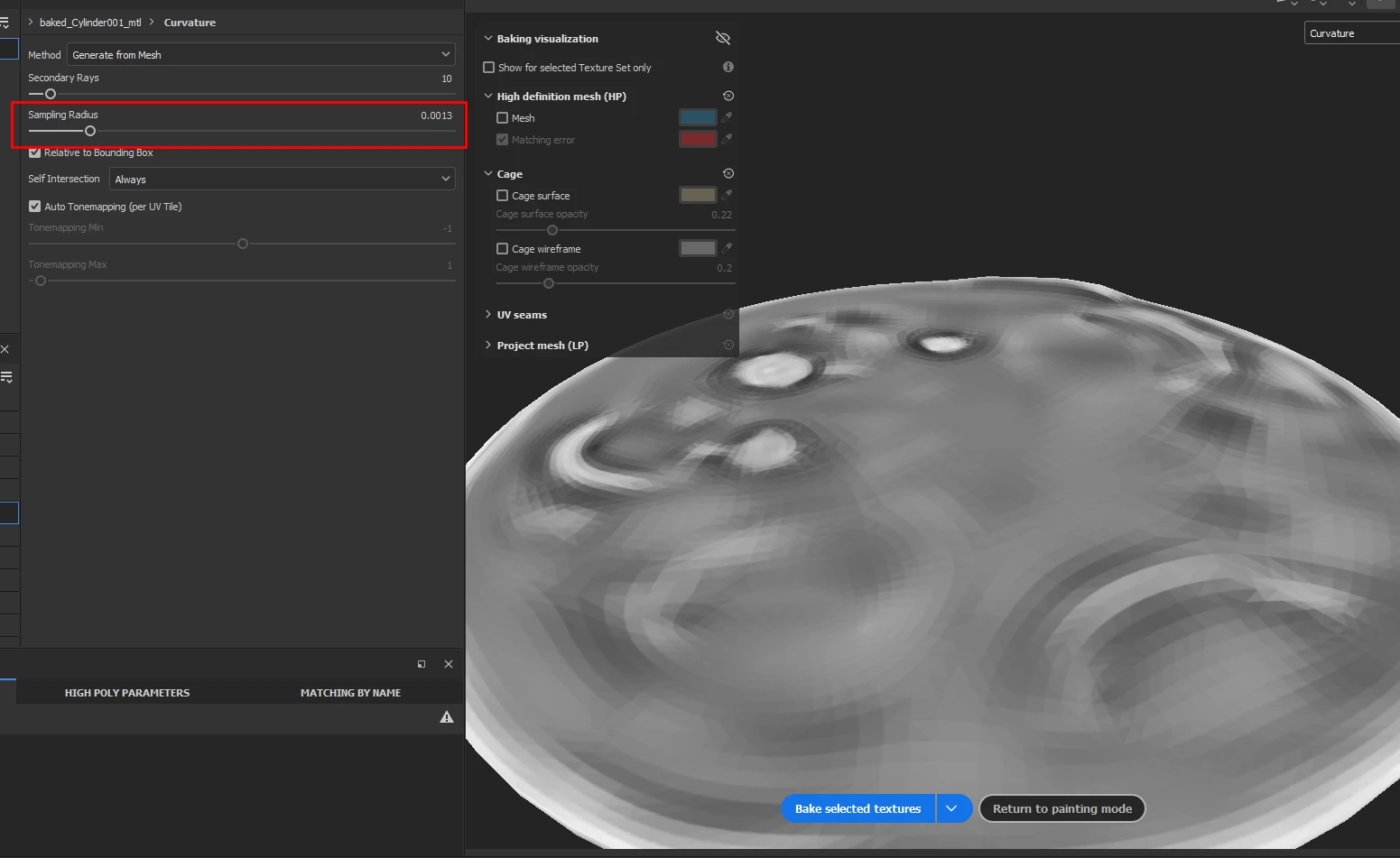
Sampling radius helps a bit but it's not enough
help me fix this please

 

Correct answer Vladislav Dushenin

Curvature map is sort of restricted to the resolution of your hi-poly mesh. You can either subdivide your hi-poly more, or you can just increase sampling radius beyond the limit of slider. Try turning off Relative to bounding box and increasing sampling radius to 2.

1 reply

Vladislav DusheninCorrect answer
Participant
October 1, 2023

Curvature map is sort of restricted to the resolution of your hi-poly mesh. You can either subdivide your hi-poly more, or you can just increase sampling radius beyond the limit of slider. Try turning off Relative to bounding box and increasing sampling radius to 2.

Ricardo CGI
Inspiring
April 16, 2024

Before the new baking session, I think the curvature map was generated through the normal maps. One way around is to change that. This generator based on mesh seems not to be reading the smoothing groups, it reads the raw face. Even if you have a smooth surface in your high mesh model it will look faceted.

Sempoo
Participant
May 8, 2025

I have encountered the same problem when setting smooth mesh in Blender - in Painter curvature map is still faceted [generated from mesh method]. This is not good, since this mesh map is commonly used in many Painter assets, and it can be visible.