Participant
June 3, 2023
Question

Curvature Map not Baking correctly

  • June 3, 2023
  • 1 reply
  • 363 views

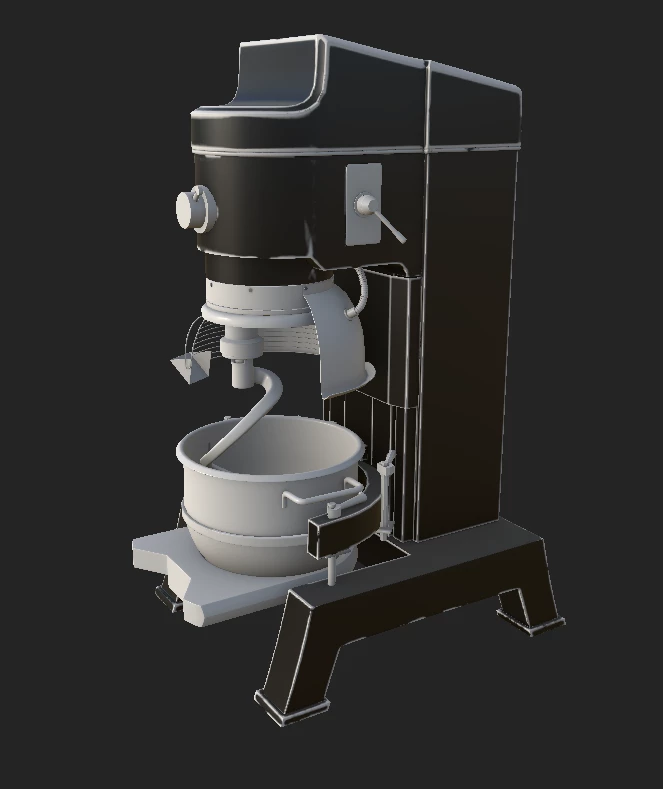
I am having an issue with my curvature map not detecting many of my edges. I have messed with all of the curvature bake settings, checked and unchecked GPU baking, and my UVs/ Mesh dont (to me) seem like they have any specific issue that would cause this. Many edges just seem to be completely unbaked or recognized, and some are spotty and die out. Any help discerning what could cause this would be extremely appreciated.
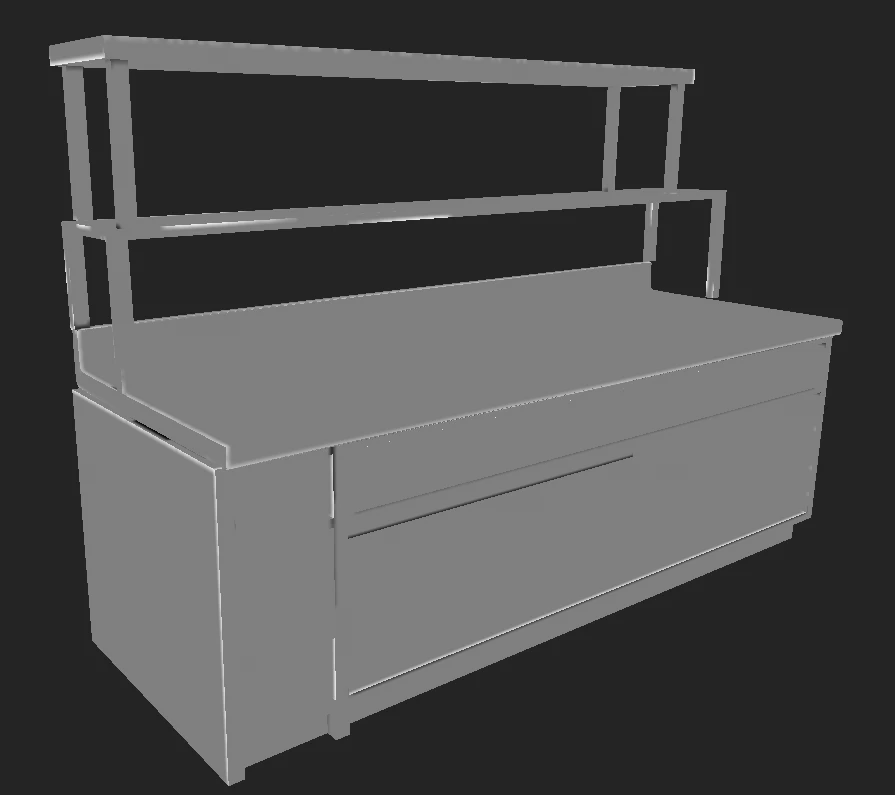
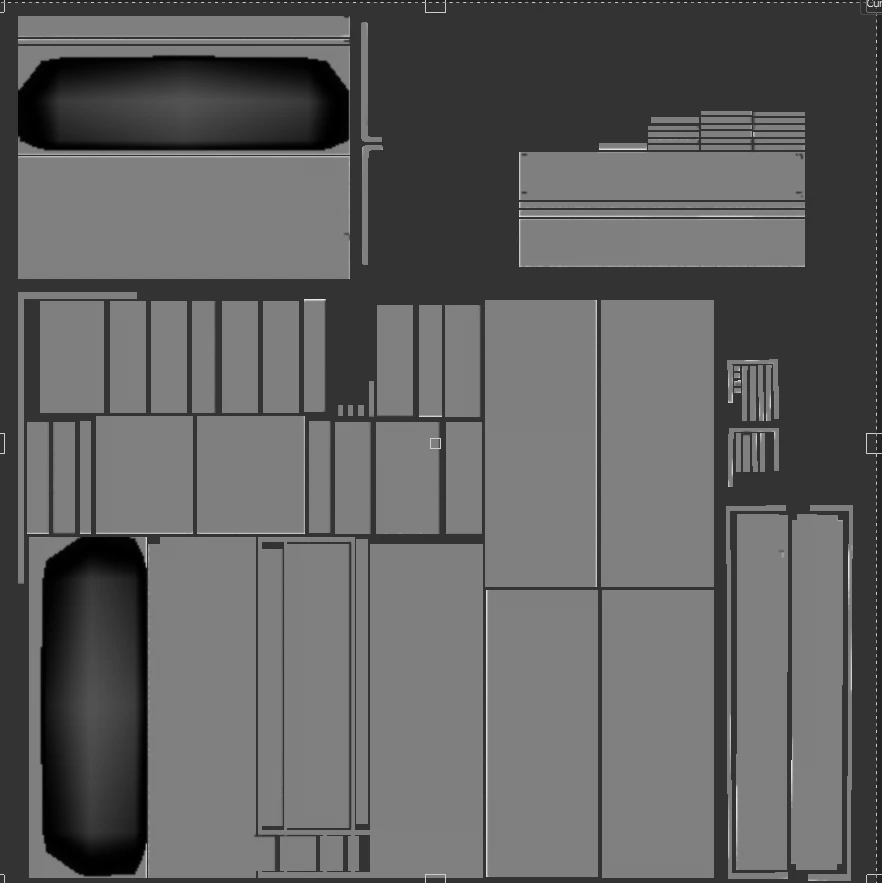
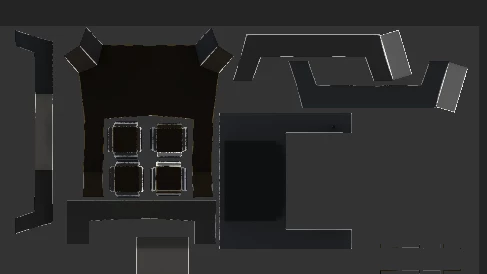
Here are some examples of my models and UV's within substance with the curvature map view. 
 

This topic has been closed for replies.

1 reply

Cyril Dellenbach
Community Manager
Community Manager
June 5, 2023

Hello @Andrew23915566zjq5,


Thanks for the message.


The sampling radius setting should change how the geometry is taken into account, therefore this is probably the only parameter you'll have to change.  


With that being said, I can see from the screenshots that some of the UV islands are really small and some are really packed.


This could be the reason of the issue. Small UVs don't have enough pixel definition to apply the bake properly. 


I'd advise you to change the UVs a little bit and if this doesn't help with the problem, would you mind sending me the assets so I can take a deeper look?

Let me know.


Cyril Dellenbach (Micro) | QA Support Artist | Adobe