
Participant
July 31, 2023
Question

How do I export texture with transparent background.

  • July 31, 2023
  • 1 reply
  • 701 views

Hi, how do I export this texture to only have the "X" but not texture the rest of the model (basic blender white) as well? On the roblox game engine, they have their own textures, but I only want the X to be on the texture, not the default white background its on.
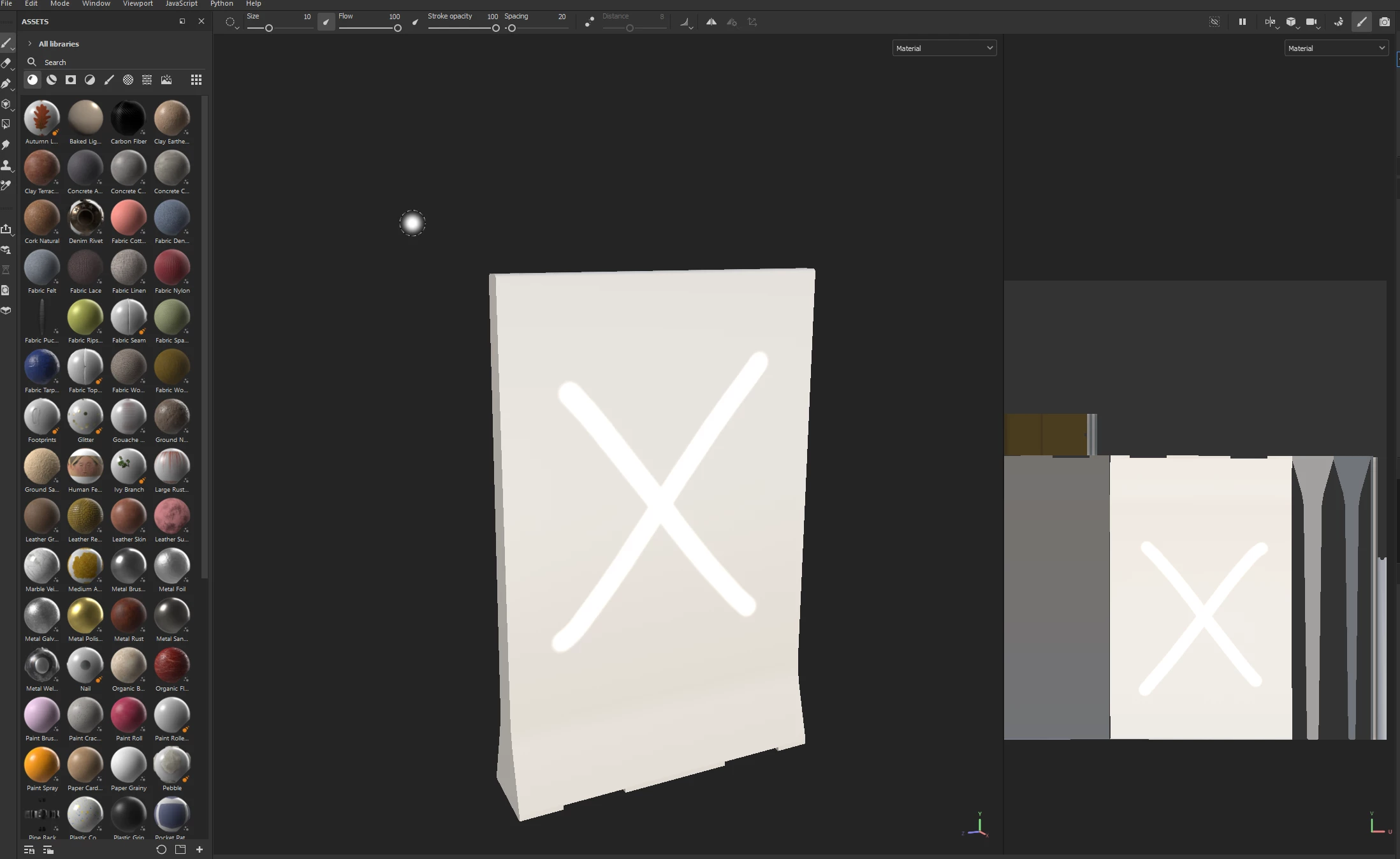
The barricade on the right is using the roblox texture, when I apply the texture from substance with the "X" it makes it white some reason, when I only wanted the "X".
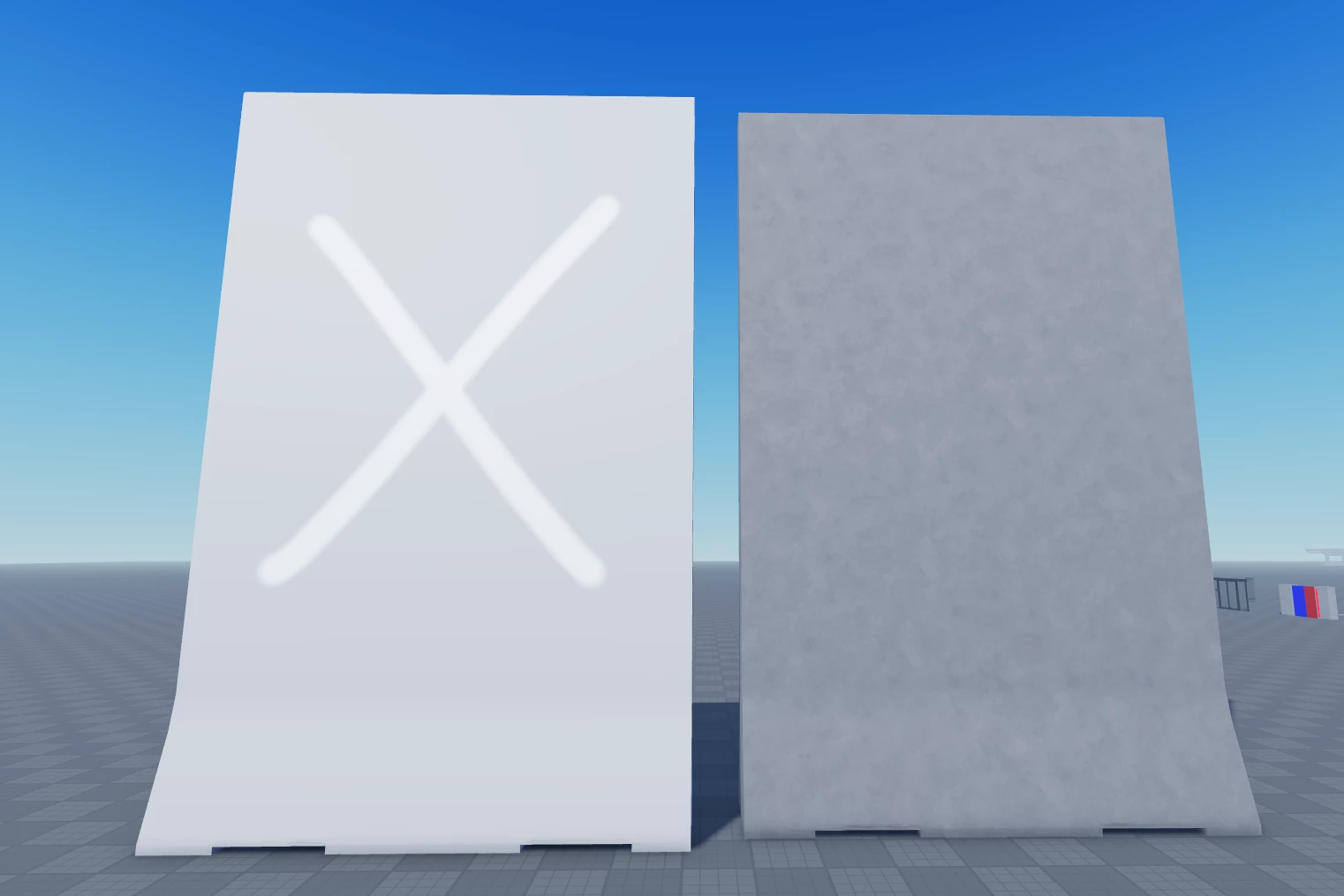
Sorry if this is confusing! Beginner here haha, thank you for reading.

This topic has been closed for replies.

1 reply

Cyril Dellenbach
Community Manager
Community Manager
July 31, 2023

Hi @Lutfi31393331bl3n,


You are in fact describing something frequently used in 3D environment : a Decal

To make it simple, a Decal is like a sticker. You can snap it on any 3D surface, and it will be applied on top of the already existing texture.


The most important thing when creating a Decal is the Opacity map. This is what will tell which parts are visible and which aren't. The black parts won't be visible, and the white parts will be. For your example, it should look like this:


To be honest, I don't know anything about Roblox, so I'm unsure how to set up Decals in Roblox's engine, but I can see there's a documentation with a dedicated page to Decals. This is where I'd start.


Best regards,


Cyril Dellenbach (Micro) | QA Support Artist | Adobe