
Participant
June 7, 2024
Answered

How do I get the best quality of this texture in substance painter?

  • June 7, 2024
  • 1 reply
  • 685 views

In World Creator, I add an sbsar file as a texture, and this is the quality I can see:
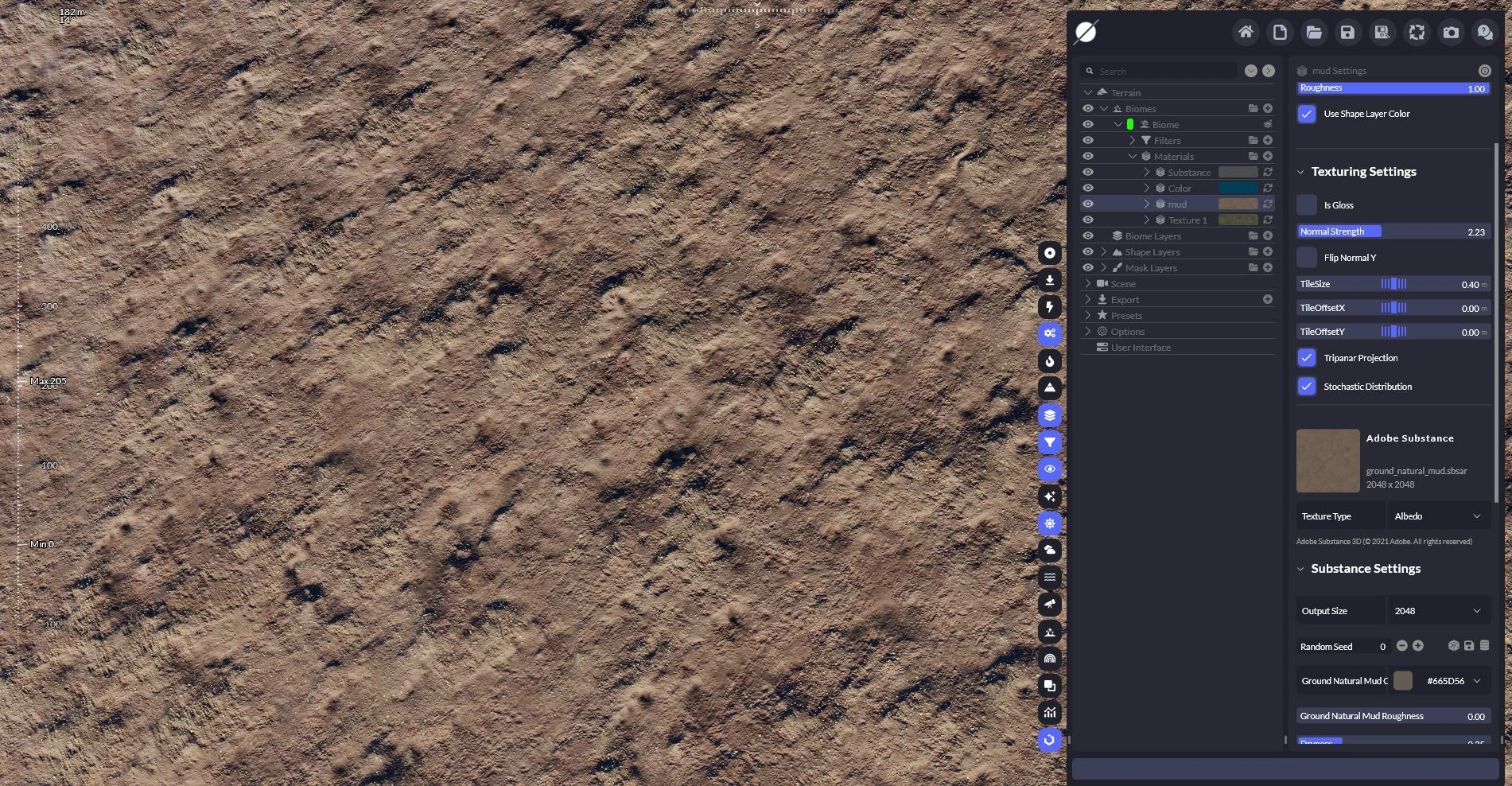
So I had a problem exporting this texture out of this software, and I went to Substance Painter and loaded my model, but I couldn't achieve the previous quality no matter how small I made the tile:
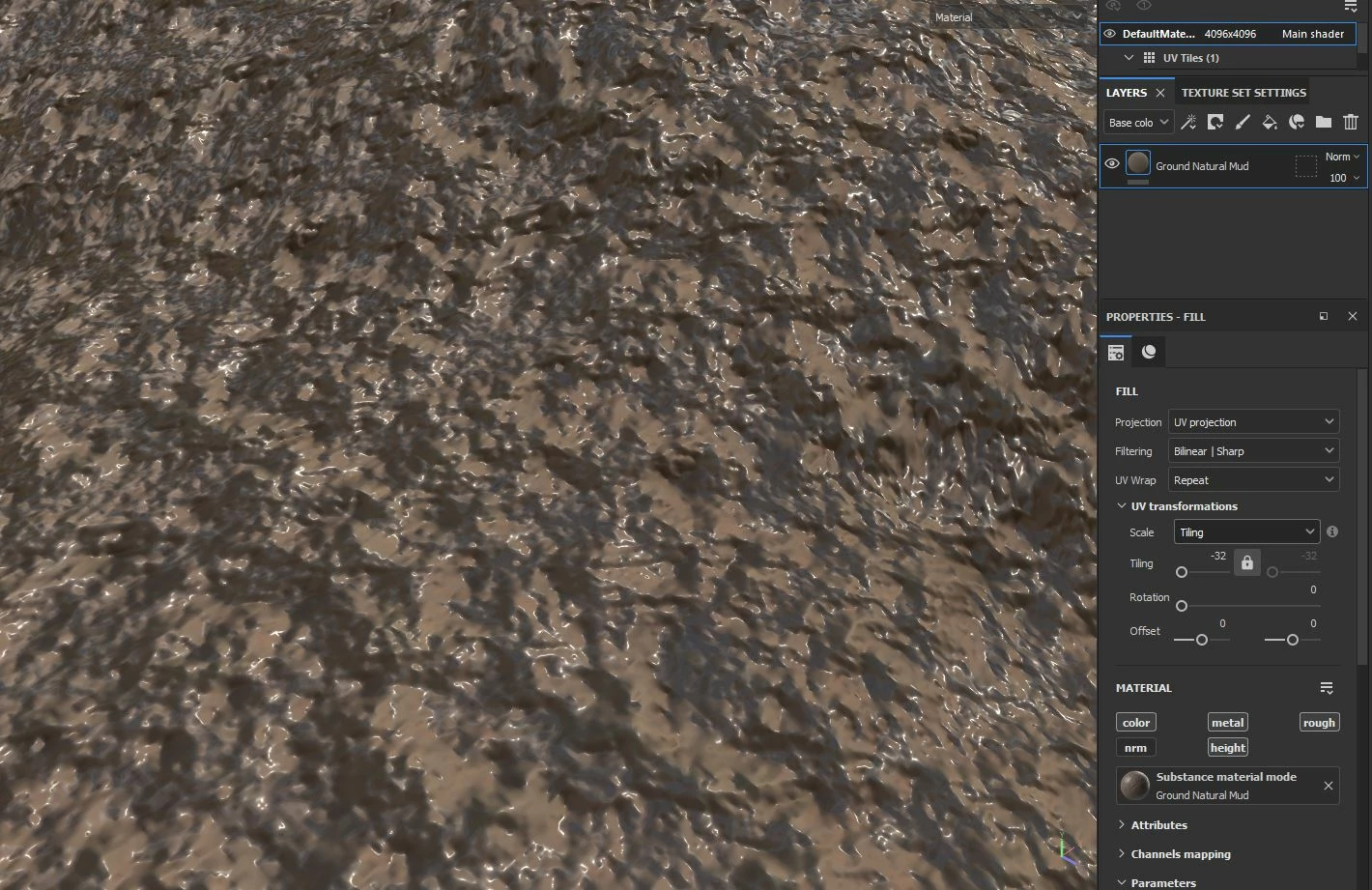
How do I get the best quality of this texture in substance painter?

 
This topic has been closed for replies.
Correct answer dasd37912579eg0u

It seems all I needed to do was increase the scale of my UV in Blender and export the model to Substance Painter, and then it worked.

1 reply

Cyril Dellenbach
Community Manager
Community Manager
June 10, 2024

Hi @dasd37912579eg0u,


Thank you for the message.


First of all, the Height intensity seems pretty high. Can you try to reduce its level?


In addition, the quality of the textures are heavily relying on the mesh's UVs, so I usually advise to check UVs.


Keep me posted.

Cyril Dellenbach (Micro) | QA Support Artist | Adobe
Participant
June 10, 2024

You are right. In blender, I'd created 3 udims for this terrain, and I was thinking that it was big enough to add textures to it, but apparently it was not big enough. I think it has to do with texal density. What tool is there that can automatically create the correct texel density for me? I wonder how the world creator was able to display such quality for me.

dasd37912579eg0uAuthorCorrect answer
Participant
June 10, 2024

It seems all I needed to do was increase the scale of my UV in Blender and export the model to Substance Painter, and then it worked.