Participant
September 1, 2023
Question

I'm New - Model not coming out right in substance painter? Any help would be apriciated.

  • September 1, 2023
  • 4 replies
  • 1261 views

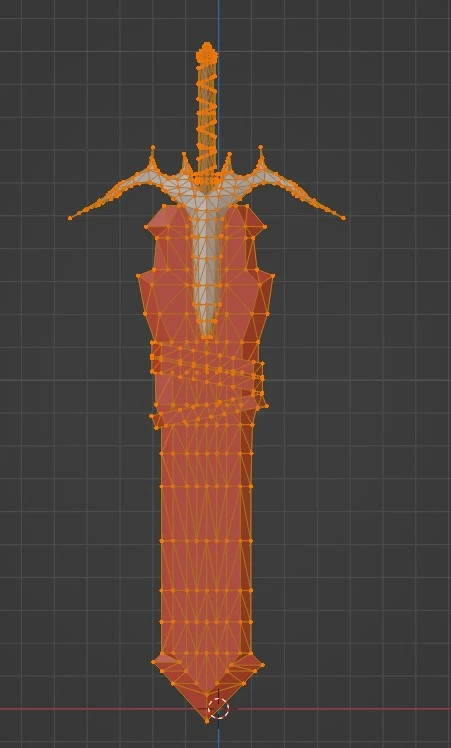
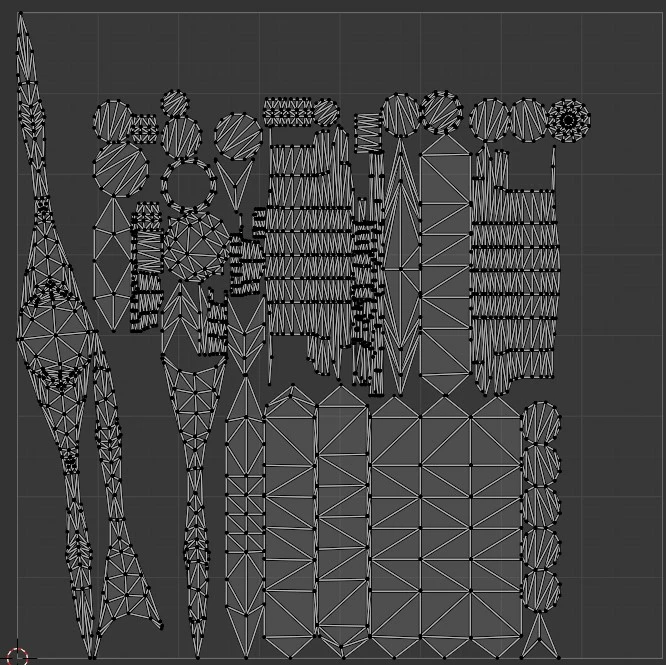
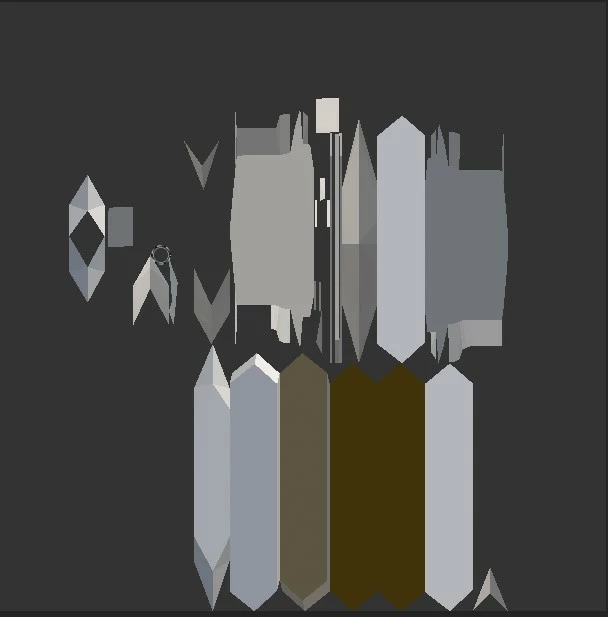
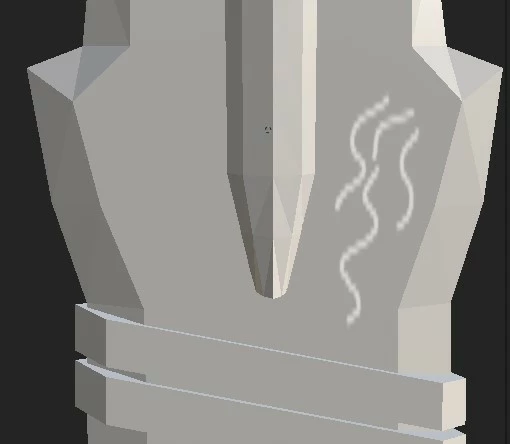
Hello ill post some pics of my project, i recentlly just purchased substance painter and im having some issues with importing and painting, the paint being applyed is coming out all jagged and dosent look right, is there something i can do? here are some pics of my project.
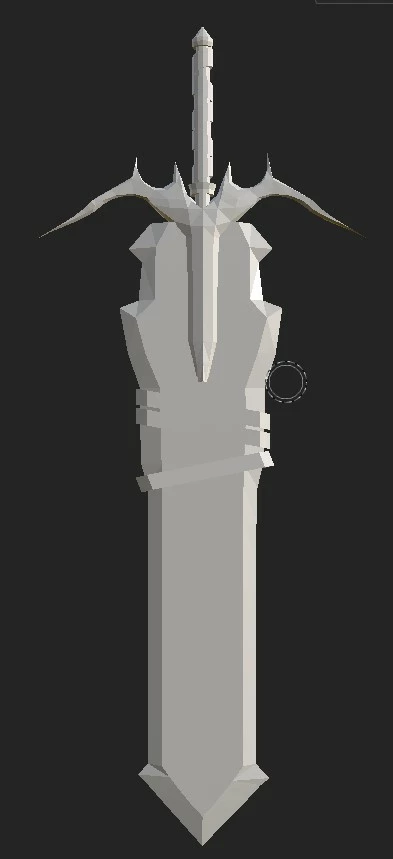
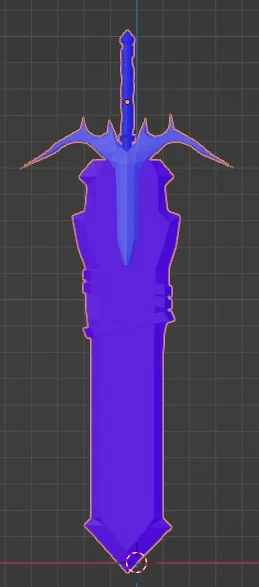


P.S My Model also comes out nice in UE5 no issues.

This topic has been closed for replies.

4 replies

Participant
September 2, 2023

Not sure if anyone actually uses these forums, also not sure if these jagged lines around my model in substance painter only is normal, or if there is a fix?


Cyril Dellenbach
Community Manager
Community Manager
September 4, 2023

Hello Mark,


First of all, the jagged lines at the edges of the 3D model are simply Aliasing due to the Real Time engine from Substance 3D Painter. They don't affect the textures, therefore won't have any impact in Unreal Engine or any rendering software.

With that being said, you can reduce the effect in Display Settings > Camera > Temporal Anti-Aliasing.


For the jagged lines when painting, those were due to the UVs. UVs are a 2D reprensentation of the 3D Model, so if the UV islands don't keep a certain consistency with the 3D model (proportions, size, etc.), stretching or artifacts may appear in the textures.


Therefore, I advise you too add margin between your islands, make sure they take as much space as they can in their map, and keep consistency between the 3D and 2D.


Best regards,


Cyril Dellenbach (Micro) | QA Support Artist | Adobe
Participant
September 1, 2023

I found one fix, by unwrapping lightmap pack, not sure if this is ok to do.

Im actually redoing the hilt of my sword after looking at it a bit, so if anyone can reccomend anything for me to do on the export and import process Blender->Substance would be great.


Participant
September 1, 2023

Fixs ive tried;

-Importing at all resolutions

-Baking maps in substance painter(Makes my model come out even more jagged)

-Redoing UV and unwrap in blender


Not sure if this could be a readon for this happening or not, but in blender ive set scale and rescaled my model for UE5 so its scaled down to 0.01 for unreal, wich is really tiny compared to a normal mesh in blender.

Participant
September 1, 2023

Captions didnt add on post, Picture 1:Substance3d Model 2:Blender Normals 3:Blender Wireframe 4:Blender UV maps 5:Substance3D UV Map 6:Jagged paint lines substance 3d model