Participant
October 6, 2023
Answered

Issues baking soft edges on cylindrical shapes

  • October 6, 2023
  • 2 replies
  • 839 views

Hi,


I'm working on a school project for which we've been provided a high and low poly mesh (maya file) and are supposed to bake the high onto the low poly using substance painter.


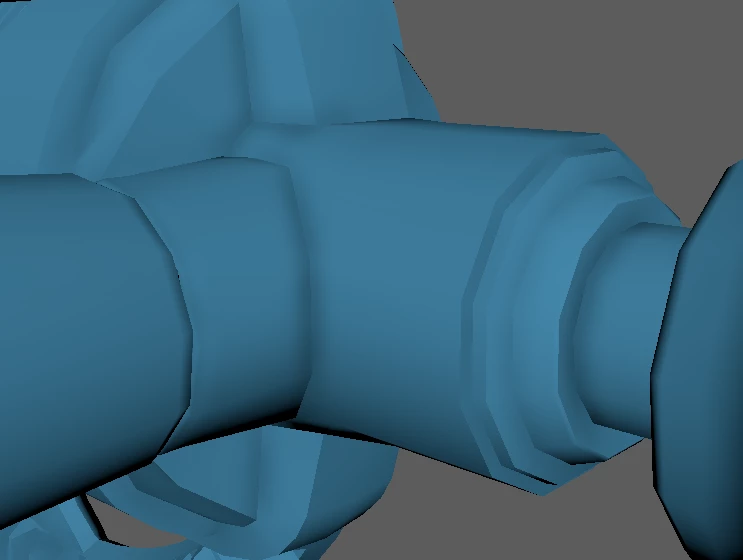
I applied hard and soft edges and while some bake just fine, a bunch of cylindrical shapes completely ignore the soft edges and bake hard edges instead. 

Below the mesh with only a baked normal map in substance painter and the same mesh in maya.
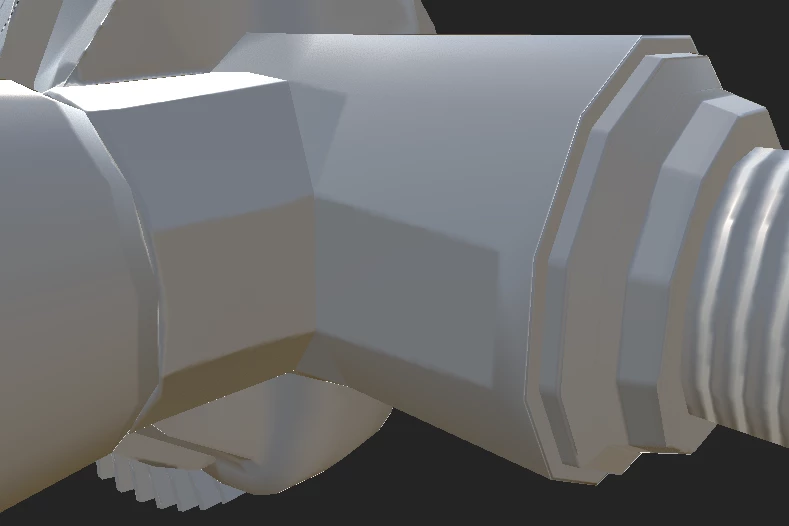


I have tried several things, but to no avail. Baking this mesh without projecting the high poly onto it doesn't cause any issues, only when baking the high poly does this arrise. I have tried baking with both the regular mesh and a triangulated version, both with the same result. I have also tried using .Obj instead of .FBX but once again with no results.


This topic has been closed for replies.
Correct answer Cyril Dellenbach

Hi,


I've received your message.


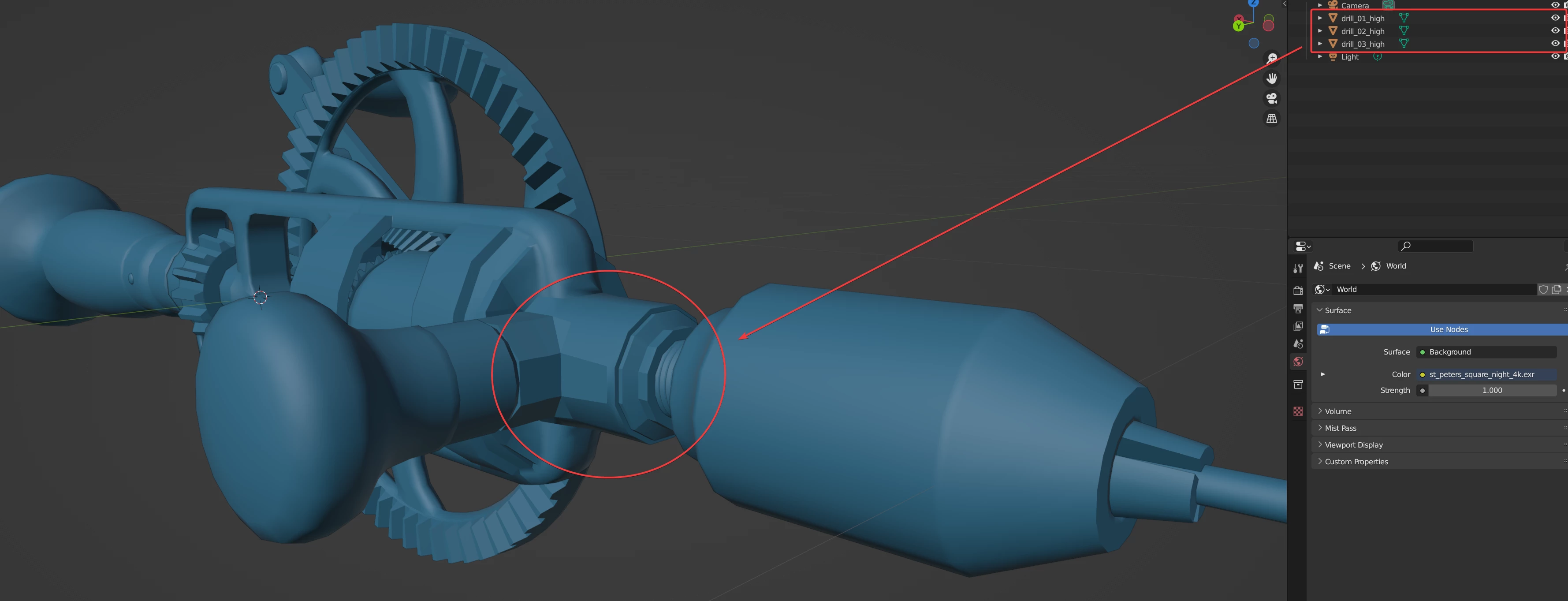
As you can see, the High Poly object already has these unsmoothed faces.


Therefore, as a 3D baking is the act of transposing info from a High Poly model to a Low poly model, these hard edges are the normal behavior.


I don't know if you're supposed to modify the models, but if not I'd say the baking worked properly.


Best regards,


2 replies

Cyril Dellenbach
Community Manager
Cyril DellenbachCommunity ManagerCorrect answer
Community Manager
October 9, 2023

Hi,


I've received your message.


As you can see, the High Poly object already has these unsmoothed faces.


Therefore, as a 3D baking is the act of transposing info from a High Poly model to a Low poly model, these hard edges are the normal behavior.


I don't know if you're supposed to modify the models, but if not I'd say the baking worked properly.


Best regards,


Cyril Dellenbach (Micro) | QA Support Artist | Adobe
SMN-PAuthor
Participant
October 10, 2023

@Cyril Dellenbach 

For some reason these edges did not show up as hard edges in maya, so I had no idea those were there. 

I was able to smooth them out and get the result I wanted. Thank you very much for your help!

Cyril Dellenbach
Community Manager
Community Manager
October 6, 2023

Hello Seliene,


Thanks for the message.


Can I have a look at the High and Low meshes? You can send them to me at cdellenbach@adobe.com


Best regards,


Cyril Dellenbach (Micro) | QA Support Artist | Adobe