
Question
Issues with Baking Low and High Poly Mesh Maps (grey overlapping areas)
I'm having issues where I bake the low and high poly mesh maps and some objects appear grey or overlapping. The bottom object is projected onto the object above it (the vest is projected onto the shirt collar).
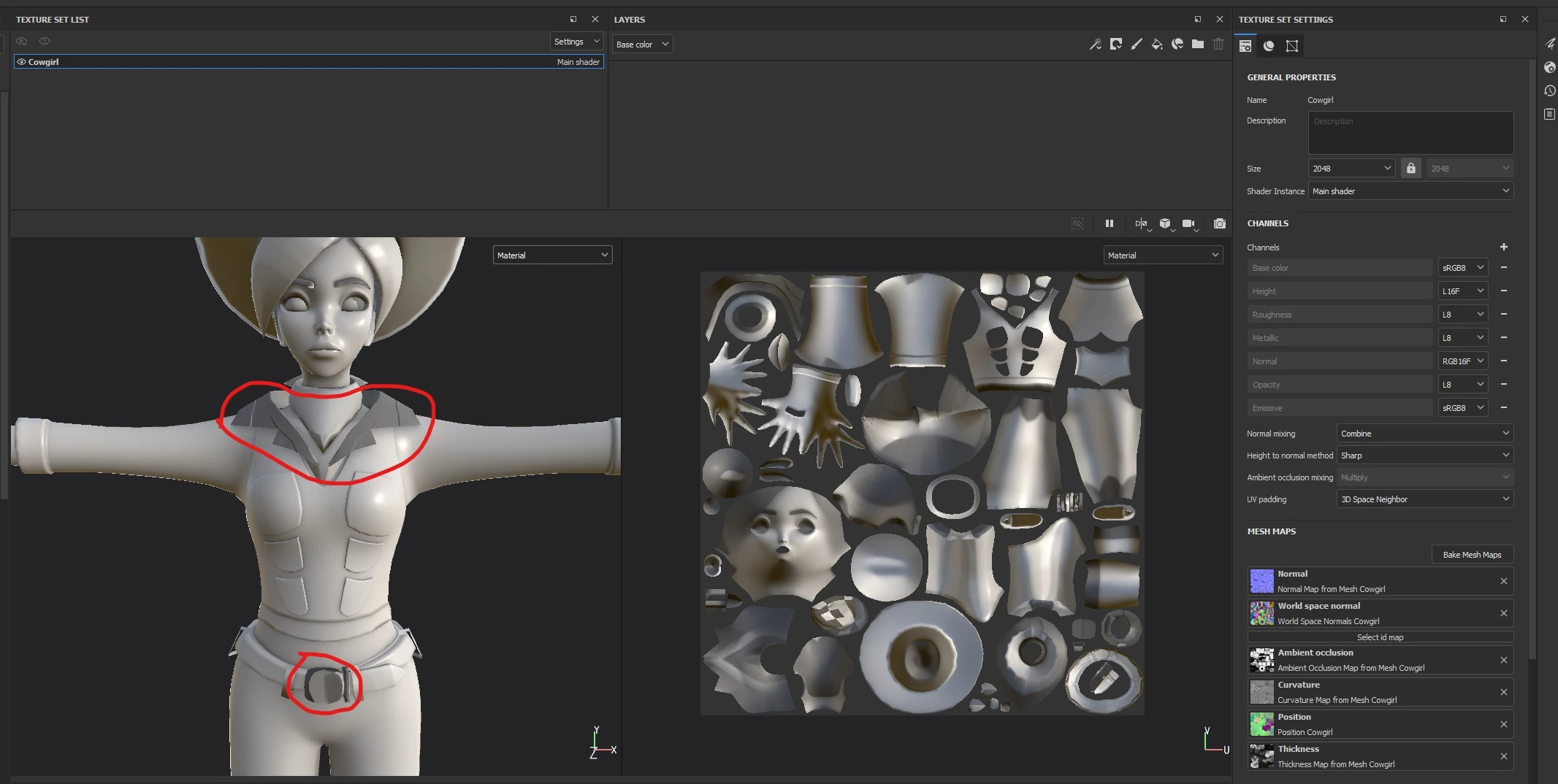
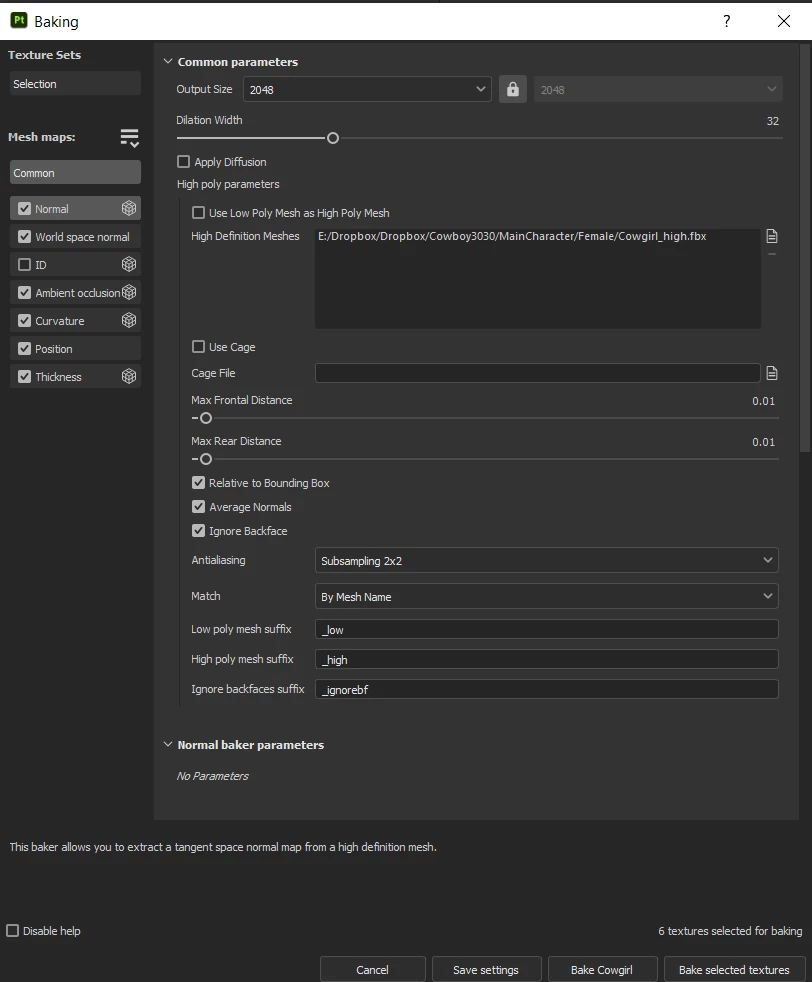
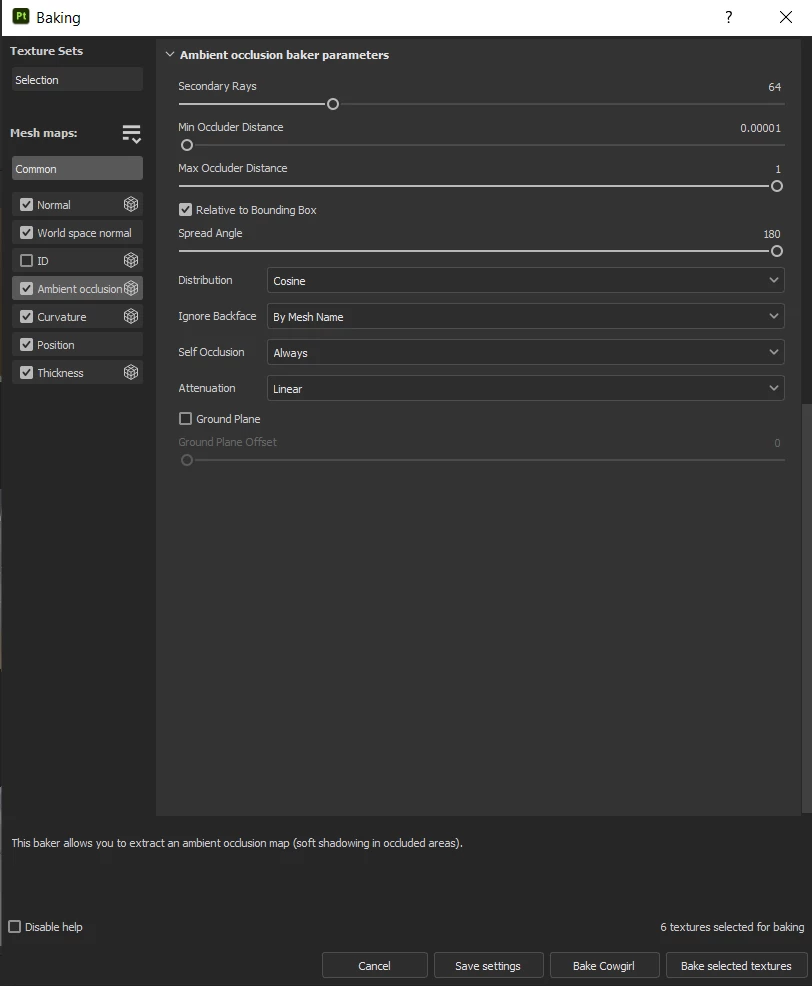
I set the matching to "By Mesh Name" and made sure that all the meshes were named properly in Blender before bringing to Painter.
I set the Max Frontal and Rear Distance to 0.01. I tried tweaking the value lower to 0.005, but then the grey areas started to appear in other areas of the body. I'm wondering if I need to make a cage for it to bake properly in Painter.
Some guidance and help would be greatly appreciated!
 AdChoices