macOS Big Sur: "your assets" is empty after importing textures to "library 'your assets'".
Hi,
I've imported a bunch of textures via "File / Import Resources...". I set the resource type to "texture" and the "Import resources to:" setting to "library 'your assets'".
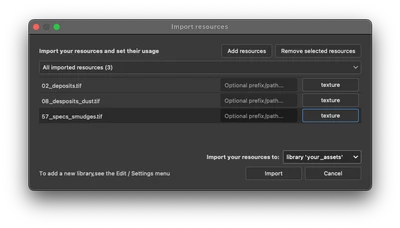
Afterwards, when I enable the "textures" filter in the asset browser and go to "your assets", the textures are there and everything is fine.
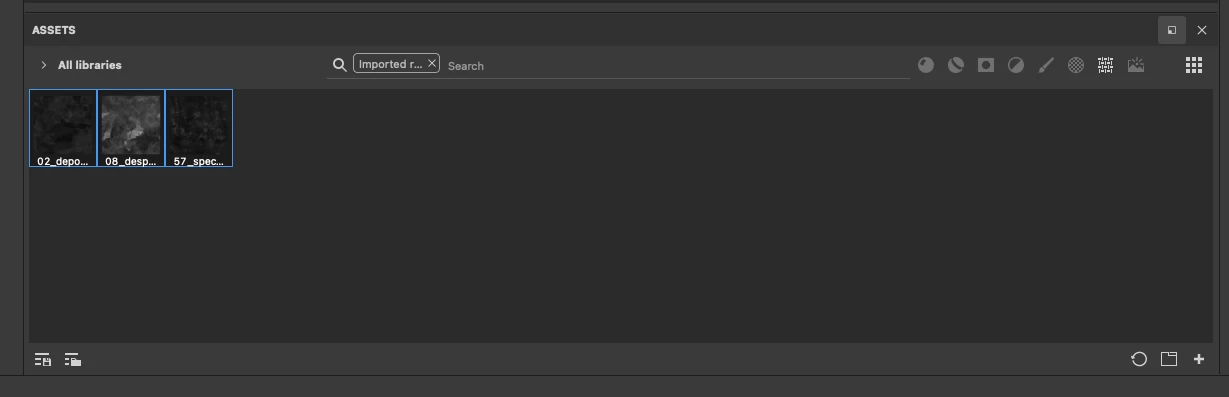
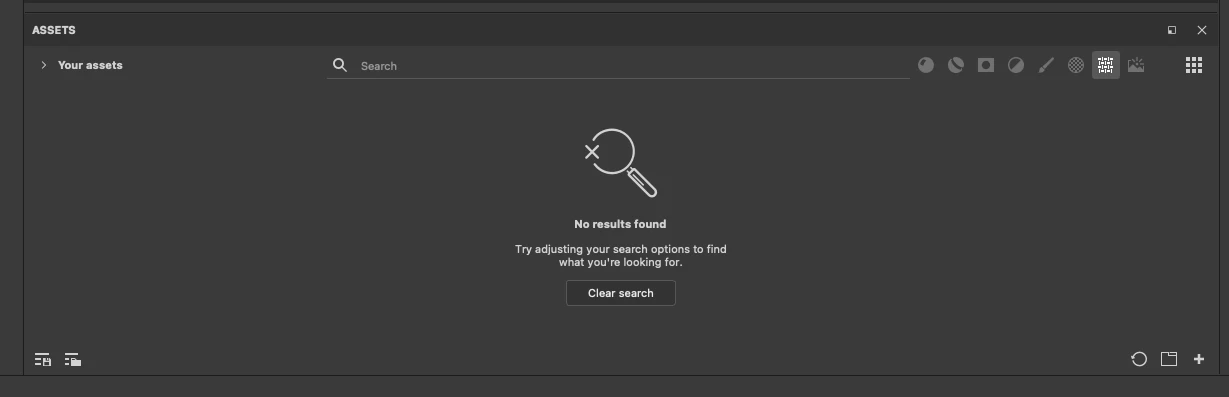
However, when I restart Substance Painter the textures have disappeared. I.e. when I enable the "textures" filter in the asset browser and go to "your assets", the textures are gone.
When I open the path "/Users/myusername/Documents/Adobe/Adobe Substance 3D Painter/assets/textures, the textures are there:
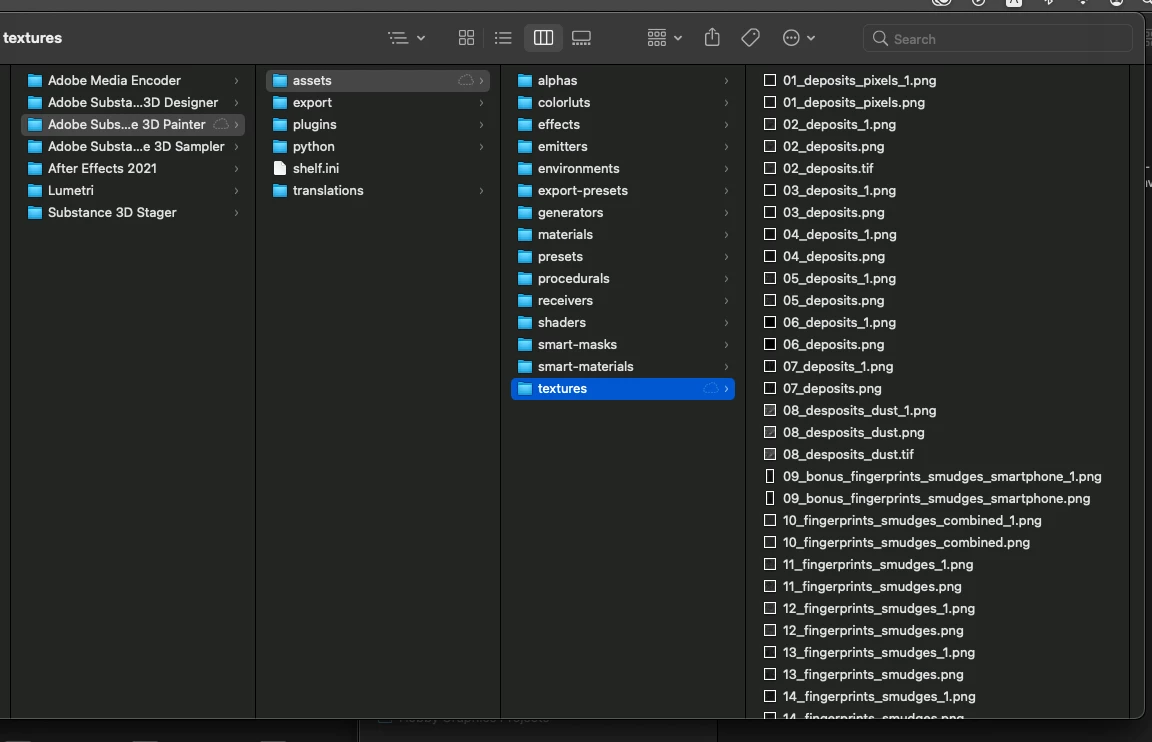
So, it seems like Substance Painter can't access the textures, maybe due to macOS preventing it from doing so.
I'm on macOS Big Sur 11.5.2 using Substance Painter 7.2.2 on an M1 Mac mini.
 AdChoices