Participant
April 12, 2023
Question

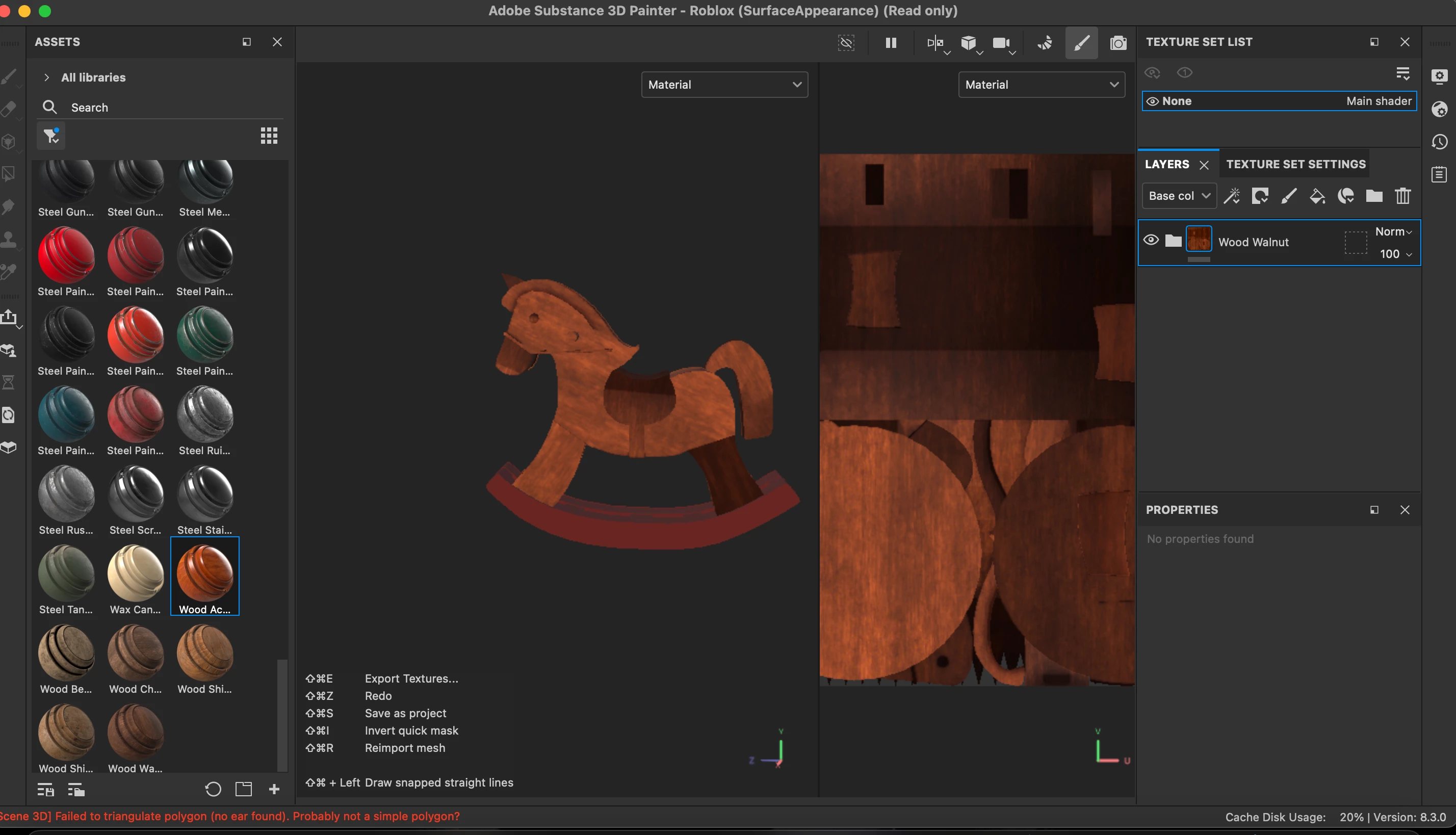
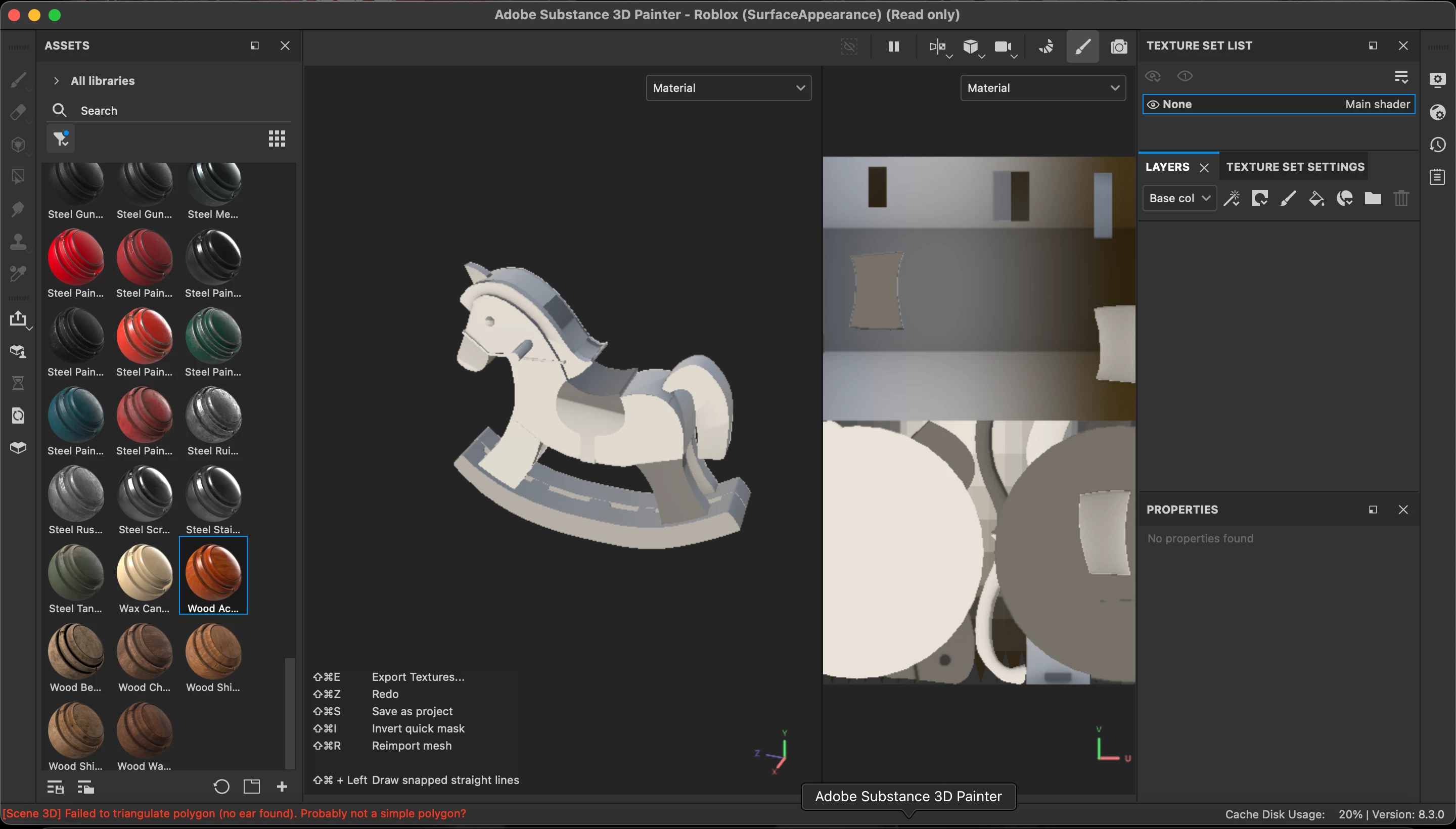
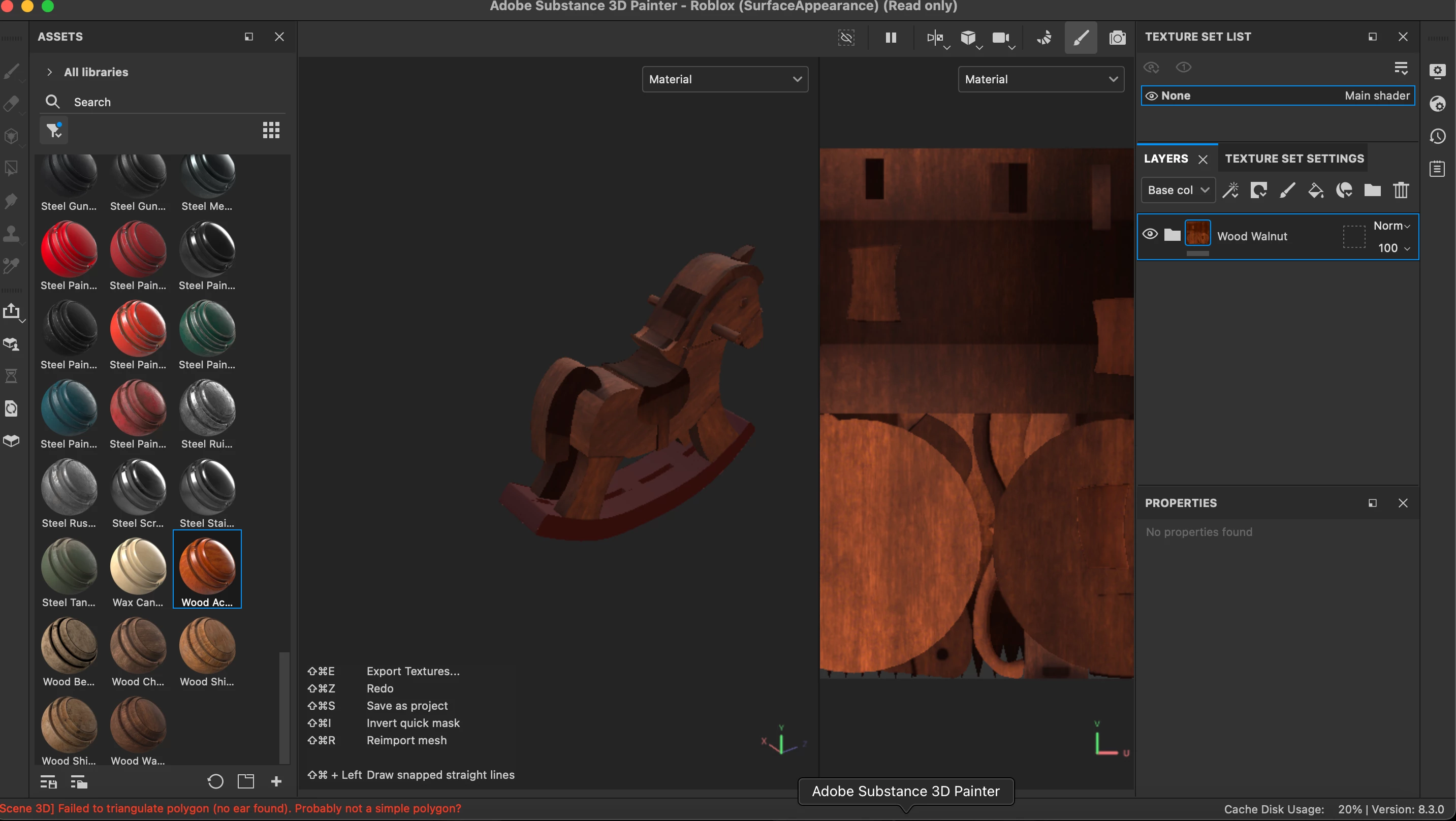
Parts on my mesh are darker than others

  • April 12, 2023
  • 1 reply
  • 2822 views

I am exporting my meshes from blender to adobe 3d painter and when I do some parts get darker than others and I dont know what I did wrong someone plz help
This topic has been closed for replies.

1 reply

Cyril Dellenbach
Community Manager
Community Manager
April 12, 2023

Hi @Edgar29362859td9f,


We can see from your pictures that your UVs are all overlapping. Each of your UV island should be separate from the others and not overlapping.


If you want to learn more on what are the UVs, you can check this great video from flippednormals.


Have fun with 3D,


Cyril Dellenbach (Micro) | QA Support Artist | Adobe
Participant
April 12, 2023

davescm
Community Expert
Community Expert
April 12, 2023

Your UV map in your last screenshot is very different to that shown in your first post. Provided the islands do not overlap (I normally leave a small gap between each) then it should work fine in Substance. Make sure you are not not unwrapping again when you import to Substance i.e. turn off auto-unwrap in substance import if you have already unwrapped your model.


Dave
