
RenderMan (pxrSurface) export template is not color managed correctly in 7.4
Hello,
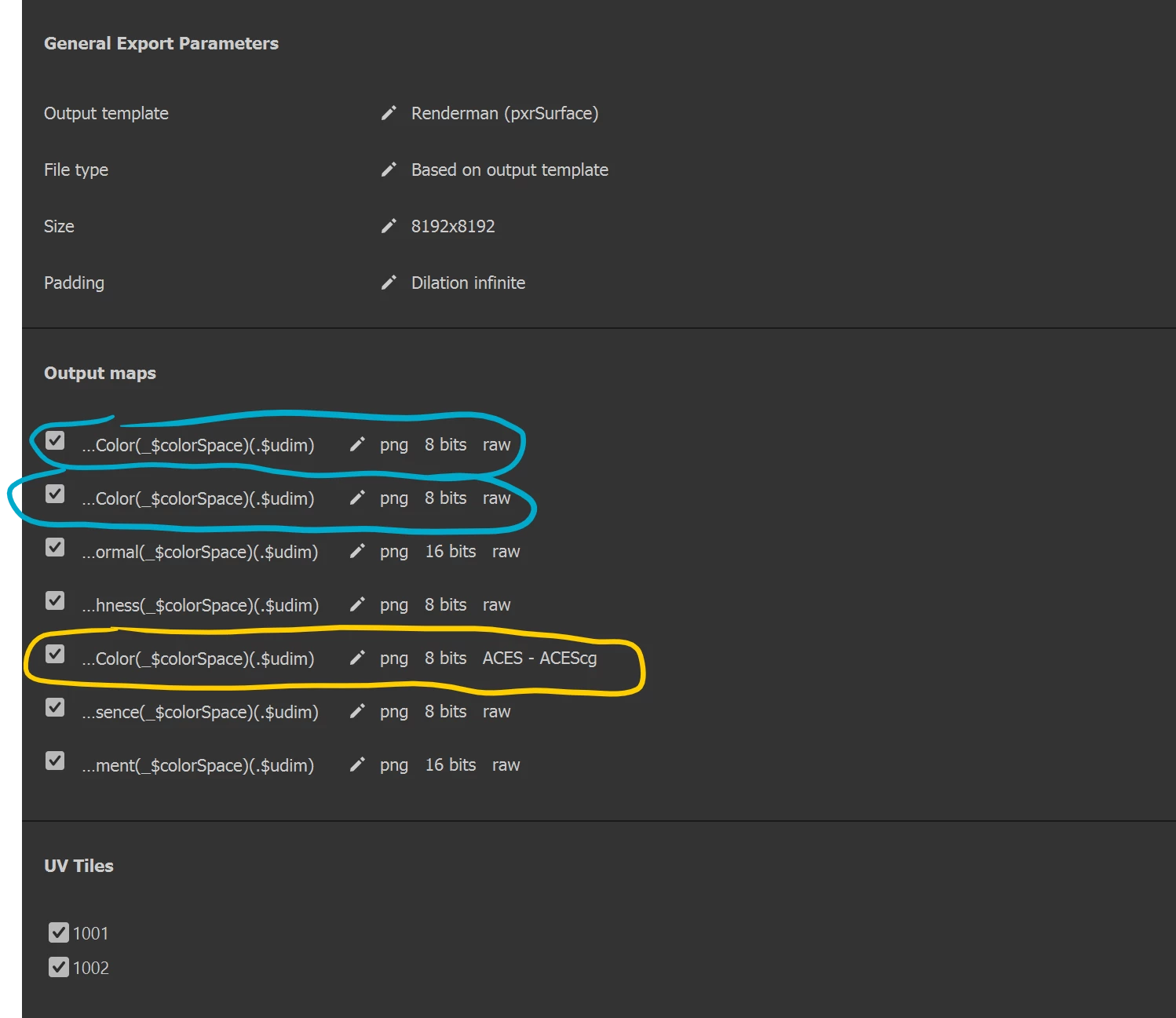
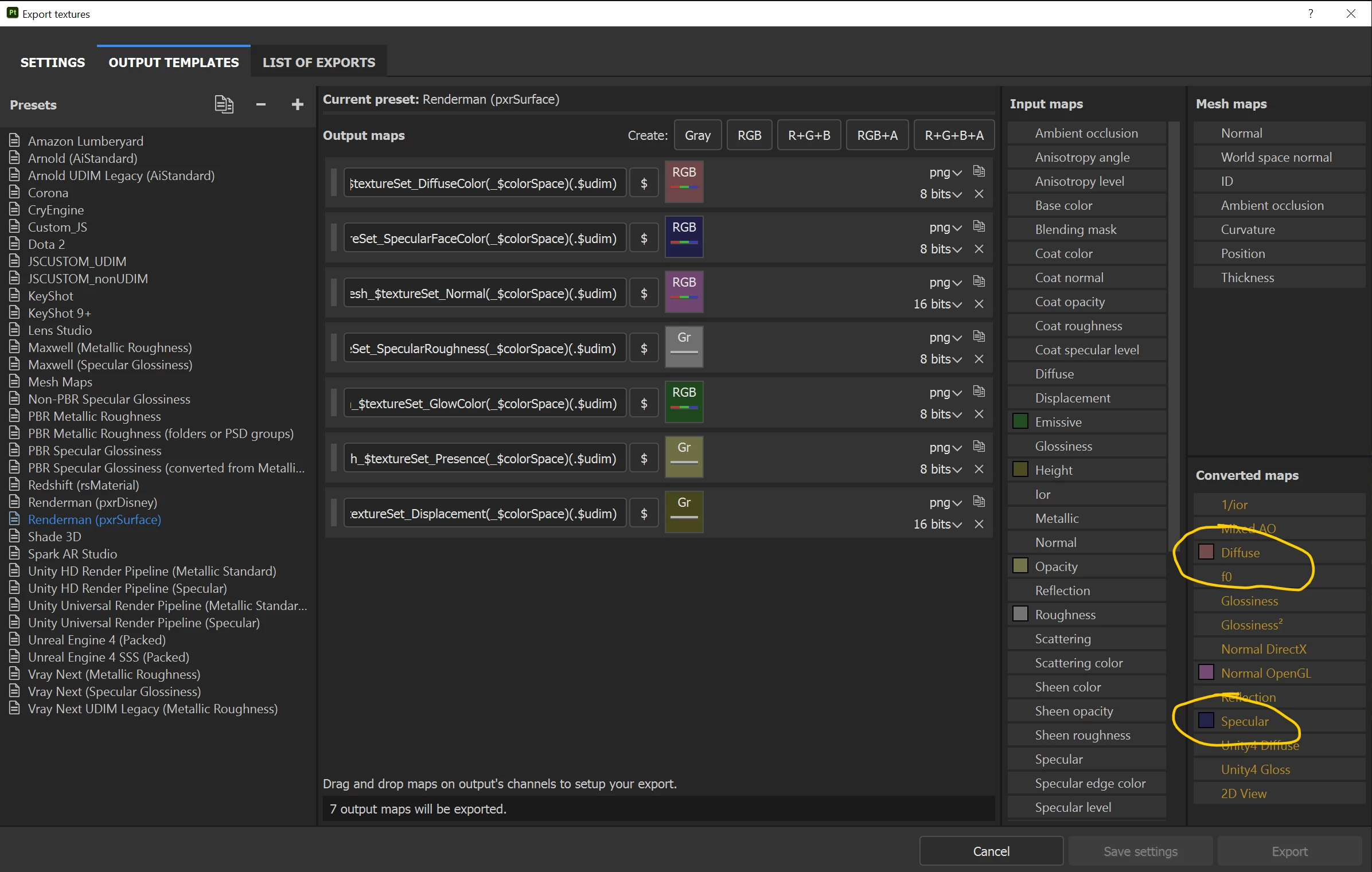
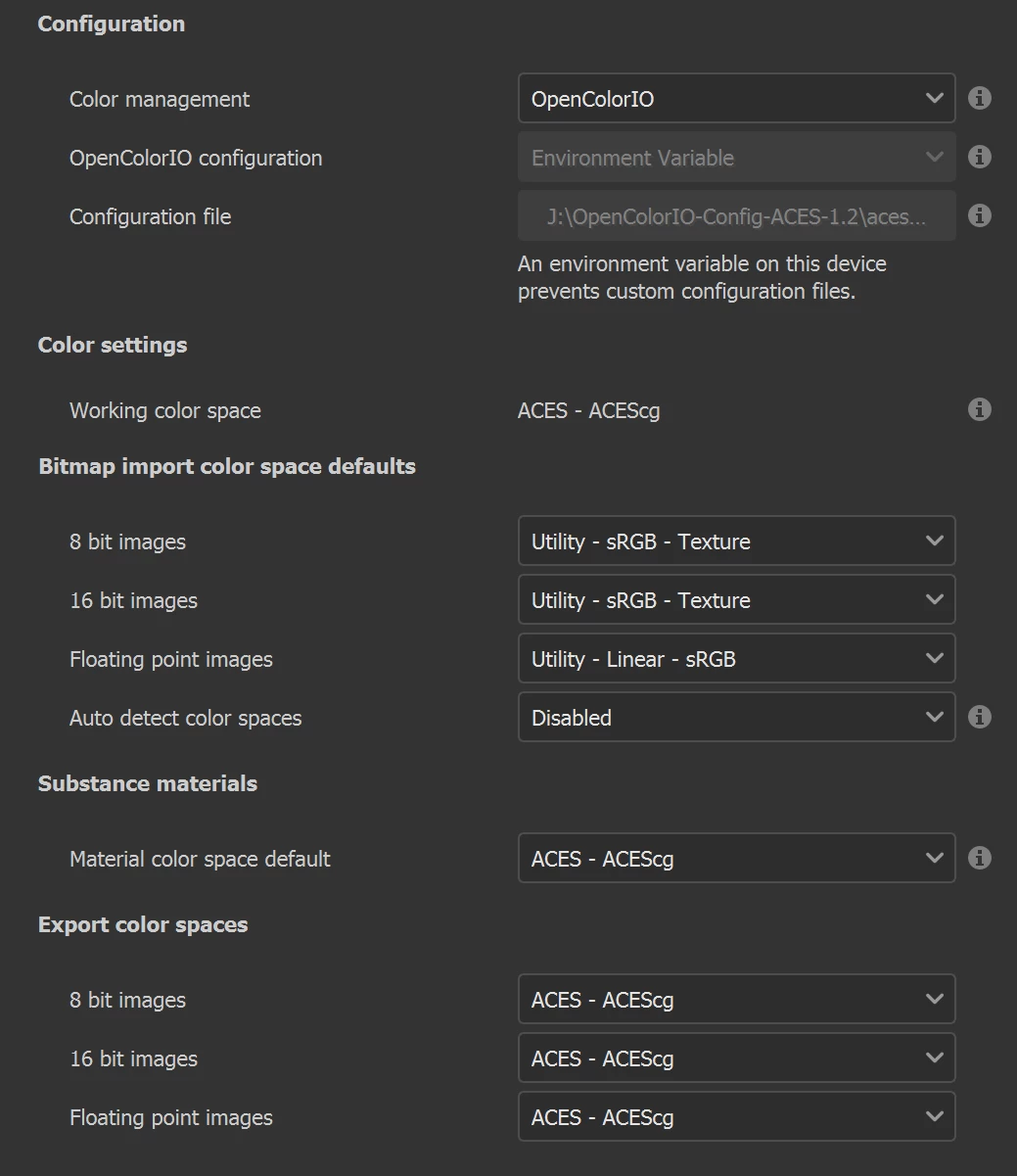
I am writing to bring your attention to a bug in the new addition of OCIO support in the latest release (7.4). I author materials using the PBR Metallic Rough shader in Substance, and I export my textures to RenderMan. In the export process, Substance automatically converts the 'Base Color' and 'Metallic' channels into the 'Diffuse' and the 'Specular' channel for use with the PxrSurface shader. However, despite the 'BaseColor', 'Diffuse', and 'Specular' channels all being color managed correctly when viewing them in the Texture Set Settings, the 'Diffuse' and 'Specular' channels that are converted automatically from the 'BaseColor' and 'Metallic' are not color managed and it will not allow for exporting them in any color space other than 'raw'.
 AdChoices