Participant
August 20, 2023
Question

SHadows Showing in Substance Painter

  • August 20, 2023
  • 1 reply
  • 3182 views

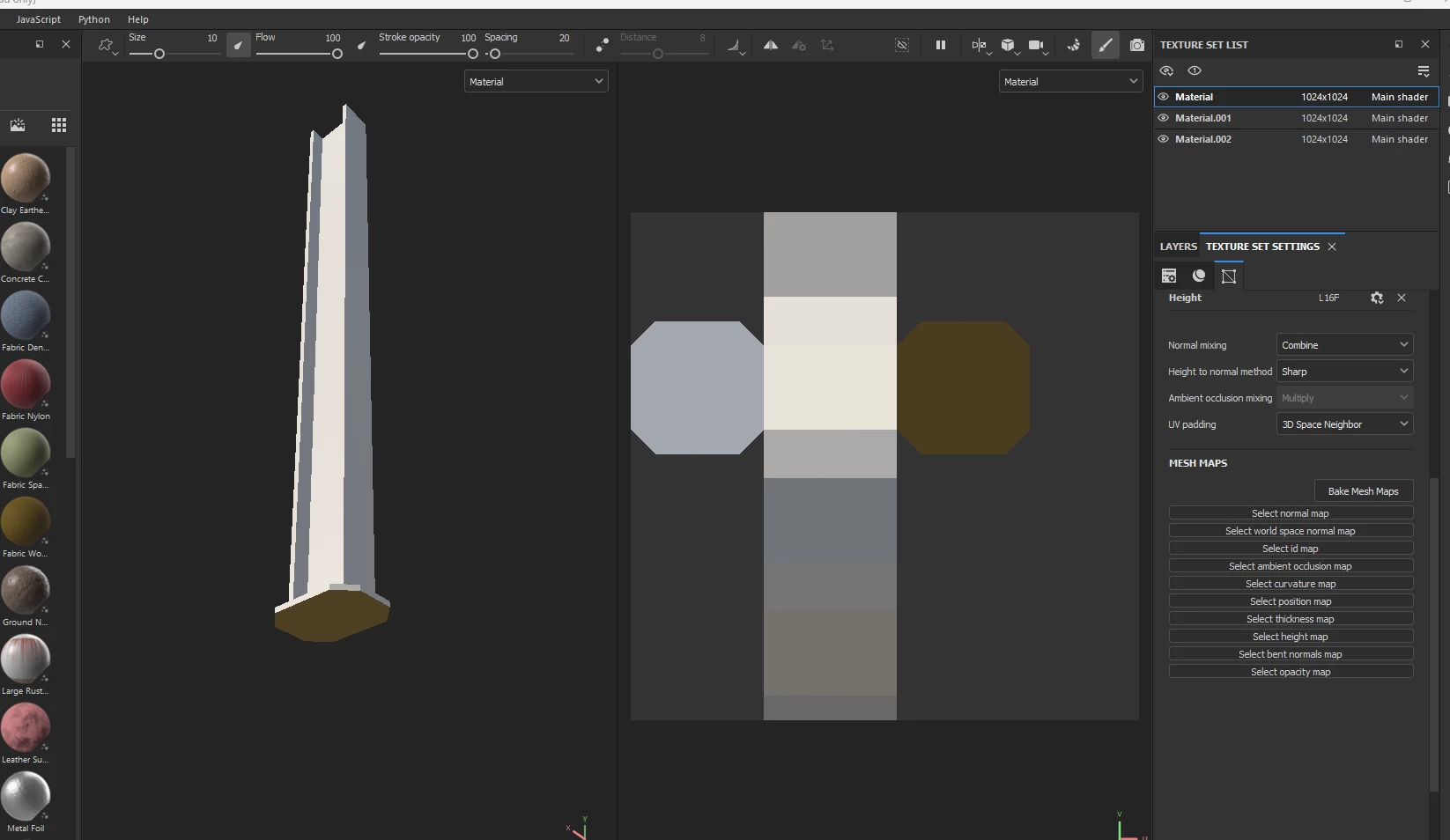
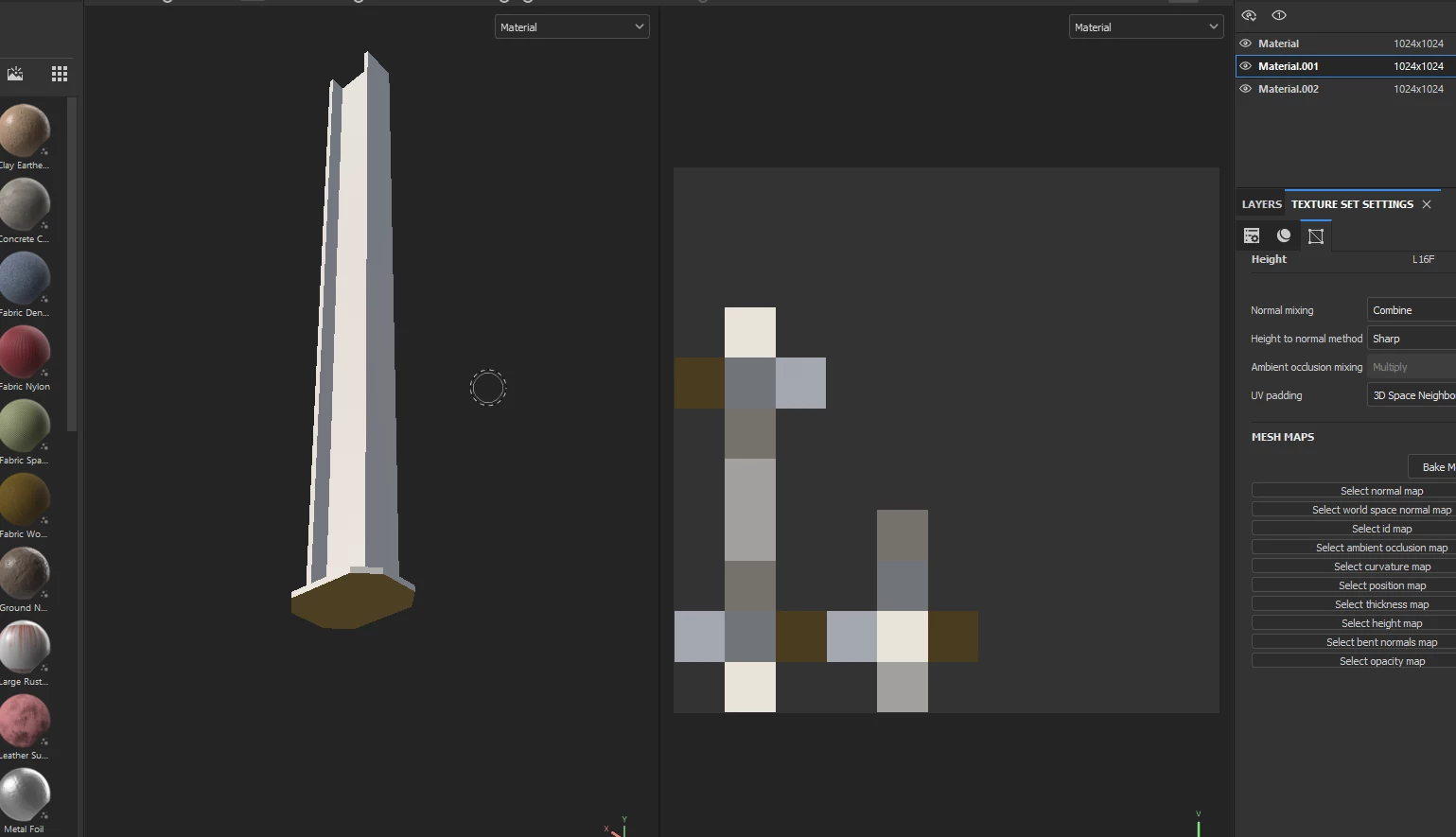
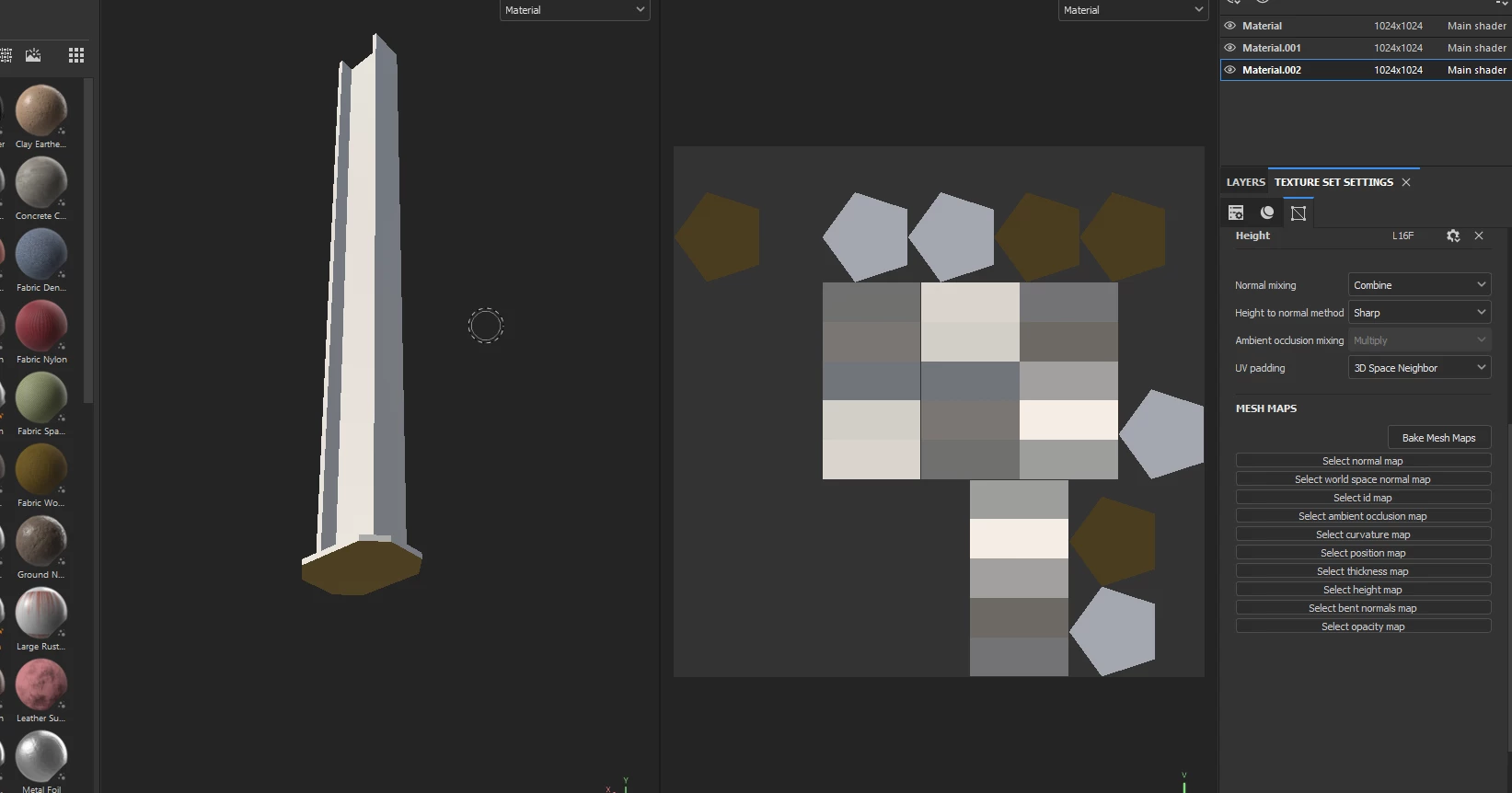
Hey, I'm new to substance 3D painter and am having an issue where whenever I import a mesh (From Blender) it seems to show some sort of shadow. (As seen below)


I have looked over the UV map of the object and all apears to be okay. I have baked the texture multiple times but the brown and darker shades have not seem to go away. I have watched countless videos and serched around and have found no one who appears to be having the same issue as me. 


Could really use some help Thanks!
This topic has been closed for replies.

1 reply

Cyril Dellenbach
Community Manager
Community Manager
August 22, 2023

Hello Scott,


Don't worry this is the expected behavior. Those dark areas are due to the lighting of the scene. You can even rotate the Environment map (which produce lighting) with Shift + RMB if you want to check the 3D model from another perspective.


There's a drop down menu in the top right corner of the 3D view, where you can switch the Display mode. Base Color is the equivalent of an Unlit view.


Hope this helps.


Cyril Dellenbach (Micro) | QA Support Artist | Adobe