

Mystical 3D
Participant
February 9, 2023
Question

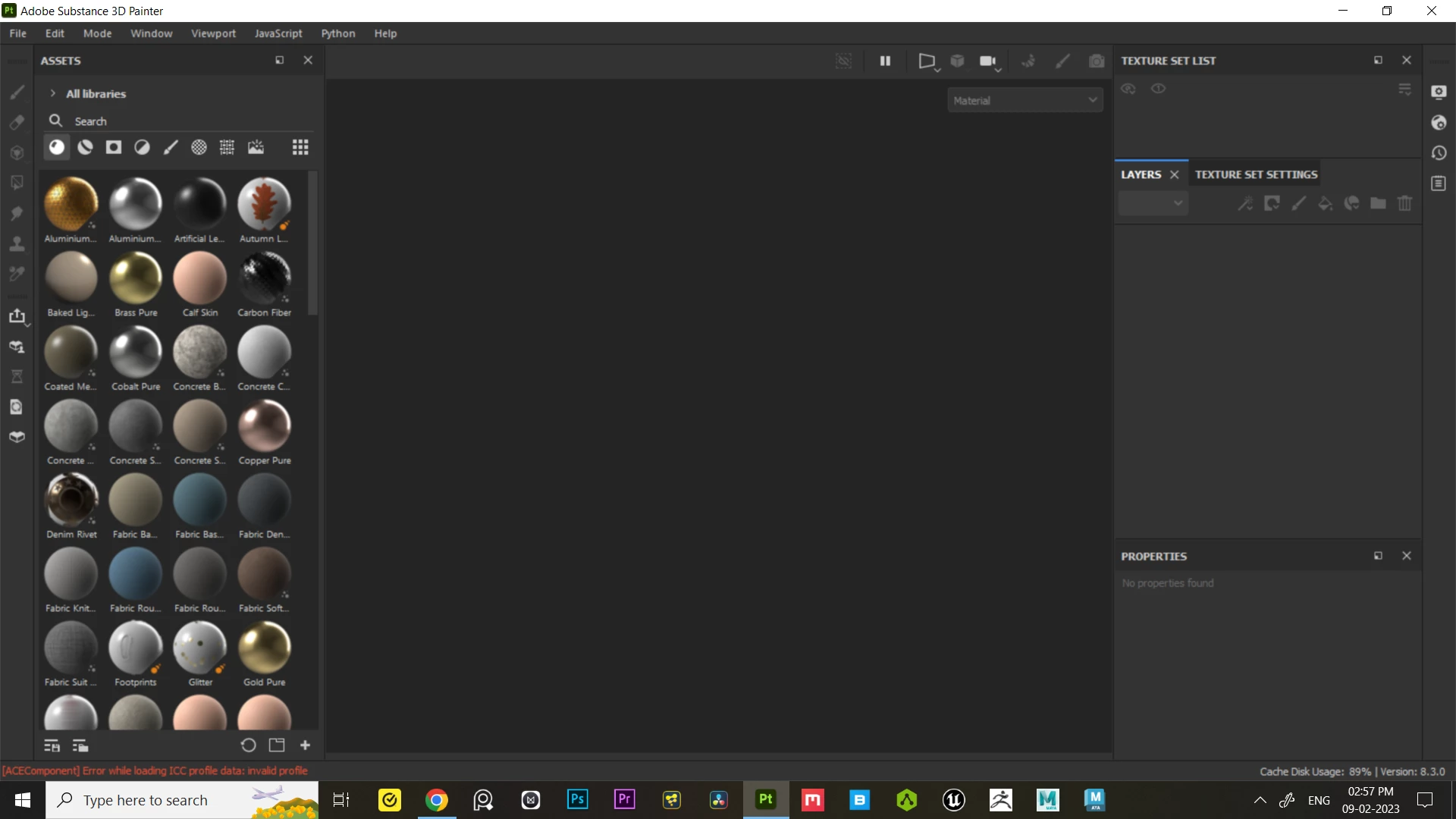
substance 3d painter UI look big and blurry

  • February 9, 2023
  • 1 reply
  • 2137 views

Hi, I'm facing a UI Scaling Issue with the substance painter. In previous versions I never had this UI scaling issue ever. Right now the UI looks so big and blurry. My current substance painter version is 8.3.0.

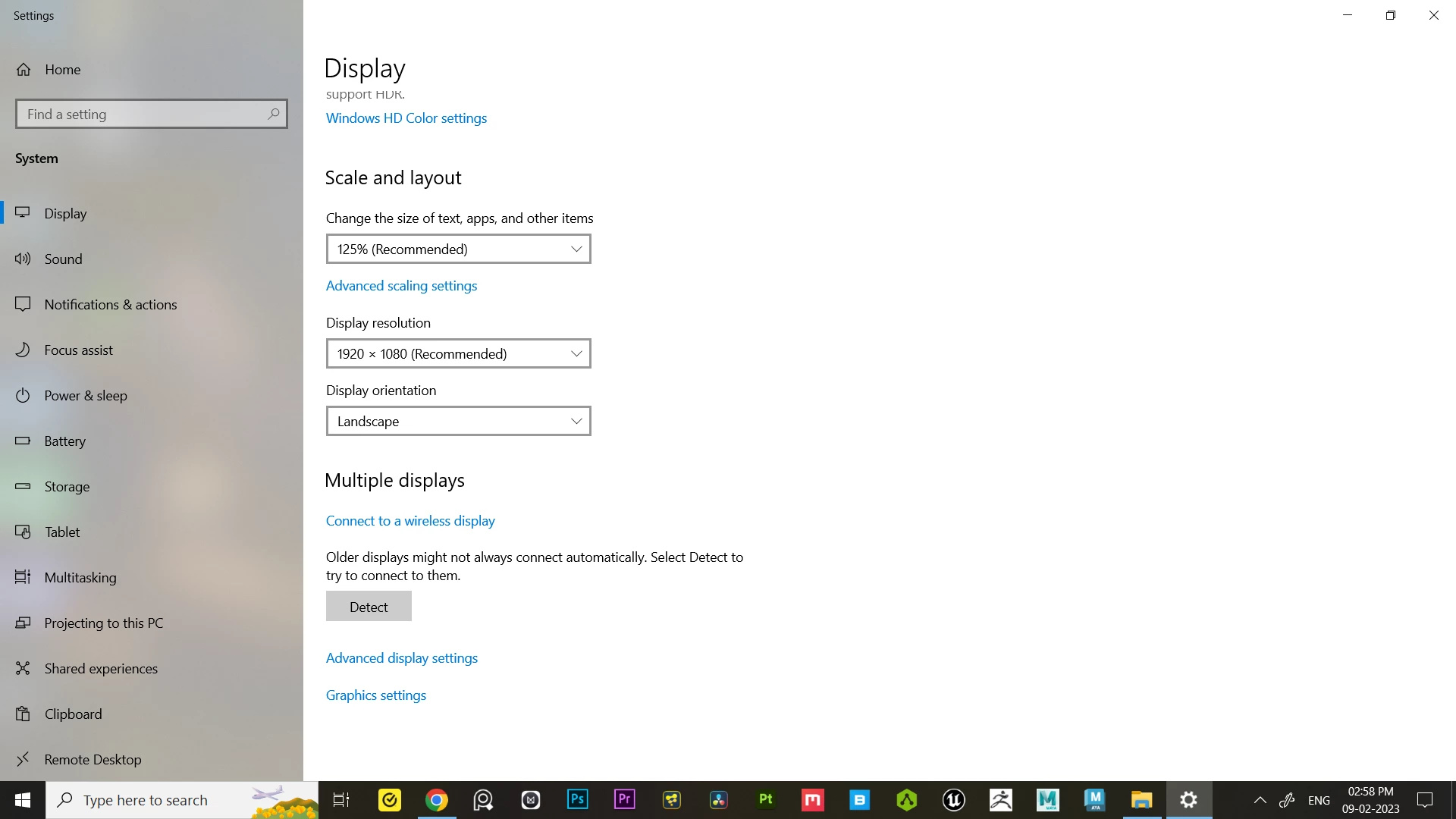
I researched about this issue on Youtube, Reddit and other forums and they are all showing the same solution which is High DPI setting in the compatibility section. Although it solves the problem with a con. I'm not looking for that particular solution because if I decrease the size in display settings it entirely changes my display size and everything looks so small.

I encountered this UI Scaling problem with another software DaVinci Resolve few months back and luckily I found a solution for it.(https://forum.blackmagicdesign.com/viewtopic.php?p=898786#p898786) Someone created some sort of coding and If we paste that code in shortcut's target it solves the issue of scaling without messing with High DPI override settings. So I'm looking for the same solution like davinci resolve if it works with substance painters too. If anybody knows how to fix it, please let me know. Thanks (Srry for bad English).
This topic has been closed for replies.

1 reply

Cyril Dellenbach
Community Manager
Community Manager
February 9, 2023

Hello @Mystical 3D,


I've tried to mimic your issue, but everything worked perfectly (unfortunately). Are you using a special screen format ? Have you already tried to update your graphic card driver ? Also, could you send me your log (help > export log...) so I can check where the problem comes from ?


Best regards,

Cyril Dellenbach (Micro) | QA Support Artist | Adobe
Mystical 3D
Participant
February 9, 2023

Hi, I'm not using any special screen format. I'm using a bit older graphic driver because new drivers are causing various issues in different softwares so I'm using older drivers but not too older. My current graphic drivers version is 522.25. And I have tried updating my graphic drivers but the UI Scale issue still persists.

 
So right now I have reinstalled my older graphic drivers and substance painter works fine but the UI looks so big and blurry as I described it before. I'm also attaching the log.  Thanks!
 
Checkout These 2 Videos, I have tried to explain the issue.
 
 
Here's My Laptop Specifications :
 
Acer Predator Helios 300
Laptop Model : Predator PH315 - 52
Processor : Intel Core I7 9750H @2.60Ghz  2.59Ghz
Ram : 32 GB Dual Stick
GPU : Nvidia GTX 1660 Ti 6 GB
OS : Windows 10
System Type : 64 bit Operating System, x64-based processor