
Substance Painter Crashing Constantly/Glitchy on Second Display
Hello,
I just purchased a subscription for Substance 3D Painter and I'm not able to use it on my machine. I tried calling Adobe Technical Support, but Substance 3D Painter isn't one of the app options. I hope I can get support for my new product here as I have seen similar issues go unanswered.
When I drag Substance to my Wacom display to paint, it works momentarily, but becomes unresponsive if I click on 'Display Settings' or drag any of the UI's panels.
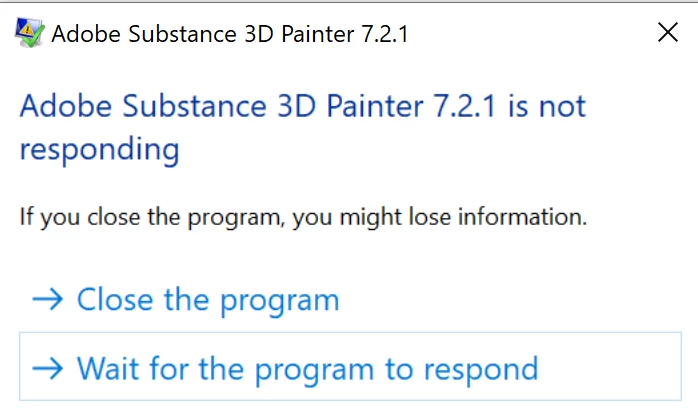
So far I have tried:
- Updating my GPU driver to NVIDIA Studio Driver 471.41
- Restarting
- Deleting Preferences from the locations listed in the documentation
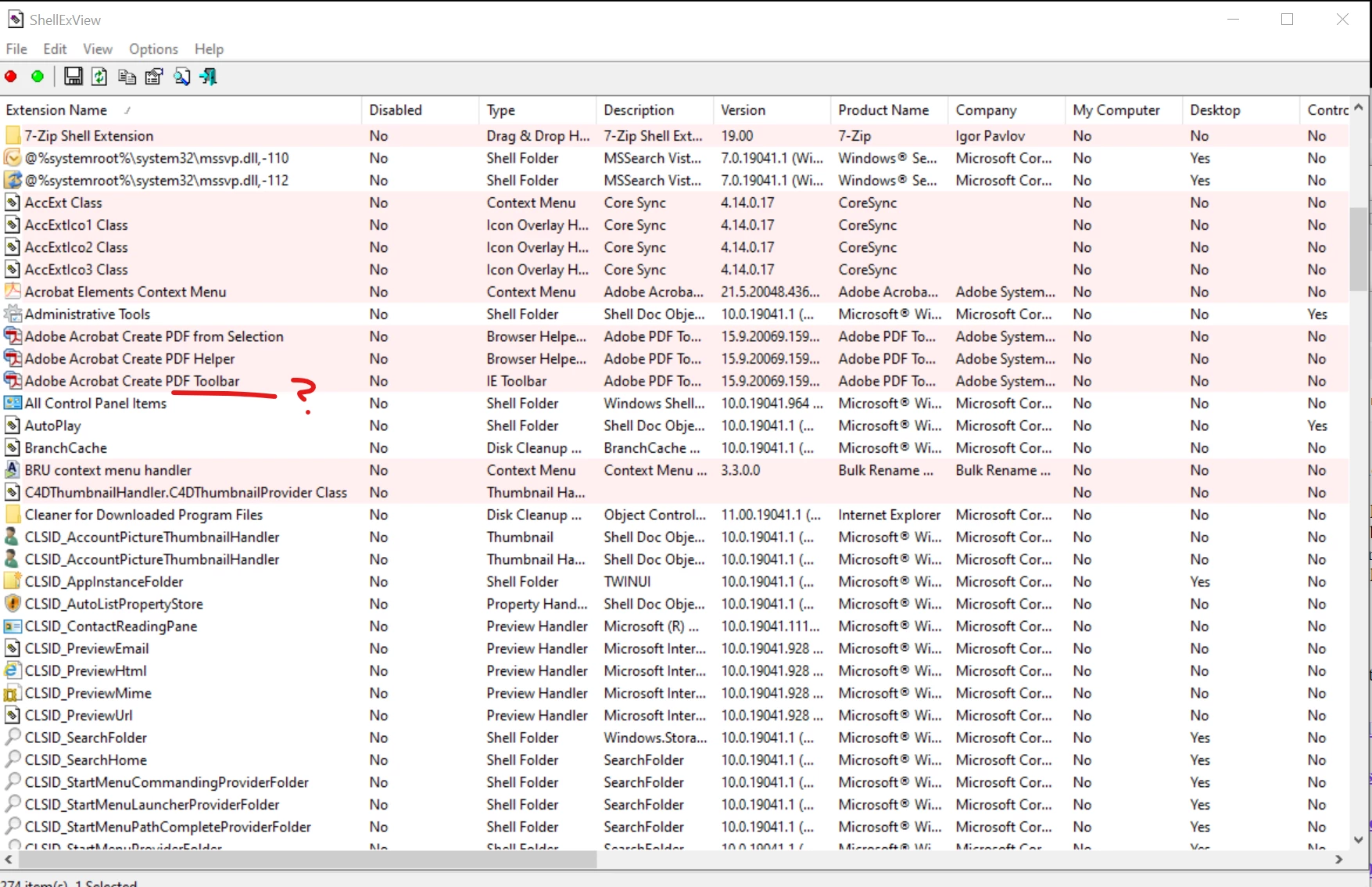
- Removing software conflicts per the documentation. I looked in ShellExView for the Alienware computer shell extensions as described, but did not see the 'Alien Respawn' extensions in the list (see screenshot, below)
- Changing the Windows Performance Setting to 'High Performance'
- Checked NVIDIA Control Panel for a Substance 3D Painter program profile (I only have one GPU, so I don't think it's opening with the wrong GPU).
System Information
Alienware Aurora R12
Processor: 11th Gen Intel(R) Core(TM) i9-11900KF @ 3.50GHz 3.50 GHz
GPU: NVIDIA GeForce RTX 3090
Driver: Studio Driver 471.41
RAM: 128GB Memory
Disk: 2TB HDD x 2
Displays
1: ASUS PQ321Q
2: Wacom Cintiq 24 P
** ALSO **
I'm unable to click any of the links in your documentation, which was terribly frustrating. For example, this link from this page:
https://substance3d.adobe.com/display/DRAFTPAINTER/Software+conflicts
Redirects to this link:
https://www.adobe.com/creativecloud/3d-augmented-reality.html
I had to search for all of the links on Google in order to find the correct pages.
Overall, this has been a very difficult start with Substance 3D Painter. My log is attached. Please help!
 AdChoices