
Textures appear with no detail
Hey everyone. I'm in a class where we're 3D scanning sculptures we've made and taking them into Adobe Substance Painter to texture them before bringing them into AR. My problem is when I try to apply textures to my model, they appear as one solid color with no detail, or a bunch of very tiny dots. I've tried baking textures, adjusting tiling size, and other texture settings, but nothing seems to help. Textures seem to apply just fine to demo models in substance, or other files generated from 3D modeling software. I'm not sure if there is an issue with my model from the 3D scanning process, but I just can't seem to figure out how to get textures to render properly on it. Heres a photo of it trying to render a wood bark texture: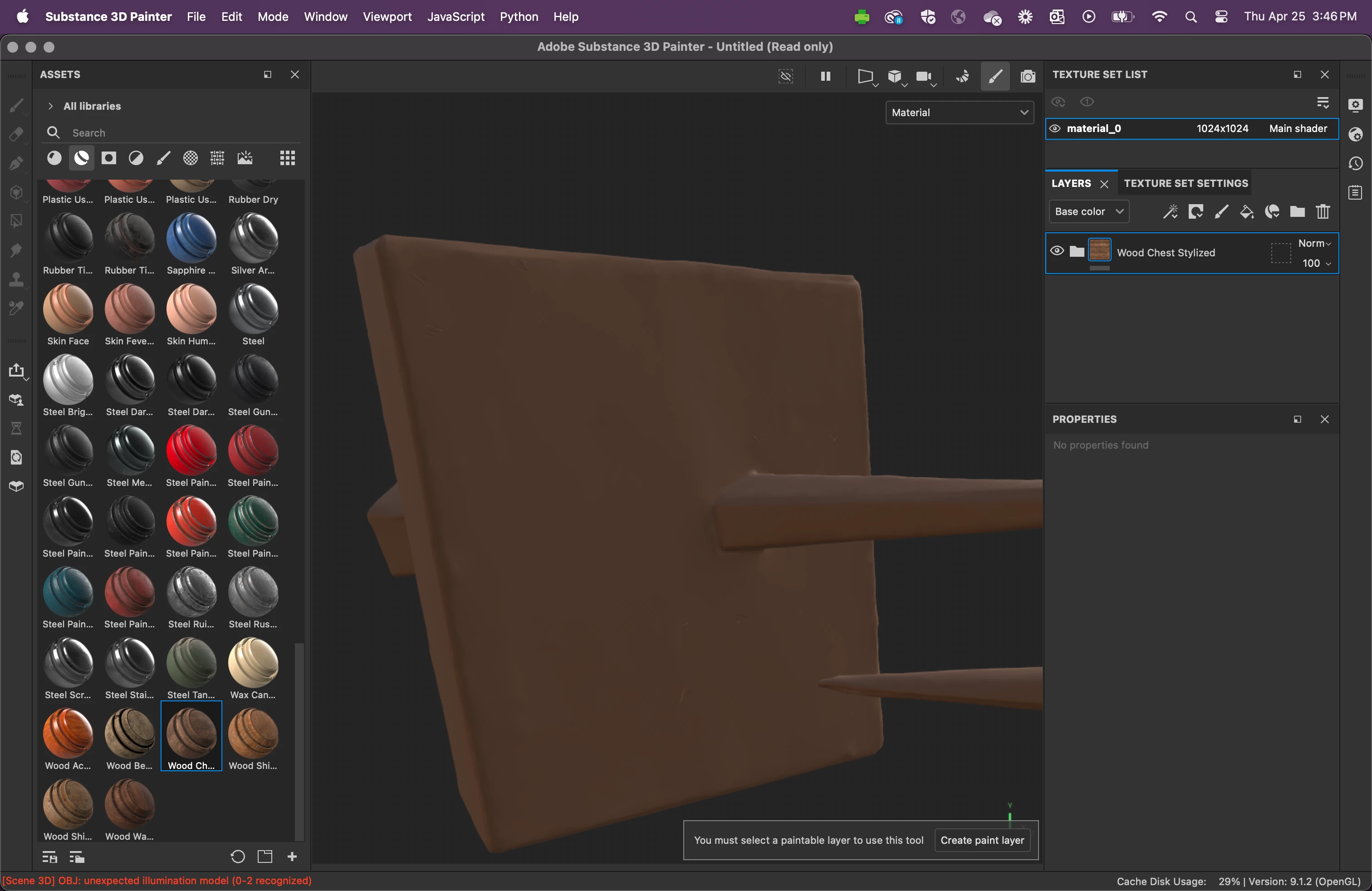
Thanks for any help,
Eric
 AdChoices