
Participant
March 21, 2023
Answered

Textures in Blender and Substance are looking different

  • March 21, 2023
  • 1 reply
  • 8906 views

Hi
I use Substance Painter for my textures, and most of textures goes fine when imported into Blender. But, I noticed that some textures are deformed when I put them in Blender.
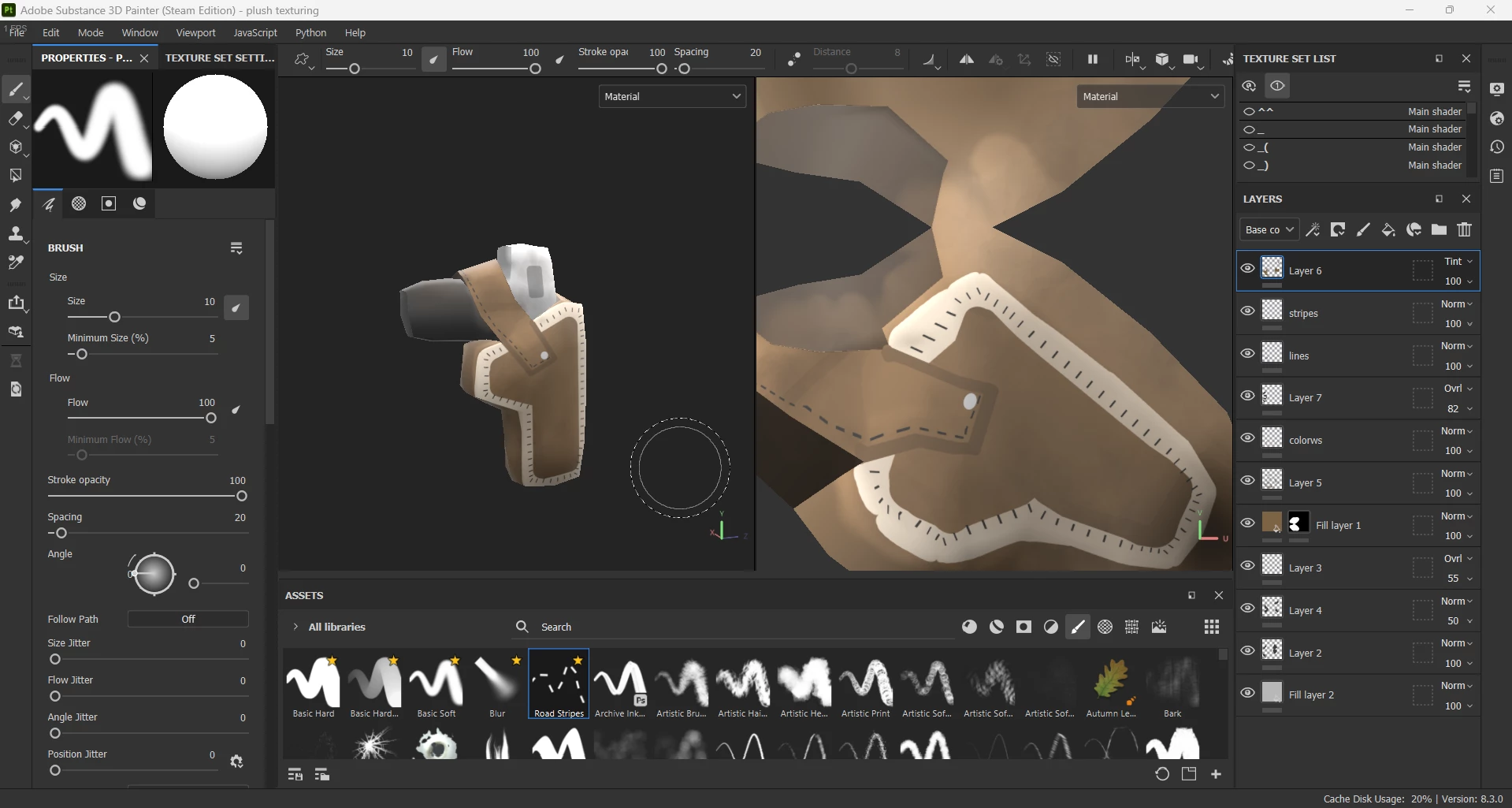
Here's how it looks in Substance
  And here's how they do in Blender
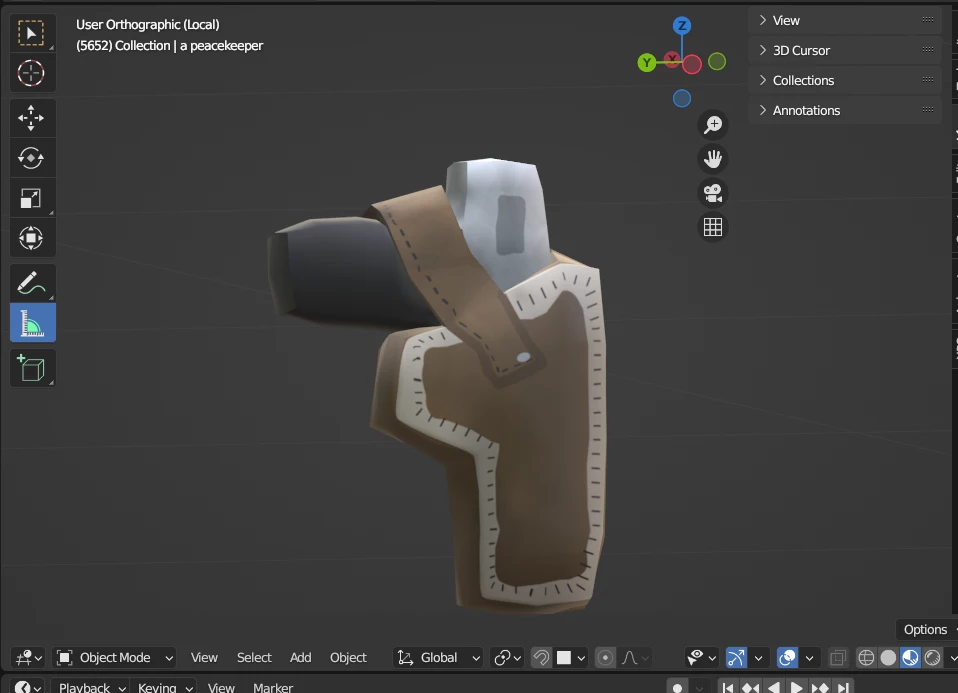

It's not the first time when I face this problem.

I tried almost every combination of project setting in Substance, but nothing changed.
Is there anyway to solve this? Because I didn't see anyone with same problem as mine.
This topic has been closed for replies.
Correct answer Cyril Dellenbach

Hi @Ilya Orchakov,


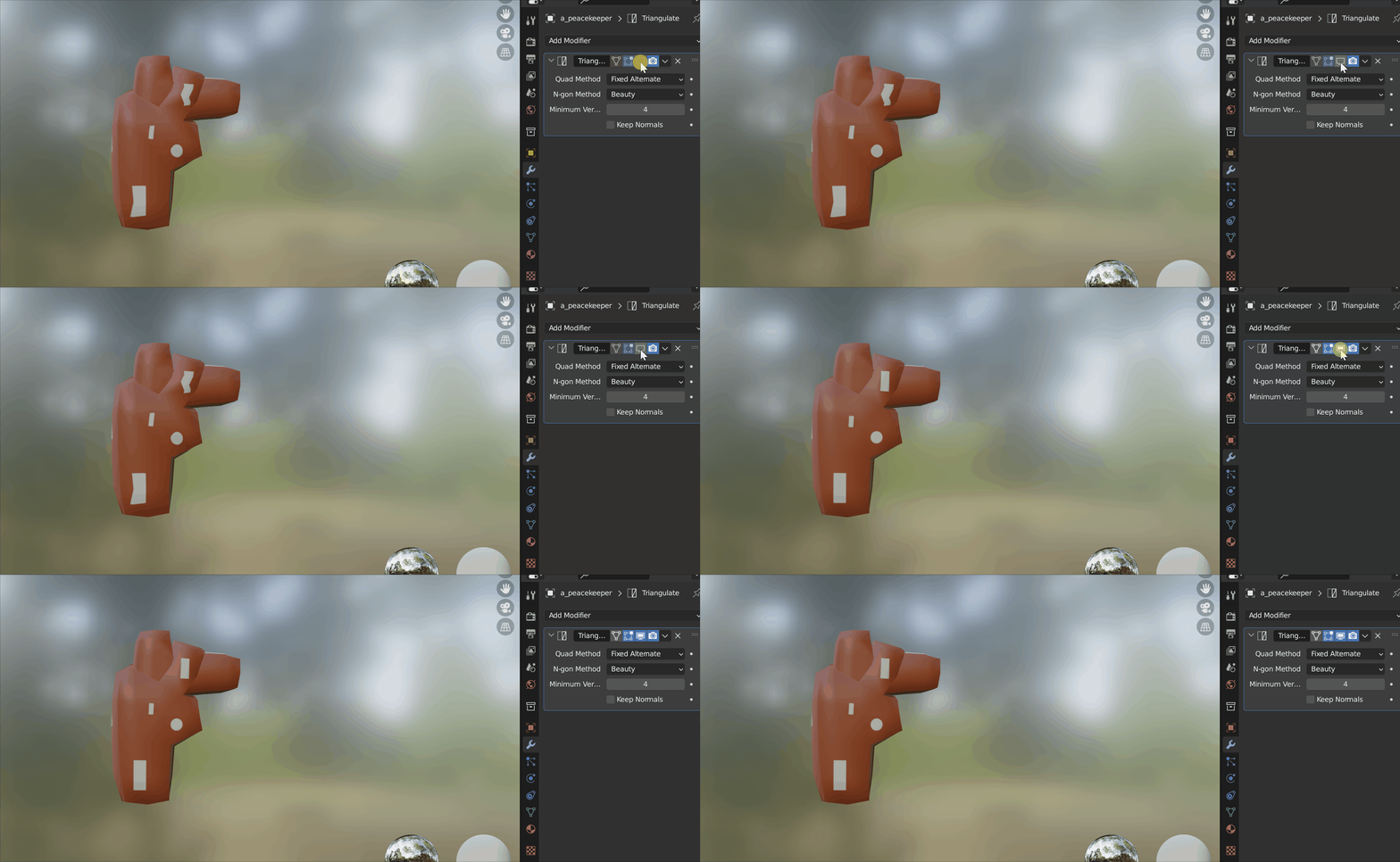
The issue is due to the mesh triangulation. When you import a mesh inside Substance 3D Painter, it automatically triangulates the mesh in the backroom. Therefore, some visual issues may happen when you apply your new textures on the non triangulate object. To make it simple, the UVs depends on the triangulation orientation.


If you want to make sure there is no differences between Blender and Substance Painter, you can export your Substance Painter mesh (File>Export mesh...), or triangulate your object directly inside Blender


Best regards,


1 reply

Cyril Dellenbach
Community Manager
Community Manager
March 21, 2023

Hi  @Ilya Orchakov,


Thanks for the message.


First of all, the two meshes are strictly the same? The UVs have been untouched? The object hasn't been resized?


If everything is clean, would you agree to share your model with me? I would love to dig deeper into this weird issue. 


Best regards,


Cyril Dellenbach (Micro) | QA Support Artist | Adobe
Participant
March 21, 2023

Hello Cyril, thank you for your answer.
Yes, both meshes are the same, I double checked it, and UVs have been untouched, nothing hasn't been resized at all. No matter how many times I tried to reimport or change project settings, nothing changes, the problem still remains.
I don't know why, but when I try to send the model here, it says "
The attachment's a holster.obj content type (application/octet-stream) does not match its file extension and has been removed." I don't know how to send it to you.

Participant
March 22, 2023

Hi @Ilya Orchakov,


The issue is due to the mesh triangulation. When you import a mesh inside Substance 3D Painter, it automatically triangulates the mesh in the backroom. Therefore, some visual issues may happen when you apply your new textures on the non triangulate object. To make it simple, the UVs depends on the triangulation orientation.


If you want to make sure there is no differences between Blender and Substance Painter, you can export your Substance Painter mesh (File>Export mesh...), or triangulate your object directly inside Blender


Best regards,


Thank You very much! It finally works as it has to!