

{KMS}
Known Participant
July 16, 2021
Question

Brush previews missing when painting hard surfaces

  • July 16, 2021
  • 1 reply
  • 1787 views

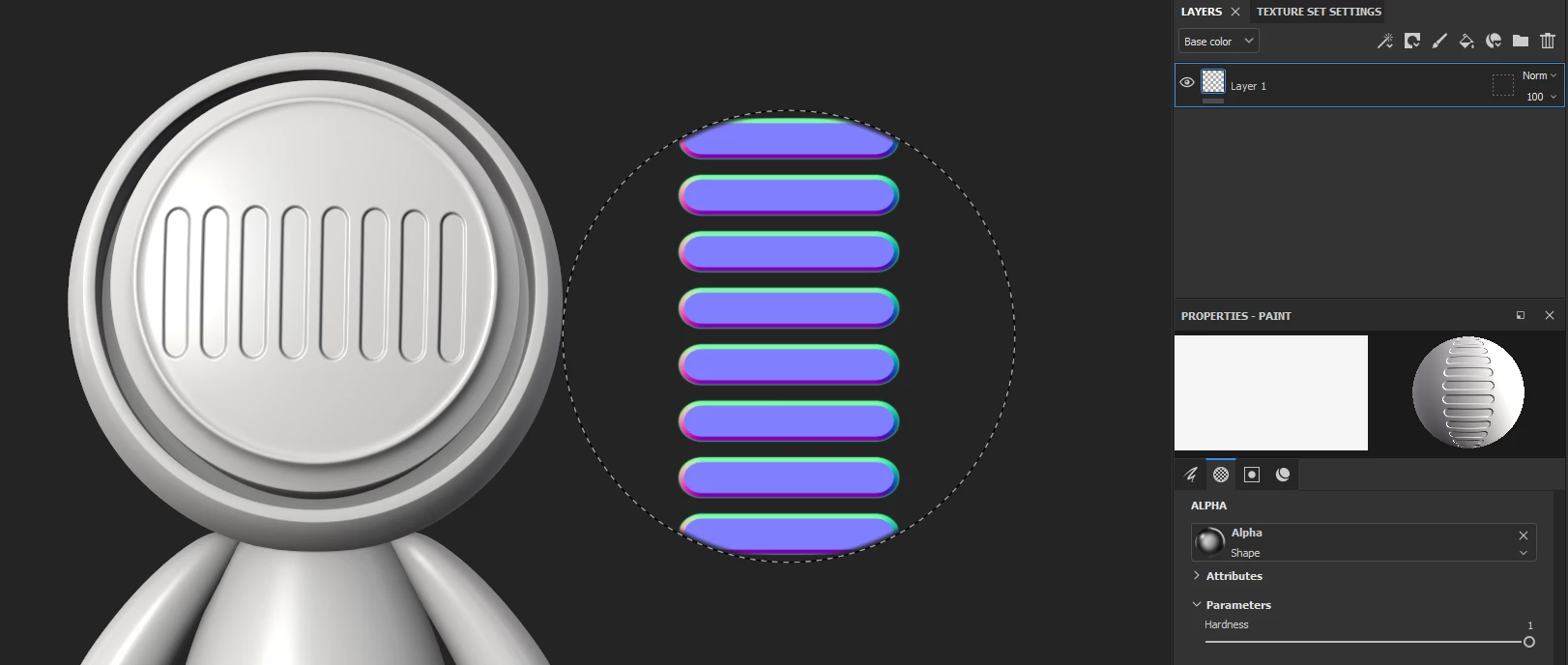
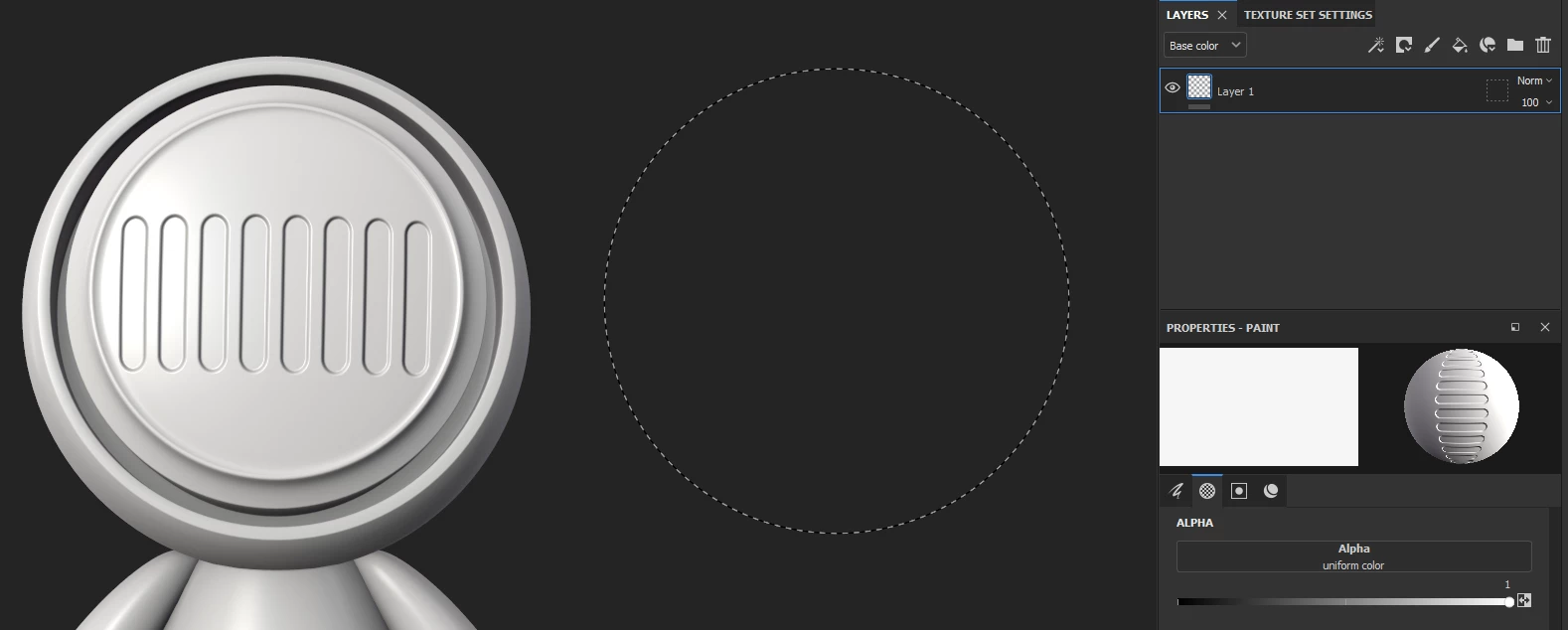
When I try to brush hard surfaces the preview of the hard surface disappears once I remove the alpha channel of the brush. I have tried to toggle the cursor modes, but nothing changes. 


Preview with original alpha channel:
 

Once I remove the alpha channel:
 

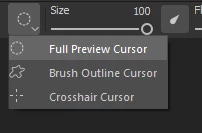
I have tried toggling the cursor modes as well
 

I'm not sure what I'm doing wrong. Any help would be greatly appreciated.

Windows 10

Substance Painter 7.2.0

This topic has been closed for replies.

1 reply

davescm
Community Expert
Community Expert
July 17, 2021

It looks like a bug, or unexpected feature 🙂 , to me, however as a workaround I created a simple white square 128px x 128px in Photoshop and saved it as a png. Then I imported that into my Substance shelf as an alpha and dropped it into the Alpha slot. That delivered the same effect that I expected removing the alpha would have (albeit without the level control) and gave me back the preview (with full preview cursor)


Dave

{KMS}
{KMS}Author
Known Participant
July 18, 2021

Thanks for confirming the bug. I hope it gets fixed soon. I’m using a
square shape in the alpha channel as well, but some hard surface shapes are
still cutoff. --
Kevin Snyder
(Personal info removed by moderator)