

peterkellner1
Inspiring
April 12, 2021
Answered

How can I remove all the white and turn that into transparent?

  • April 12, 2021
  • 3 replies
  • 1173 views

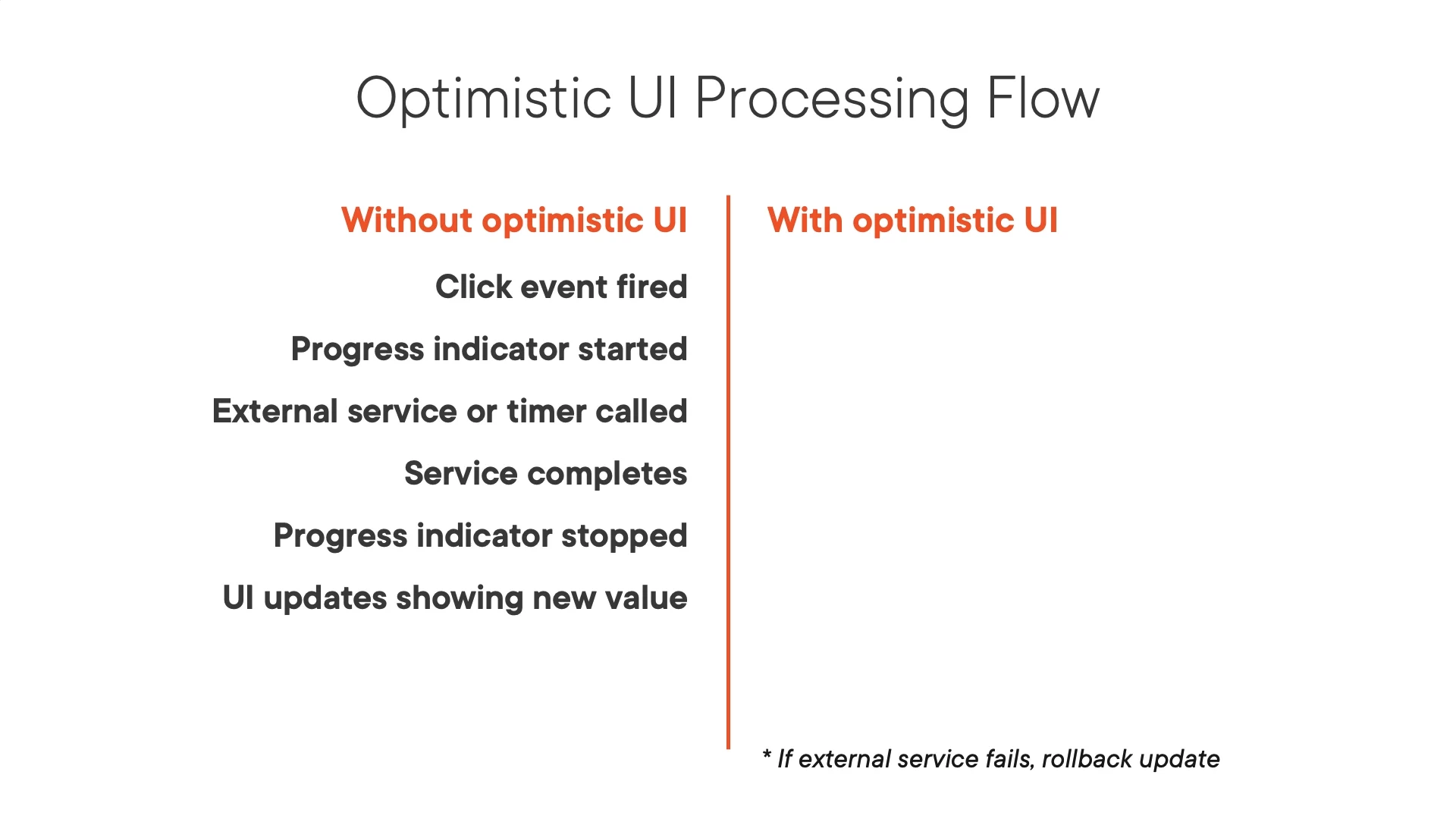
That is, I have a slide (like attached) that I want to convert everything that is not black text or orange, into a transparency layer so when I layer it over something, I can use layers to show other things and not have them wiped out by the white.


This topic has been closed for replies.
Correct answer davescm

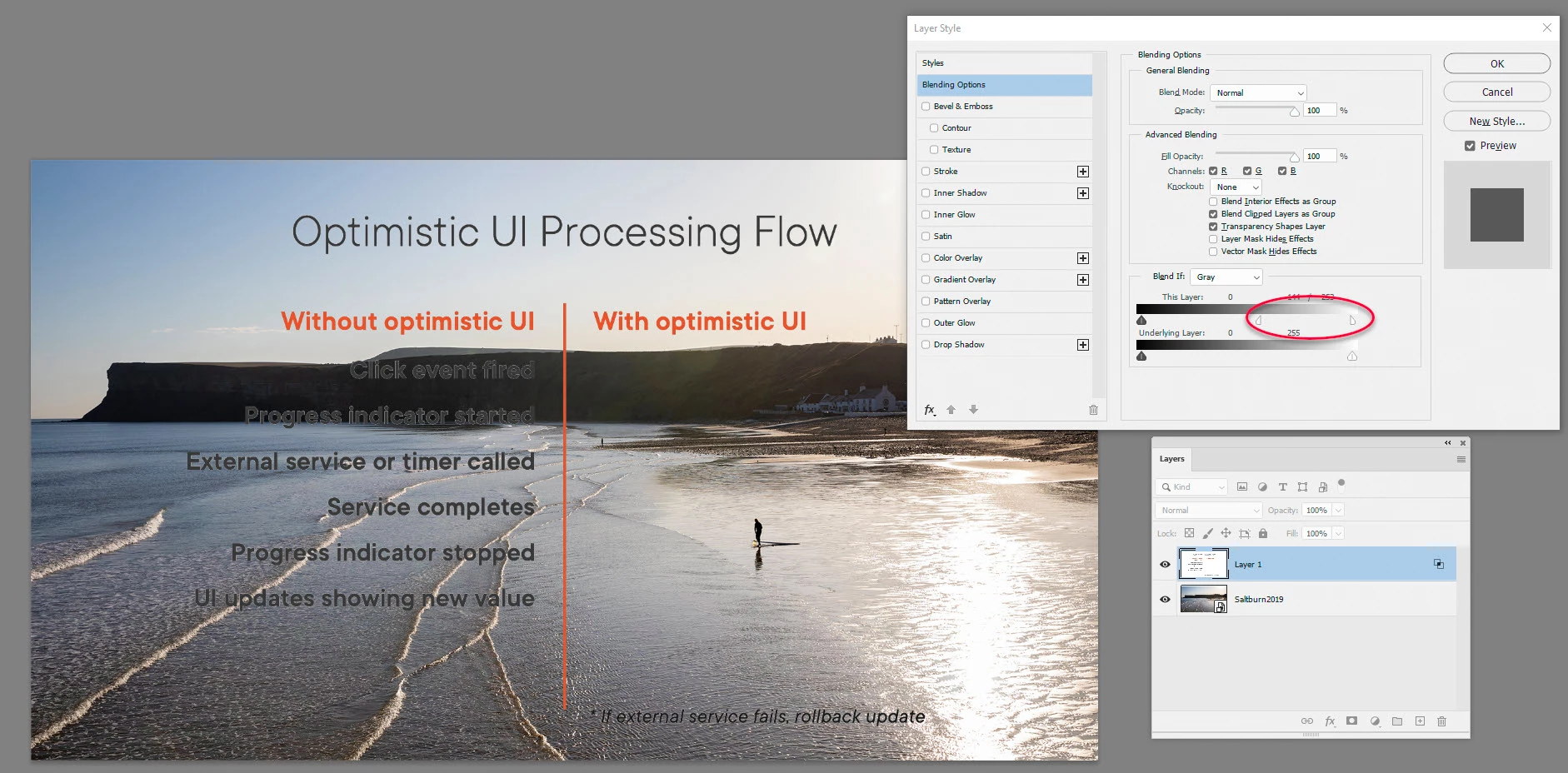
An alternative is to leave the layer intact but use Blend If (right click and choose Blending options). You can drag the white triangle to the left and split it by Alt-dragging for a smoother transition


Dave

3 replies

Trevor.Dennis
Community Expert
Community Expert
April 13, 2021

I wouldn't even consider trying to mask that. Not even for a second.  There are bound to be some atrefacts and the text will inevitably lose it's crisp outline.  Recreate the type layers, select them all and make them a Smart Object. That will give you beautiful crisp text and lines with no hint of white.


Or if you are just using it inside Photoshop use a blend mode like Multiply

davescm
Community Expert
davescmCommunity ExpertCorrect answer
Community Expert
April 12, 2021

An alternative is to leave the layer intact but use Blend If (right click and choose Blending options). You can drag the white triangle to the left and split it by Alt-dragging for a smoother transition


Dave

peterkellner1
Inspiring
April 22, 2021

Thanks! (and gorgeous picture)

davescm
Community Expert
Community Expert
April 22, 2021

Cheers Peter - it's a local beach in the North East of England


Dave

peterkellner1
Inspiring
April 12, 2021