
Editing Text after merging text layer with another layer
Hi,
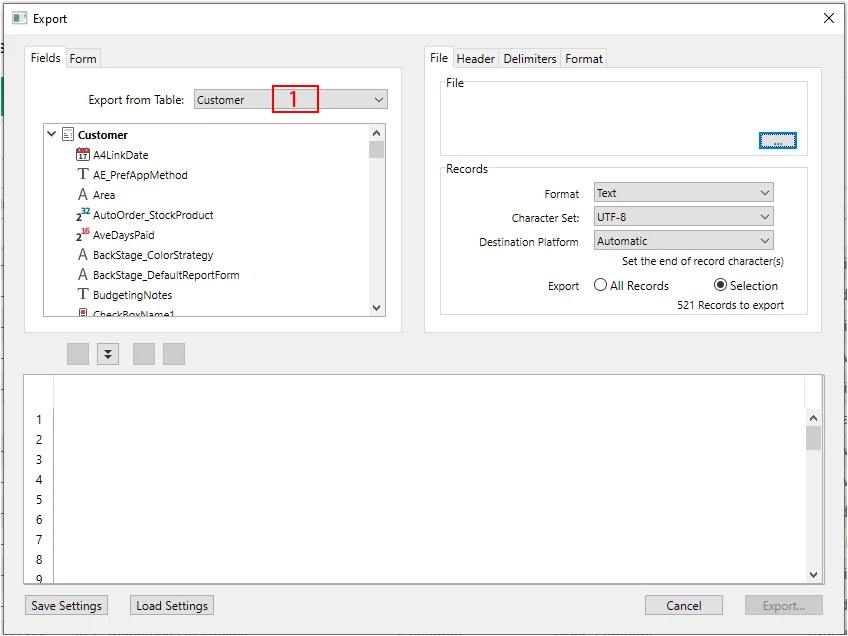
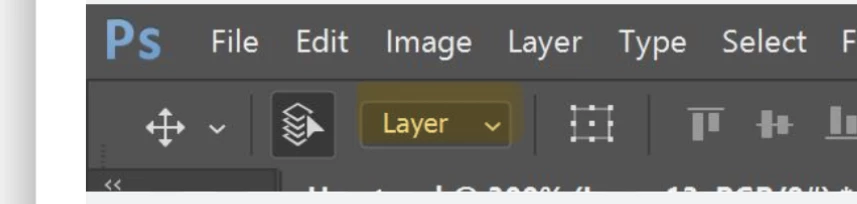
I am using Photoshop 25.1.0. I am writing some software documentation for which I want to annotate screenshots by placing a number inside a bounding rectangle at various places in the screenshot. In the sample below, I have done this in one place in the sample below with the number one. I did this by drawing the rectangle first with the rectangle tool and then drawing the text with the horizontal type tool. This resulted in the rectangle being on one layer and the text being on another layer. Now I'd like to replicate this in various other locations for numbers two, three, etc. With the rectangle and the text on separate layers, I can copy the rectangle to a new layer and then copy the text to a new layer. I can then position the rectangle and the text on the new layers where I want them and then edit the text. This seems very cumbersome, I was hoping that if I merged the rectangle and text layers together, I could make this task more efficient. Doing this allows me to copy the rectangle with the text in a single operation, but I find myself unable to edit the text when I do it this way.
Can anyone here tell me if there is a way that I can edit the text after having merged its layer with the rectangle layer? If not, is there a better way that I can streamline a process like this?
Any suggestions will be greatly appreciated.
Thanks in advance,
Paul

 AdChoices