
Photo Restoration neural filter temporarily disabled due to an error
I'm opening a .jpg file of a scanned old photo in Photoshop and trying to use the Photo Restoration neural filter. After selecting it, I see a progress line for a moment and then it stops and a message comes up saying that the filter is temporarily disabled due to an error.
I closed Photoshop and tried again, same result. I tried it in Photoshop Beta, same result. I reinstalled Photoshop and tried again, same result. I looked through these forums for an answer and saw the advice to delete a folder to force the app to reinstall the filters. So I tried doing that, same result. For good measure, I opened the file on my laptop and got the same result again.
Both machines are Windows 11. Both had the drivers for the video card updated earlier in the day. And in all cases I was using the most recent version of Photoshop or Photoshop Beta. The photo does include recognizable faces as I can use the Skin Smoothing neural filter.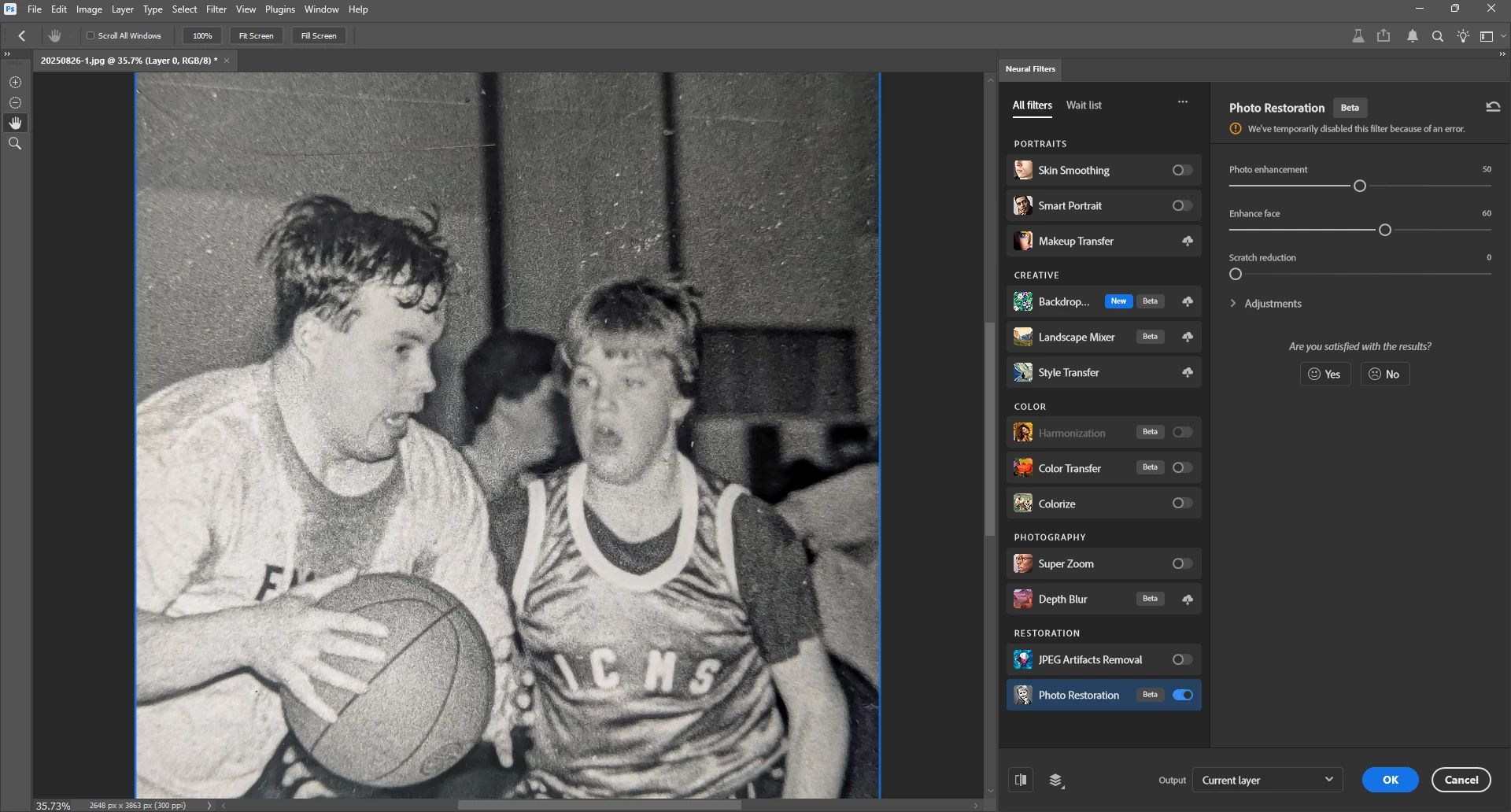
 AdChoices