
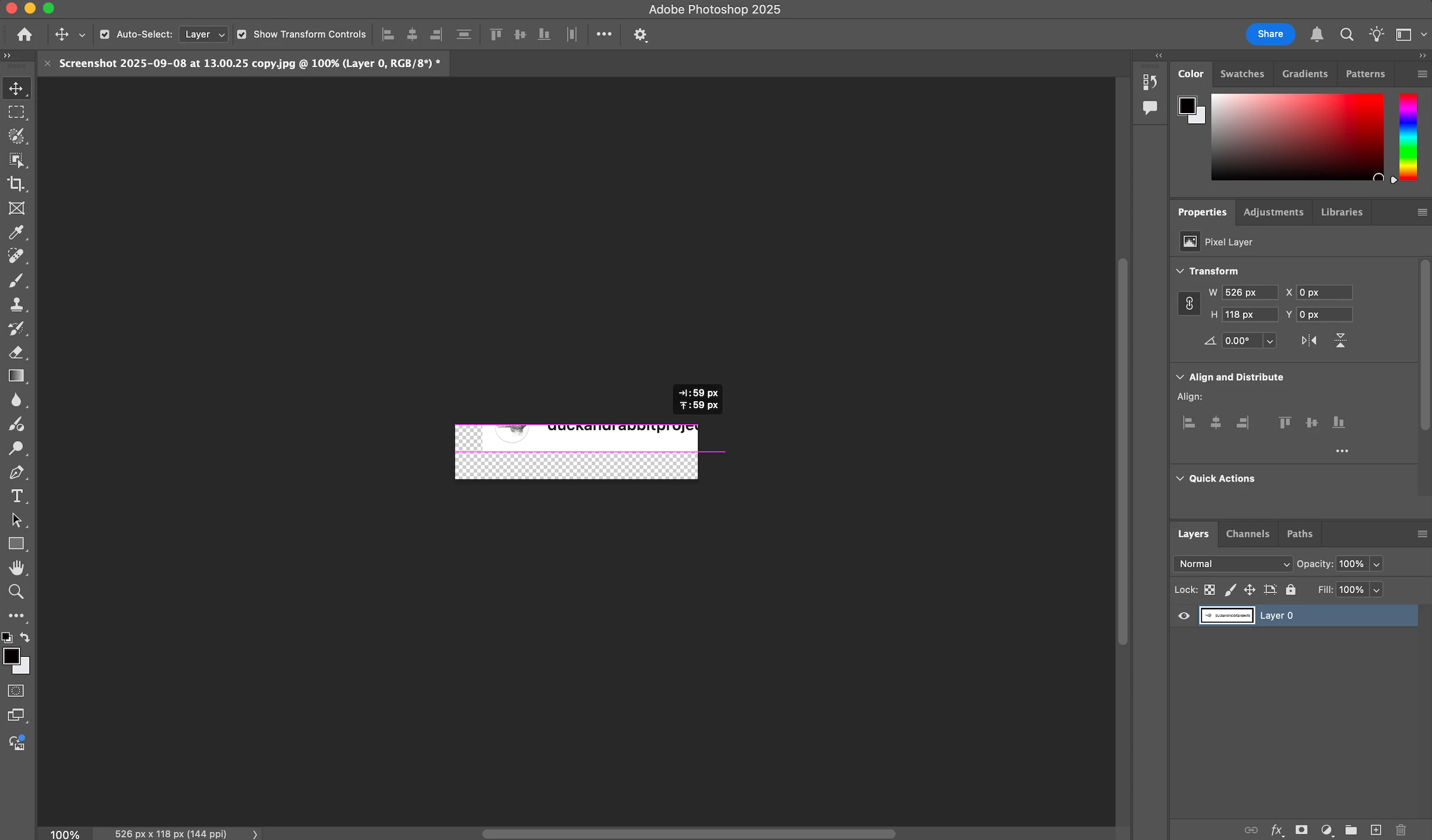
When I move a image, it disappears and the chequered ground below where the image was remains put
Hello,
I can see that the MOVE tool has come up repeatedly, but my issue seems particularly stubborn.
When I upload an image (jpg or PNG; with the former, I change the layer from background to "layer 0") and I then try to move it with the move tool, the image gets moved into a black void, and the chequered underground - excatly the size of the image - remains in place. I don't know what is going! I never had that problem. It's PS 2025. I unchecked "show layer bounds on hover" and "show hover bounds from layers" as I also used to have an empty blue frame that was being moved, that's gone now, but this made no difference to the problem as such. As you can see in the screenshot, nothing is locked on the layer panel, and I ahve also unselected and re-selected "Auto-select: Layer", no difference. I am going insane, as moving images is pretty much the first thing one does in PS! Any help please?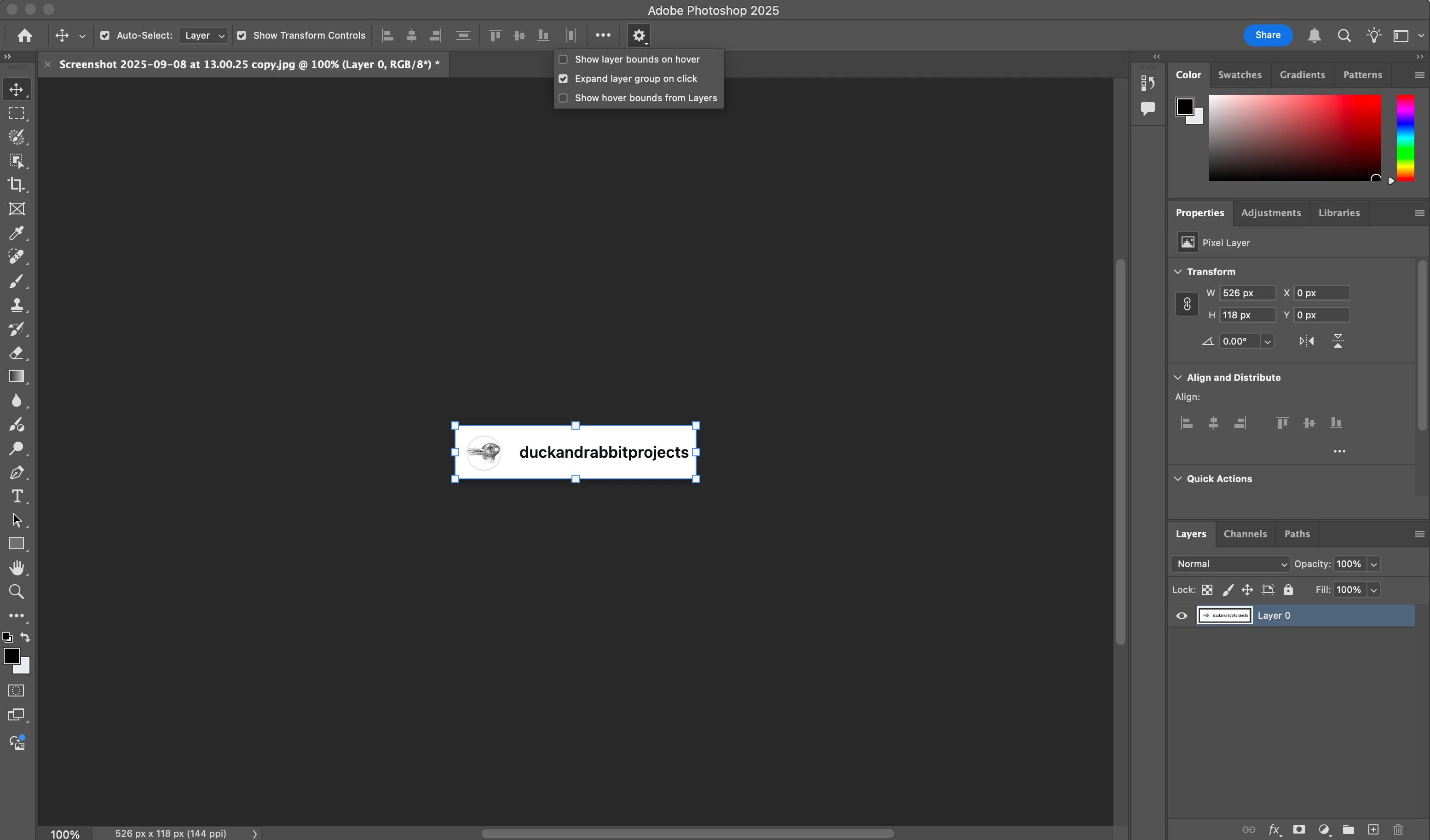
 AdChoices