Answered

This topic is closed to new replies. Start a new post to keep the conversation going.
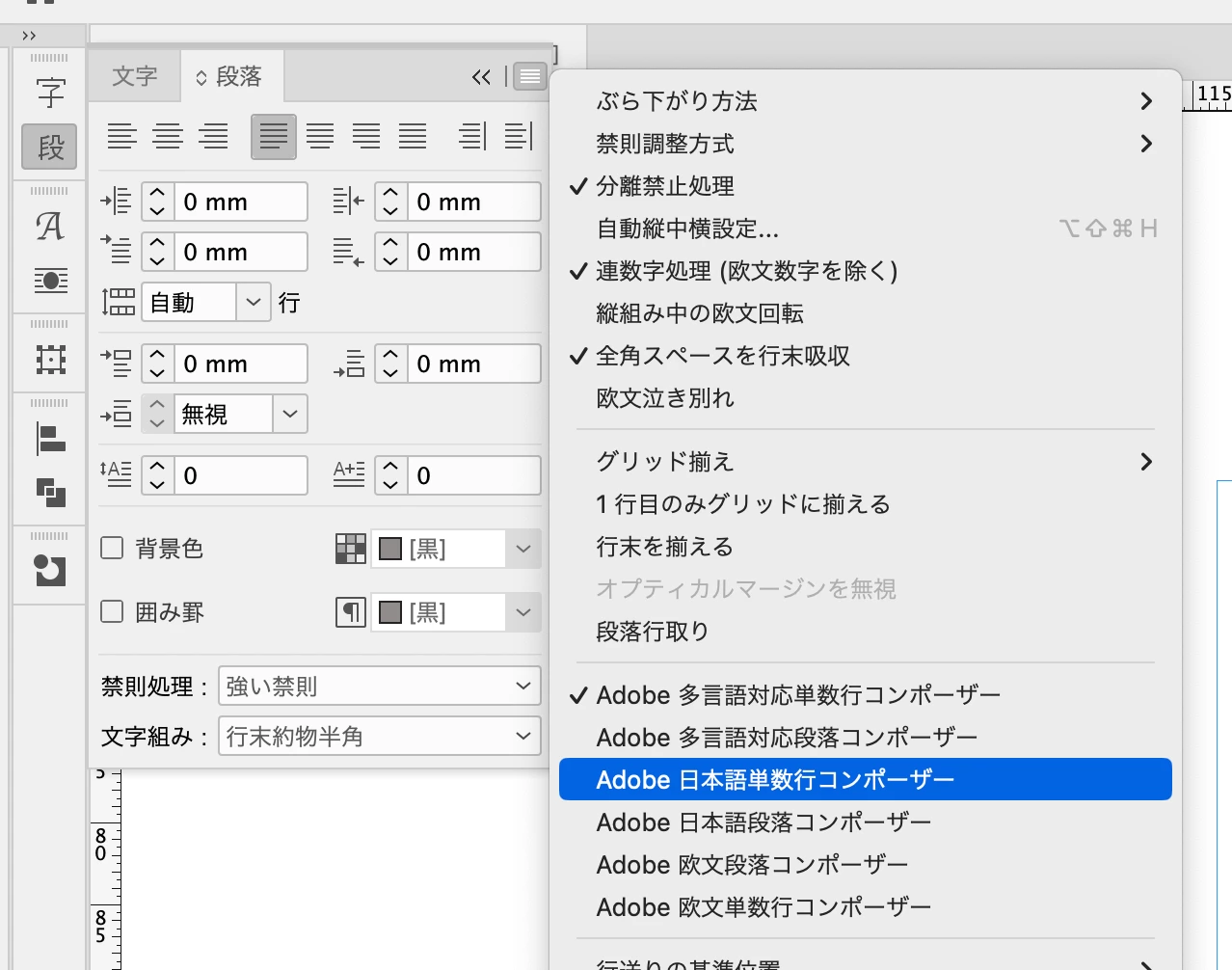
メニューバーの「ウィンドウ」→「書式と表」→「段落」を実行して「段落」パネルを表示し、
テキストを選択して、パネル右上のパネルメニューで「日本語段落コンポーザー」を選択してください。
当該のテキストはおそらく他のコンポーザーになっていると思われます。


Sign up
Already have an account? Login
To post, reply, or follow discussions, please sign in with your Adobe ID.
Sign inSign in to Adobe Community
No account yet? Create an account
To post, reply, or follow discussions, please sign in with your Adobe ID.
Sign inEnter your E-mail address. We'll send you an e-mail with instructions to reset your password.
 AdChoices