


could not complete your request because of a program error
could not complete your request because of a program error . When I use the "Remove" (AI removal) feature in Photoshop, a message saying "Removing area..." appears, and shortly after, a warning pop-up appears stating, "Could not complete your request because of a program error."
Today is July 26, 2026, and I'm using Photoshop version 27.8. The same issue is still occurring. It hasn't been resolved at all. AI remove tool use : "Could not complete your request because of a program error"
I’ve tried everything the community moderators suggested (logging out of and back into Photoshop, resetting Photoshop, reinstalling Photoshop, changing the image speed setting in Preferences to “Stable,” and switching from Image Cloud to “Device”), but the issue still hasn’t been resolved. On top of that, there’s been no update, and the issue is still being ignored. I can’t understand why I’m the only one who can’t use a feature that everyone else is using, even though I’m paying for it.😡
photoshop image load → drag image area → AI Remove tool process → error
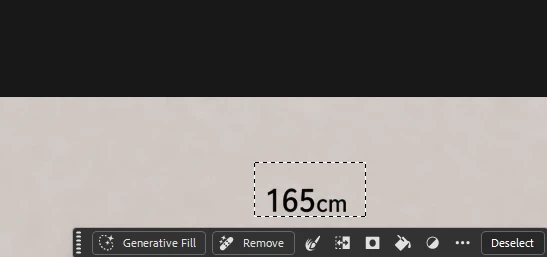
- (AI) REMOVE click
-
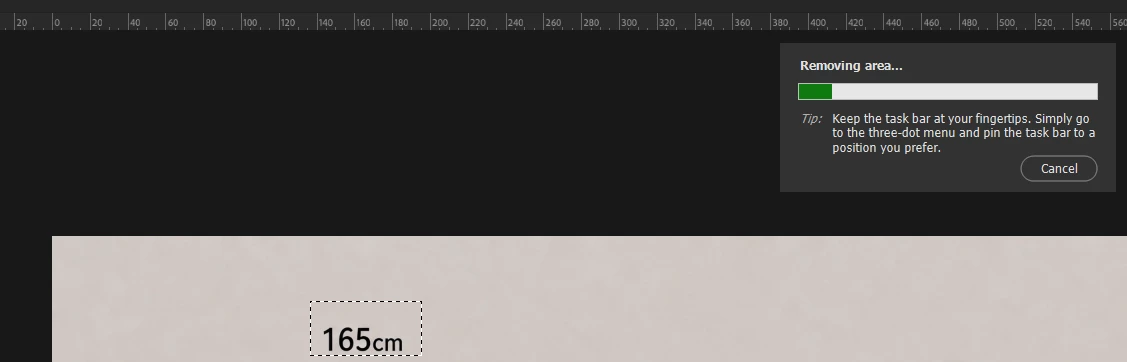
loading bar display
-
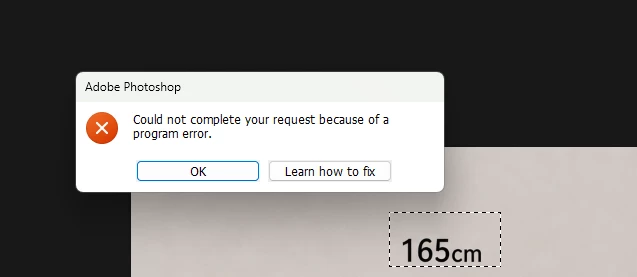
print error msg.
 AdChoices