

Participant
October 21, 2021
Question

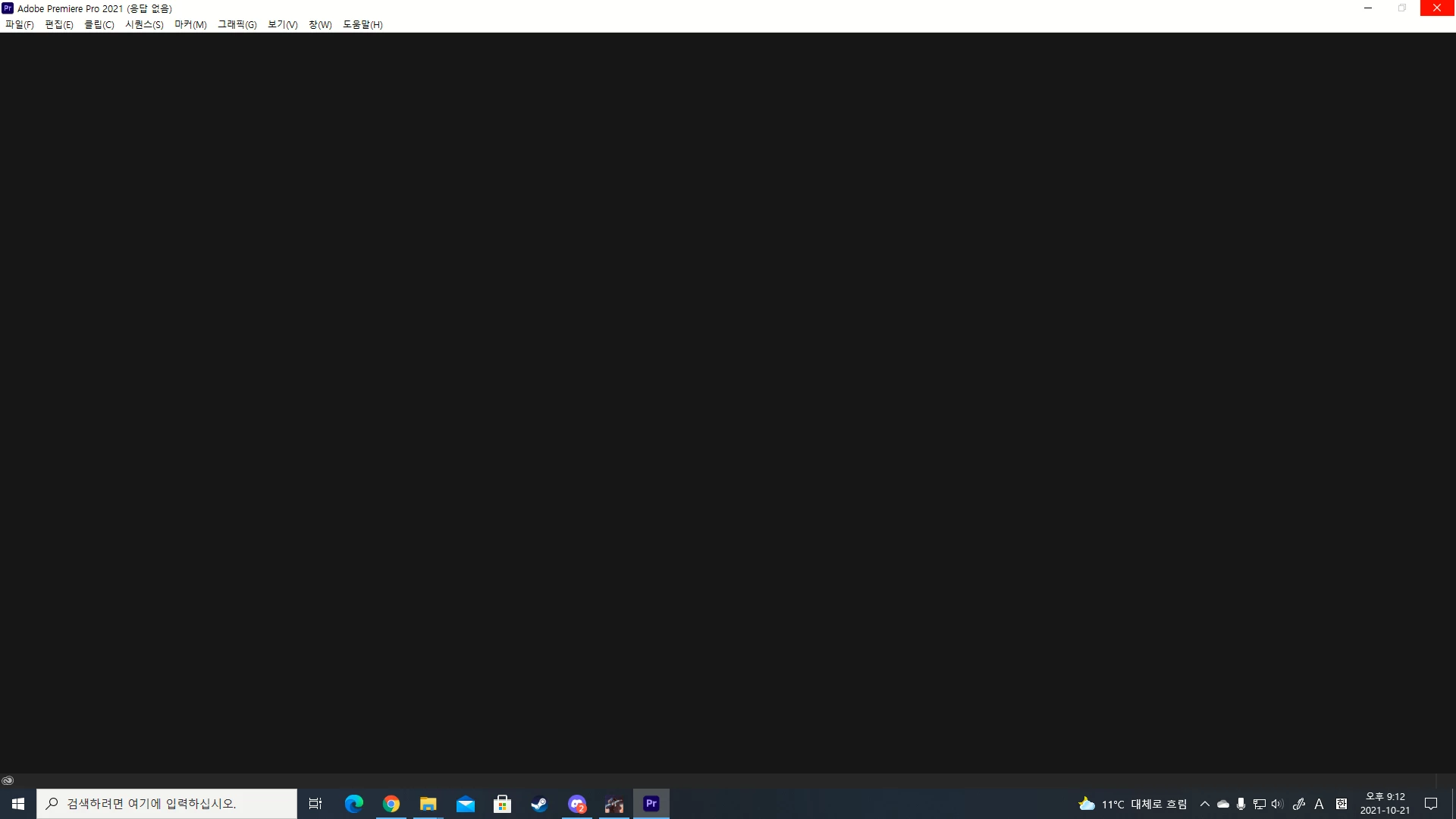
i cant start my premier pro
  • October 21, 2021
  • 1 reply
  • 418 views

 다음 페이지로 이동할 수 없으며 오류 메시지  가 응답하지 않습니다. 어떻게 해결할 수 있습니까?

    This topic has been closed for replies.

    1 reply

    Kartika Rawat
    Community Manager
    Community Manager
    October 21, 2021

    Hi there!

    Sorry to see that. Can you share your system details (OS, CPU, RAM, GPU)? Have you already tried resetting preferences? https://community.adobe.com/t5/premiere-pro-discussions/faq-how-to-reset-trash-preferences-in-premiere-pro/m-p/8236158


    Let us know.

    Thanks,

    Kartika

    Participant
    October 21, 2021

    os:windows 10
    cpu:i5 9600k
    ram:16G
    gpu:rtx 2060 super
    here is it

    caroline_edits
    Community Manager
    Community Manager
    October 22, 2021

    Try resetting your preferences: https://community.adobe.com/t5/premiere-pro-discussions/faq-how-to-reset-trash-preferences-in-premiere-pro/m-p/8236158

    And clearing your cache files: https://community.adobe.com/t5/premiere-pro-discussions/faq-how-to-clear-your-media-cache-in-30-seconds-in-premiere-pro-2020/m-p/11017257


    If that doesn't work, try to download an updated driver for your GPU. https://www.nvidia.com/en-us/drivers/results/180559/ 


    Let us know if it launches correctly after taking these three steps!