

Question
프리미어 렌더링 오류
PSD 이미지 파일 위에
영상을 크롭하여 올려서 작업하고 있습니다
렌더링하기 전에는 룰러에 딱맞게 보이는데
렌더링을 하고 나면 이미지와 같이 픽셀이 밀리는 현상이 발생합니다
해결방법이 있을까요?
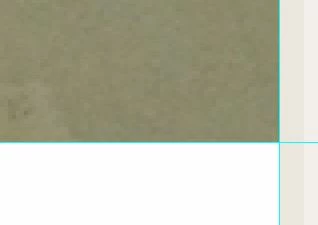 <-렌더링 전
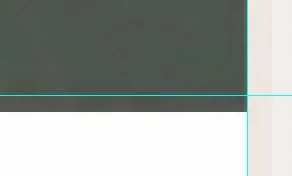 <-렌더링 후
 <-렌더링 전 <-렌더링 후
Already have an account? Login
Enter your E-mail address. We'll send you an e-mail with instructions to reset your password.
 AdChoices