Participant
Jun 23, 2021 4:57 PM UTC
Answered

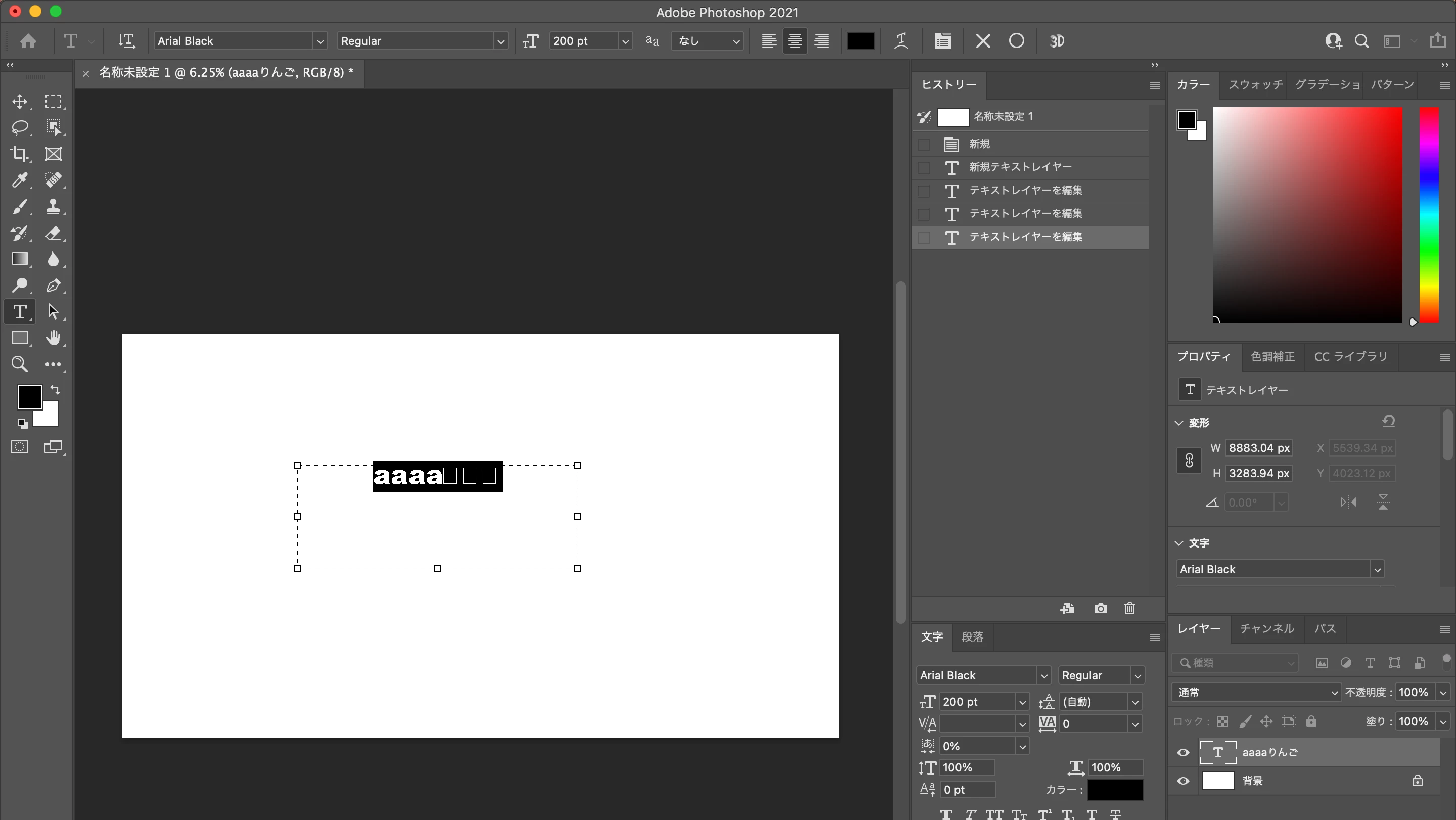
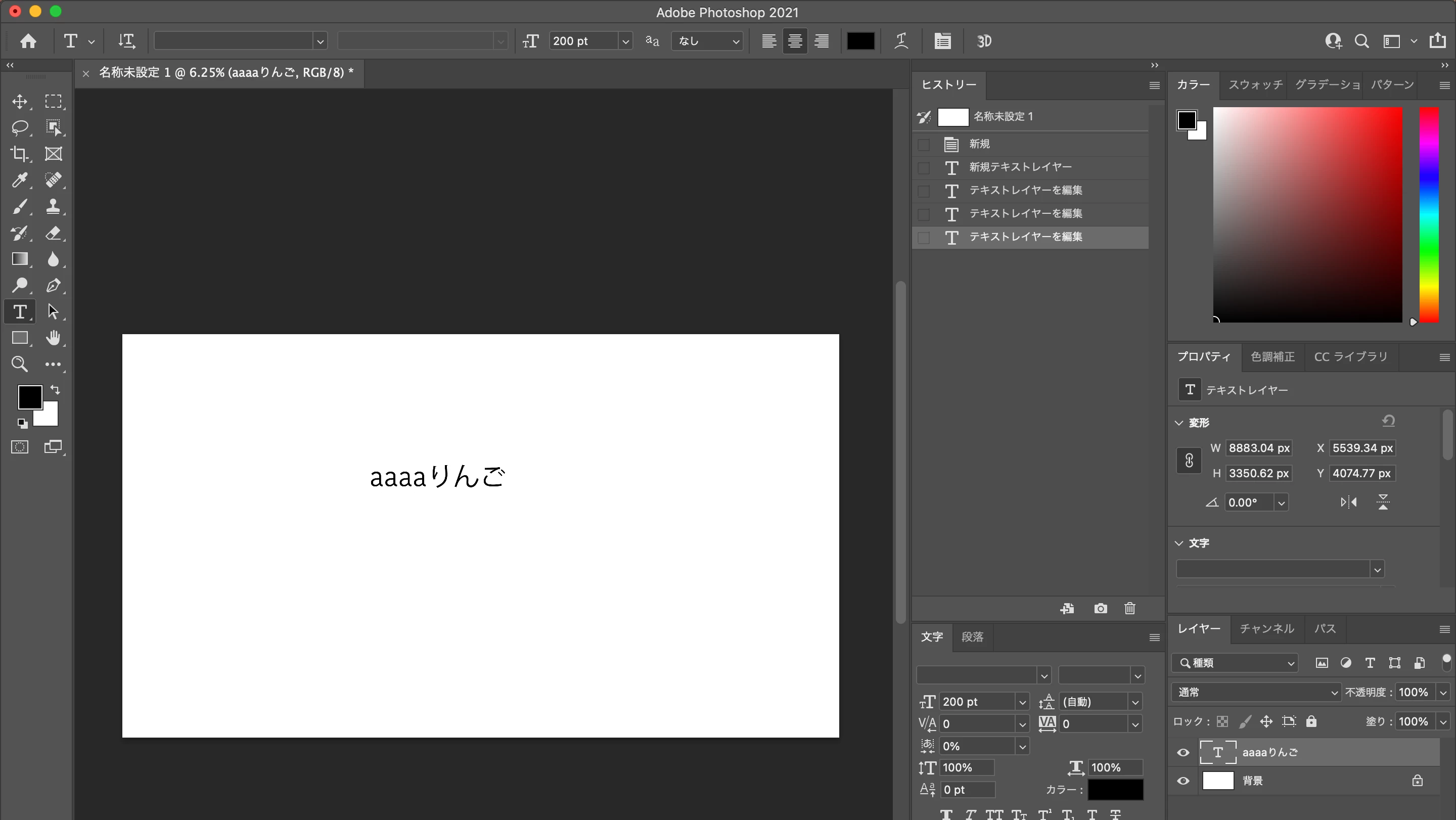
mac Big surでphotoshopインストール後、日本語だけが文字化け

mac Big surでphotoshopインストールをしたが、テキストを他のフォントに変更したら

日本語だけが文字化け→□になる

解決方法がわかる方いませんか?
This topic is closed to new replies. Start a new post to keep the conversation going.
Omachi
OmachiCorrect answer
Legend
Jun 24, 2021 2:39 AM UTC

図を見るとフォントはArial Blackですね。Arial Blackフォントには日本語の文字は含まれていませんから、日本語が表示されないのは当然です。

日本語の文字を含むフォントを指定してください。

4 replies

assause
Community Expert
Community Expert
Jun 24, 2021 2:00 PM UTC

Omachiさんの仰ることがすべてですが、OSやPhotoshopで認識しているフォントすべてが表示されます。

選択できるフォントは各言語、ある程度まとまってはいますが、最終的には利用者が、フォントの理解を深めて、適切に選択することが必要です。

これはPhotoshopに限らず、どのようなフォントやアプリケーションでも原則としては同じです。


なおPhotoshop (us) から Photoshopフォーラム (jp) に移動しました。

Translate
Omachi
OmachiCorrect answer
Legend
Jun 24, 2021 2:39 AM UTC

図を見るとフォントはArial Blackですね。Arial Blackフォントには日本語の文字は含まれていませんから、日本語が表示されないのは当然です。

日本語の文字を含むフォントを指定してください。

Translate
Sahil.Chawla
Adobe Employee
Adobe Employee
Jun 23, 2021 8:32 PM UTC

Hi there,

Sorry to hear about this. However, not sure If I understand the issue correctly. Would you mind sharing some more details about this problem?

Also, you can try resetting the preferences of Photoshop and see if that helps. 

https://helpx.adobe.com/photoshop/using/preferences.html


Note: Make sure that you back up all your custom presets, brushes & actions before restoring Photoshop's preferences. https://helpx.adobe.com/photoshop/using/preset-migration.html


Regards,
Sahil

Translate
聖5E8FAuthor
Participant
Jun 24, 2021 1:35 AM UTC

返信ありがとうございます

Photoshopの設定はインストールしてから、一度もいじっていません。試しに、設定をリセットして再び試しましたが、日本語だけ他のフォントに変更をすると文字化けをします

説明不足ですみません。

このソフトを利用するのは初めてなので、他にどのような情報を報告すると問題が特定しやすか教えて頂けますか?

Translate