




『アドビコミュニティフォーラム』に質問/トピックを投稿する方法
Collaborate with Adobe Acrobat Online community.
新着順
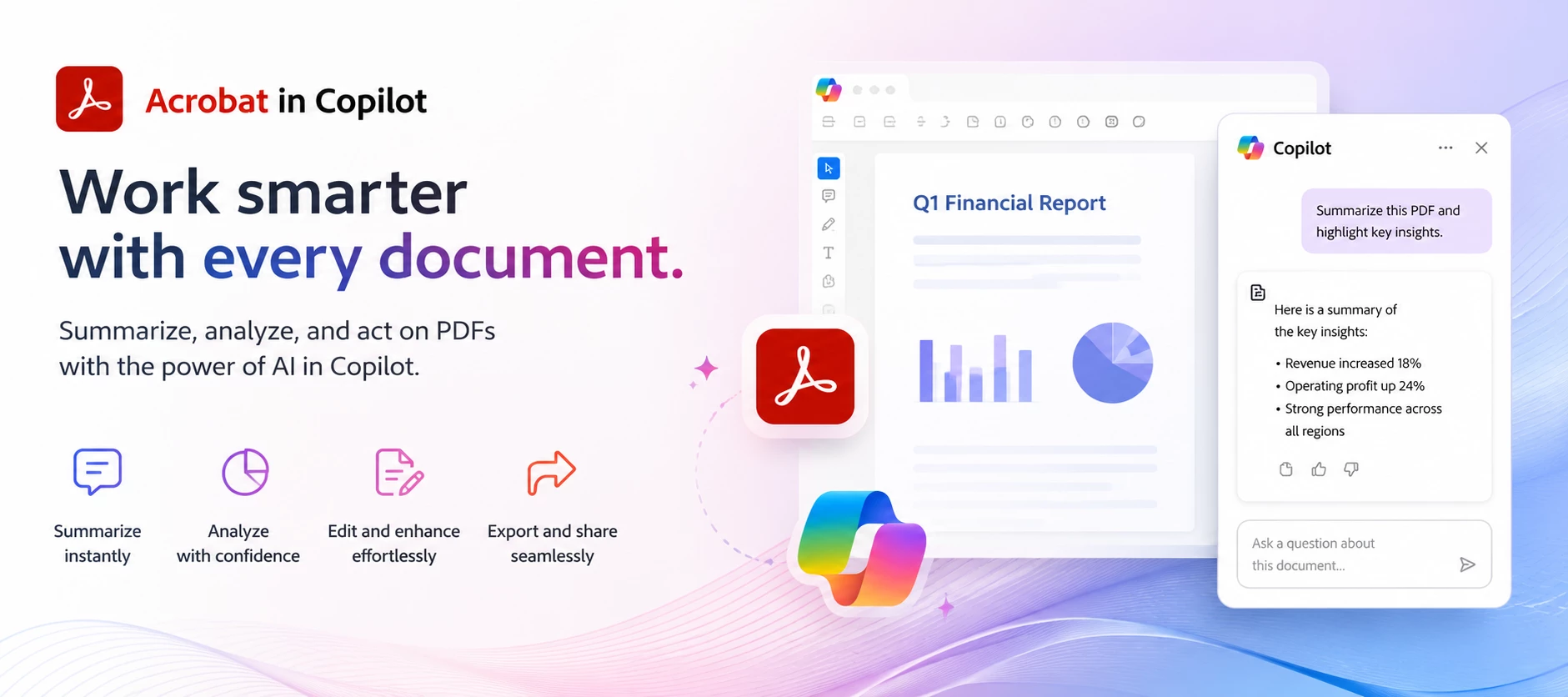
ABOUT THIS ARTICLE · 4 min read · Published June 30, 2026 TL;DR: Acrobat for Copilot lets you create, edit, organize, and extract information from PDFs using natural-language prompts inside Microsoft Copilot. No switching apps. It's available to all Adobe Acrobat users, including the free plan, in English across all regions where Adobe products are offered. You activate it by typing @Adobe Acrobat followed by your request. Adobe Acrobat for Copilot is a Microsoft Copilot extension that lets you handle PDF work without leaving the chat. If you've ever had a document task interrupt your flow: combining files before a meeting, redacting a name before sending something along, converting a scan into something editable. This is built to close that gap. You stay in Copilot, type what you need in plain language, and Acrobat picks it up from there.This post walks through what the extension does, how it works, a few real use cases from Adobe's own documentation, and where to go if y
You can customize your community profile by clicking your profile avatar and Editing Your Community profile. Your profile picture and screen name will appear on the content you publish and in your private messages. You can update your profile picture. You can pick a new custom screen name or have the system auto-generate a new screen name for you. The information you enter in the signature section will appear in your posts. Using the toggles, you can display your online status and make recent activity on your profile public. Information under the “Add more to your profile” section can be edited and made public only when you enable the toggle “Show all information on Community Profile.” This is your public profile information from Adobe products and services such as Behance and Lightroom. Updating this information will propagate everywhere. Enter or edit your First Name and Last Name. Ent
Help Us Improve Acrobat's AI - Your Feedback Matters! We need your help to shape the future of Acrobat's generative AI features. Whether you’re an avid user of Adobe Acrobat AI Assistant or still haven’t tried it out, we want to get your feedback. By participating in this survey, you're not just giving feedback; you're helping make Acrobat's AI better and more suited to your needs. The survey should only take a few minutes, depending on your answers. Ready to share your thoughts and make a real impact on Acrobat's future? Click the link or scan the QR code to start the survey now: Click here to start survey Resources: AI Assistant for Acrobat User Guide Learn more from our tutorial videos For more information and FAQs visit adobe.com Community Resources: AI Assistant for Acrobat is now available on all devices!
Exciting Enhancements to Adobe Acrobat AI Assistant Adobe Acrobat AI Assistant just got more powerful. We're thrilled to announce that AI Assistant now has enhanced features on desktop and web to transform the way you interact with documents. These new capabilities are designed to support various file formats and provide insights across multiple documents. Here's what’s new: Gain Insights Across Documents: From quick answers to deep dives, you can now analyze and synthesize information from multiple documents at the same time—reports, papers, manuals, guides, and more. Ask questions and get answers you can trust with linked sources from your documents. Create impactful content based on the group of documents you select. 2. Enhanced Meeting Transcripts: Whether you are leading a meeting, participating, or missed it altogether, enhanced meeting transcript support will help you stay in the know and turn meeting insights into clea
AI Assistant for Acrobat is now available on all devices! Our AI Assistant for Acrobat is now available across desktop apps, web, browser extensions, and mobile (beta)! Now you can ask your document for quick answers and one-click summaries to create impactful content and increase productivity. ASK AI ASSISTANT Ask your questions and get quick answers linked to sources from your document. Then, use the responses to craft emails, presentations, and more to become an expert in seconds. And with voice prompts on the Acrobat mobile (Beta) app, working on the go is easier than ever. SUM IT UP QUICK Save time and accomplish more. A one-click generative summary automatically highlights key points to help you navigate your documents and quickly access important information. Try the AI Assistant for Acrobat in your favorite Acrobat apps today across desktop apps, web, browser extensions, and mobile. Resources: AI Ass
Adobe Document Cloud storage is migrating to Adobe Cloud storage, which will streamline file storage and increase the efficiency of file operations in Acrobat. The change involves infrastructure optimizations and improvements, unlocking new value in Acrobat, including advanced collaboration workflows, support for deep integrations with third-party collaborative apps, and enterprise-wide adoption of PDF services. Benefits of Adobe Cloud Storage Efficient Storage: Enhances storage efficiency and file-handling capabilities. Seamless Sharing: Facilitates smooth collaboration between users on shared documents and creative assets. Better Performance: Reduces latency in cloud-based operations and workflows involving documents and creative assets. Scalable Infrastructure: Provides better controls and a regional data centre, accelerating enterprise adoption. Unified View: Presents a consistent user experience on shared assets for Adobe Creative Cloud and Acrobat users. Global Presence: Adobe c
Remix with Firefly Community Gallery
Thousands of free creations to fall in love with and remix in Firefly.
すでにアカウントをお持ちですか?ログイン
アカウントをお持ちではありませんか? アカウントを作成
Enter your E-mail address. We'll send you an e-mail with instructions to reset your password.