




One tap, early access: The Acrobat Reader beta (Android) explained
TL;DR
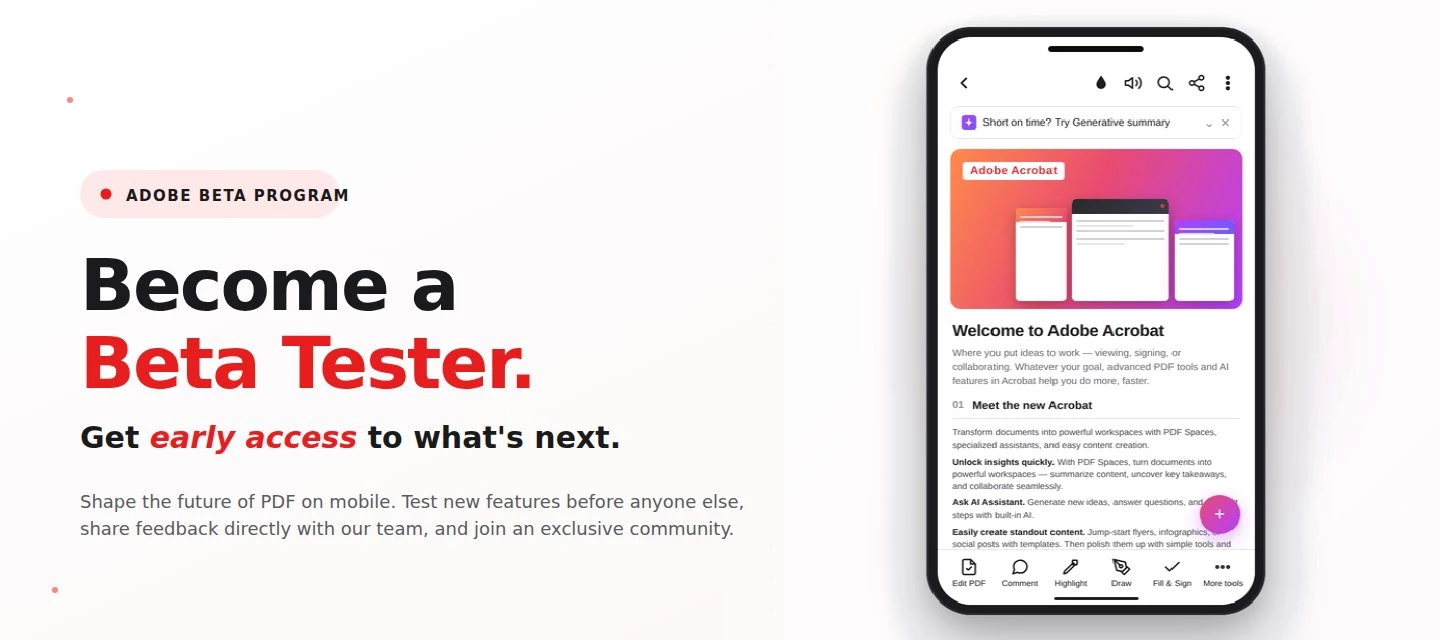
The Adobe Acrobat Reader Android beta program gives Android users free, early access to new Adobe Acrobat Reader features via Google Play. Enrolment takes one tap, it's reversible anytime, and your in-app feedback routes directly to the Adobe Acrobat Reader product team.
Adobe Acrobat Reader beta access is an opt-in Google Play testing track for the app on Android that lets everyday users try new features before public release. If you sign PDFs on the bus, scan receipts at lunch, and mark up docs at midnight, this is your backstage pass.
What is the Adobe Acrobat Reader beta program?
The Adobe Acrobat Reader beta program is the side door into the app on Android, a free testing track on the Google Play Store where the features land before they hit everyone else's phone. Beta testers get pre-release builds straight from the team, a dedicated in-app feedback form wired straight to the people building it.
Why it matters?
Beta feedback from real users, not just internal QA, directly informs which app features ship, get redesigned, or get cut. If you've ever wished Acrobat did something differently, this is the most direct route to the people building it.
How does joining the Adobe Acrobat Reader beta work?
Setup takes about 30 seconds:
- Open the enrolment page: Visit the Acrobat Android beta opt-in link on your Android device.
- Or enrol manually: Open Google Play, search Adobe Acrobat Reader, tap Adobe Acrobat Reader: scroll down, and tap Join the beta.
- Wait for the update: Google Play will push the latest beta build to your device, usually within a few hours. If it doesn't appear, open the Play Store and check for updates manually.
- Send feedback: Use the in-app feedback form, post in the Adobe Acrobat Reader Mobile community, or write a Play Store review. To exit, repeat steps 1–2 and tap Leave the program.
Beta vs. Stable: which Adobe Acrobat Reader should you run?
The Beta channel ships new app features first; the Stable channel is the polished public release most users have by default. Here's how they compare:
| Dimension | Beta Channel | Stable Channel |
| Best for | Curious users, power users, feedback-givers. | Everyday users who want reliability |
| Feature access | New features first, weeks or months before public release | Features arrive after Beta validation |
| Update frequency | More frequent, smaller builds | Scheduled, less frequent releases |
| Stability | May contain bugs, rough edges, or incomplete UI | Production-grade, fully tested |
| Adobe subscription needed? | No | No |
| Feedback channel | Dedicated in-app feedback form + community forum | Standard Play Store reviews + community forum |
| Influence on roadmap | High: feedback routes to the product team during development | Lower: feedback applies to already-shipped features |
| How to enrol | One-tap via Google Play Beta opt-in link | Default: no action needed |
| How to exit | Tap 'Leave the program' in Play Store | N/A |
Note: Your documents, account, and cloud sync work exactly the same in the beta channel as in the stable release.
FAQ:
-
Is the Adobe Acrobat Reader beta free?
Yes. The Adobe Acrobat Reader beta program is completely free and does not require an Adobe paid subscription. You only need a Google account and the Google Play Store. - Who can join the Adobe Acrobat Reader beta?
Any Android user with Google Play access can join. There is no application, waitlist, or NDA enrolment, just one tap on the Play Store. - How do I leave the beta program?
Open Google Play, search Adobe Acrobat Reader: Edit PDF, scroll to the beta section, and tap 'Leave the program'. You'll be moved back to the public release channel on the next update. - Is there an iOS beta for Adobe Acrobat Reader?
Right now, public beta testing is Android only. If you're on iOS and want early access, keep an eye on the Acrobat Mobile community - announcements, where any future iOS opportunities will be shared first. - Where does my feedback go?
Feedback from the in-app form and community posts routes to the Adobe Acrobat Reader product team and informs the roadmap for future releases.
Learn more:
Join the conversation:
Already enrolled? What's the first thing you'd want fixed or added in Acrobat Reader on Android? Tell us below. The product team is in this forum. Found a bug or have a "wouldn't it be cool if…" idea? File it in Adobe Feature Requests.
 AdChoices