






Get Acrobat Reader Mobile answers, news, tips. Join us!
Recently active
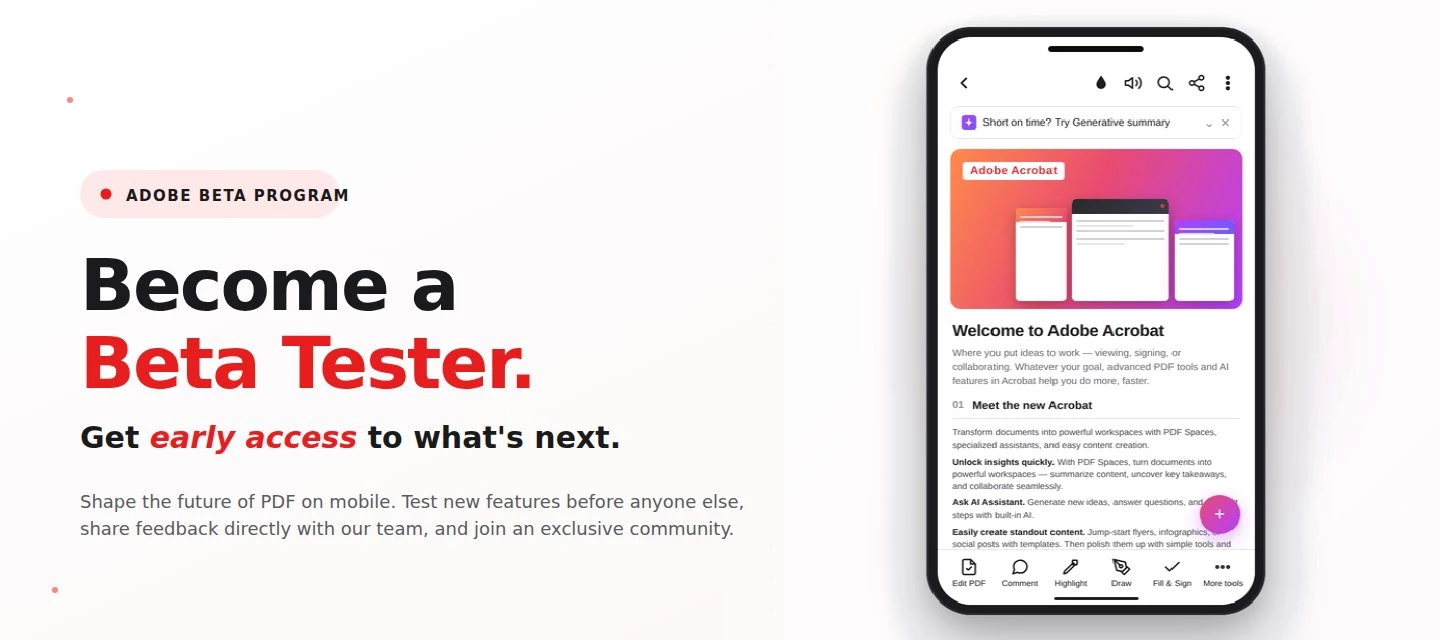
About this articleRead time: 3 min.Published: May 21, 2026 Author: Amal Jaiswal – Community Manager TL;DRThe Adobe Acrobat Reader Android beta program gives Android users free, early access to new Adobe Acrobat Reader features via Google Play. Enrolment takes one tap, it's reversible anytime, and your in-app feedback routes directly to the Adobe Acrobat Reader product team.Adobe Acrobat Reader beta access is an opt-in Google Play testing track for the app on Android that lets everyday users try new features before public release. If you sign PDFs on the bus, scan receipts at lunch, and mark up docs at midnight, this is your backstage pass. What is the Adobe Acrobat Reader beta program?The Adobe Acrobat Reader beta program is the side door into the app on Android, a free testing track on the Google Play Store where the features land before they hit everyone else's phone. Beta testers get pre-release builds straight from the team, a dedicated in-app feedback form wired straight to the p
About this articleRead time: ~3 min Published: May 18, 2026 TL;DR: See an unfamiliar Adobe charge on your statement? Use the Adobe Charge Finder tool to identify it , enter your card and transaction details exactly as they appear on your statement, and it'll show the linked Adobe account, subscription type, and date.Spotted an unfamiliar charge from Adobe on your bank or credit card statement? You’re not alone, and in most cases, the charge can be traced and resolved within minutes. Use the Adobe Charge Finder tool to identify the transaction, locate the associated Adobe account, and take the right next step. We know how unsettling it feels to see a charge you don’t recognize. That’s why Adobe has streamlined the process of identifying unknown charges, so you can quickly confirm whether the transaction came from Adobe, trace it to the right account, and resolve it without the back-and-forth. With the Adobe Charge Finder tool, you can look up any Adobe charge using the transaction ID fr
About this articleRead time: ~3 min Published: May 8, 2026 TL;DR: Podcasts in Adobe Acrobat mobile turns the documents inside a PDF Space into AI-generated audio you can listen to on the go. Pick Highlights for a quick summary or Deep dive for a longer walkthrough then edit the transcript so it sounds exactly how you want. Reading a 40-page spec. or listening to it like a podcast while you walk to your next meeting? That’s the move. Acrobat on mobile now lets you turn the contents of a PDF Space into a custom AI-generated podcast built around the focus you define, for the audience you choose, on iOS and Android.We would love to hear what’s working, what’s weird, and what you wish it did next. Drop your thoughts in the reply, we are listening. What is “Podcasts” in PDF Spaces?Podcasts in PDF Spaces is an AI Assistant feature in Adobe Acrobat on mobile that converts the documents grouped inside a PDF Space into a listenable, audio-first version of that content. Each podcast is generated
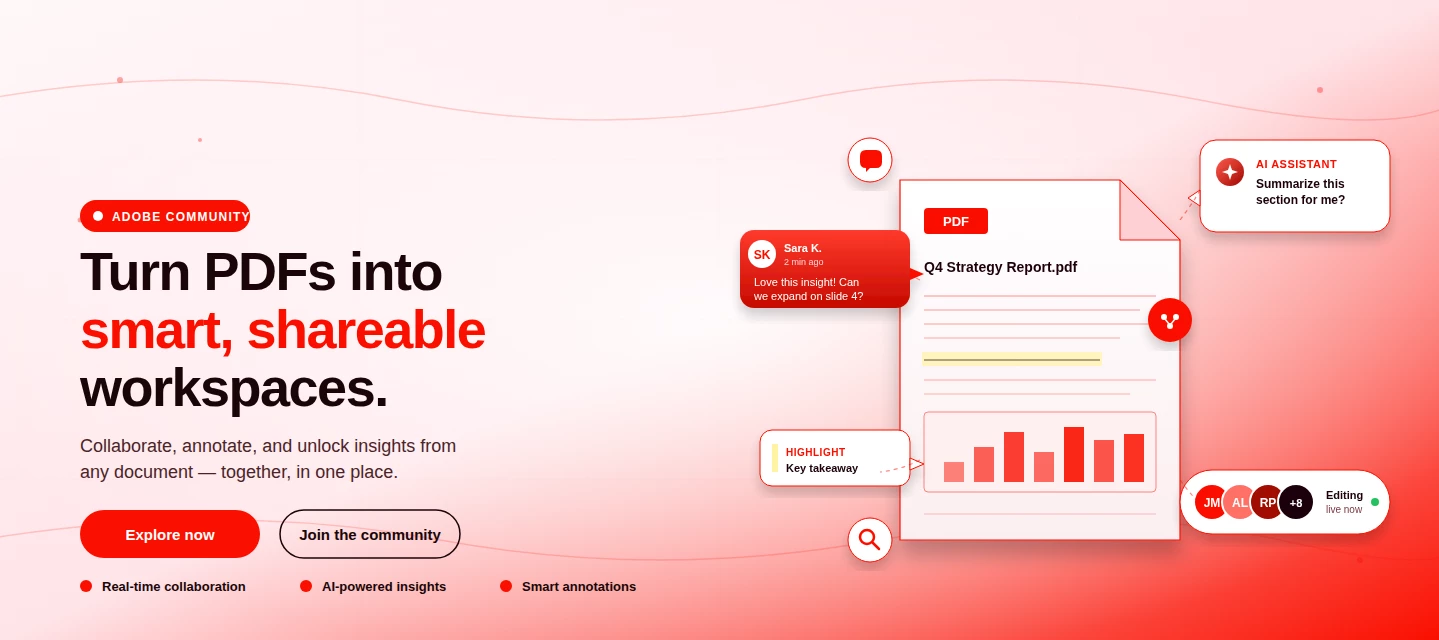
About This Article Read time: ~3 minPublished: May 8, 2026 TL;DR: PDF Spaces in Adobe Acrobat Mobile brings PDFs, photos, webpages, and notes into one AI-powered workspace you can customize and share right from your phone. Add your sources, let AI Assistant summarize and answer questions grounded in your content, then share with role-based permissions.Nobody wants to open multiple PDFs on their phone to find one paragraph. That’s the whole problem PDF Spaces solves. Instead of a folder you scroll past, you get one workspace where AI reads everything for you, and you just ask. This post is part announcement, part open discussion, we want to hear what’s working and what we should improve next. What is PDF Spaces in Acrobat Mobile?PDF Spaces is an AI-powered workspace inside Adobe Acrobat Mobile (Android and iOS) that lets you collect PDFs, scanned documents, photos, webpage links, and text snippets into one place then use AI Assistant to summarize, answer questions, and generate two
We truly appreciate the time you've spent with Acrobat Mobile or Scan. While we’re sad to see you go, our priority is to make cancellation simple, transparent, and respectful of your time. Before you proceed, here’s what you need to know about refunds:If you cancel within 14 days of your original purchase, you’ll get a full refund. If you cancel after 14 days, your subscription will remain active until the end of the current billing period, but no refund will be given. For full details, please review our Subscription Terms & Cancellation Policy. Here’s how to cancel based on your subscription type:On Android: Use our automated cancellation form to submit your request. It only takes a few moments. On iOS (iPhone or iPad): To cancel your subscription, follow the instructions outlined in the help article. On Desktop (Acrobat Pro): You can cancel anytime through your Adobe Account by following the steps in this guide. Wondering about your account, payment, or plan? Ask away right he
I have taken trail subscription however I have been charged as I missed to cancel by some days, please initiate a refund as I have cancelled the subscription and don't want to be charged, how do I reach to the customer care
Hello, I recently started a trial with adobe and had canceled before I was charged for renewal of subscription. I was then charged a week after the fact and I am having an extremely hard time getting my refund. I need this resolved asap. Please and thank you
Hola, tenía el acrobat premium en suscripción y me he descargada el reader con subscripcion mensual pero no puedo abrir el documento en el ipad, me pueden ayudar por favor, gracias
Request for Refund tha payment free trail for Autopay 790 rs
I want to compress my pdf from 7.9mb to 3mb - how I can do with Acrobat Pro
I am finding ip13pm often fail to combine pdf error cannot convert file. workaround of Adobe Premium Mobile version is online converthttps://acrobat.adobe.com/link/home/?x_api_client_id=adobe_com&x_api_client_location=combine_pdf&annonBboxWorkflow=false
my issue started with the case number above, which seemed to be an activation issue. The tool, “Request e–signatures” was no longer available to me and I had noticed that under my account when I click my icon in the upper right hand corner, it stated that I was a free user. I have paid a subscription to Acrobat Pro for many many years. The above case was a result of my phone call and waiting hours on the phone and finally speaking with someone that was unable to resolve the issue. Then I get that email above. Tell me the case was closed without resolution.After my own troubleshooting, I discovered that the price of the Acrobat Pro plan went up from $15.99 per month to $19.99 a month. So I upgraded my plan and I had to do that process on both, my iPhone and my iPad. After doing that, they told, “Request e-signatures” Became an option on my iPad; however, it still does not show on the iPhone. I do run beta software on the iPad and I run non-beta software with the latest version on my iPh
Erro ao fazer digitalização de documentos, referindo não conseguir acessar o arquivo. Quando na verdade ainda irei criar o arquivo digital
My Adobe Acrobat Reader app is not working to edit pdfs. I’m on a 7 day free trial. I need support via phone or chat.
Full and Sign is Not available in my mobile app what can i do
I subscribed to the 3 day feee trial just to see if I needed the full access to the app and in the terms it said I would get an email telling me 48 and 24 hours before my free trial ended and I never got those notifications. Next thing I know 2 days ago $100 is removed from my account which is not okay. I never received the emails warning me about my subscription and I need a refund.
Покупка: 14,55 $ (6 936,28 ₸)AdobeДоступно: 11 063,90 ₸ Покупка: 15,07 $ (7 184,17 ₸)AdobeДоступно: 3 879,73 ₸ Give me my money back—you charged me $30 in a single minute. Otherwise, I’ll see you in court. Contact me immediately!
I have my account in this [P.I removed by Moderator] i want to get change my email and to get disconnect from other device as one of my employee stealing my data with this.
Dear Adobe Customer Support,I would kindly like to ask for your help regarding my subscription.I was traveling abroad and did not have a reliable internet connection, so I was unable to cancel my subscription before it renewed. I also found that the app did not meet my needs, and I do not wish to continue using it.I noticed that a charge of €78 is now being requested. I would be very grateful if you could cancel this charge or issue a refund, as I do not intend to use the subscription.Thank you very much for your understanding and assistance. I appreciate any help you can provide.Kind regards,anisiia
Na função organizar páginas não consigo mais mover as páginas. Será um bug? Está tudo certo com a minha assinatura.
I have been using adobe mobile app for a long time, a couple of days ago, the app does not open for scanning.
I subscribe for free trial by mistake and then forget about it! I never actually use your app and when I learn about this subscription checking my phone settings I cancelled it right away! But there was no option to claim refund. And I want you to help me with that because I never actually use it! Thank you!
I would like a refund for my subscription I attempted to cancel the subscription but the cancellation wasn't working and now $144.99 has been taken from my account.
I was using a phone to edit and document and while I was trying to save it, I accidentally tap the subscribe button to save. I have requested for a refund as I do not use Abode on the phone at all. But I have been made to jump 500 ropes, because this subscription was through Google Play. Google Play says the developer should refund, the developer Adobe says Google Play should refund. Ultimately they both do not want to refund.
Remix with Firefly Community Gallery
Thousands of free creations to fall in love with and remix in Firefly.
Already have an account? Login
No account yet? Create an account
Enter your E-mail address. We'll send you an e-mail with instructions to reset your password.