




Stop Reading PDFs. Start Listening to Them.
About this article
Read time: ~3 min
Published: May 8, 2026
TL;DR: Podcasts in Adobe Acrobat mobile turns the documents inside a PDF Space into AI-generated audio you can listen to on the go. Pick Highlights for a quick summary or Deep dive for a longer walkthrough then edit the transcript so it sounds exactly how you want.
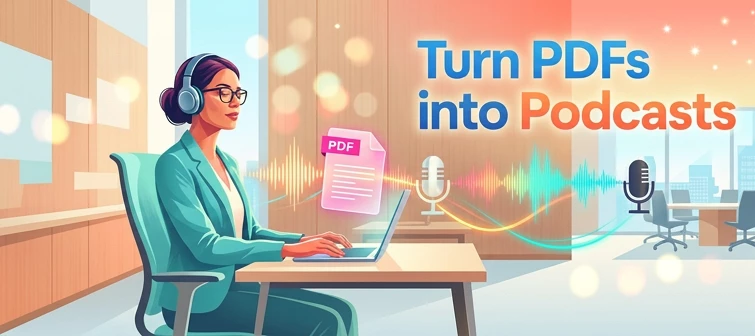
Reading a 40-page spec. or listening to it like a podcast while you walk to your next meeting? That’s the move. Acrobat on mobile now lets you turn the contents of a PDF Space into a custom AI-generated podcast built around the focus you define, for the audience you choose, on iOS and Android.
We would love to hear what’s working, what’s weird, and what you wish it did next. Drop your thoughts in the reply, we are listening.
What is “Podcasts” in PDF Spaces?
Podcasts in PDF Spaces is an AI Assistant feature in Adobe Acrobat on mobile that converts the documents grouped inside a PDF Space into a listenable, audio-first version of that content. Each podcast is generated from the PDF Space’s source documents, comes with a full editable transcript, and lives inside the Creations area of that Space, so the audio stays connected to the documents it came from. (See the official Adobe Help doc.)
How does it work?
- Open a PDF Space in Acrobat Reader on iOS or Android, sign in to your Adobe account, then tap Creations in the bottom menu. (New to Spaces? See Create PDF Spaces on mobile.)
- Select Add content > Podcast, then describe what the podcast should focus on and who it’s for.
- Choose a depth: Highlights for a focused summary of key points, or Deep dive for a longer, more detailed exploration. Tap Generate.
- Listen, edit, share. Tap the transcript to jump to that section, use Edit transcript to add, update, or remove sections, then use the Options menu to rename, share as a link, view details, or send feedback.
Learn more
Official feature doc: Create podcasts from PDF Spaces on mobile
AI capabilities overview: AI capabilities in Acrobat on mobile
Tell us what you think
A few things we’re especially curious about:
- What documents are you turning into podcasts: research, contracts, onboarding docs, study material?
- Highlights vs. Deep dive: which one are you reaching for more, and why?
- What’s next on your wishlist? Voice options, languages, chapter markers, export formats.
Give thumbs up or pop your thoughts in the replies.
 AdChoices